
A laptop battery no longer lasts through a meeting. The service manual lists that battery as replaceable, and the rest of the laptop works. Which part should be replaced?
Select an answer to reveal the explanation.
Short Explanation
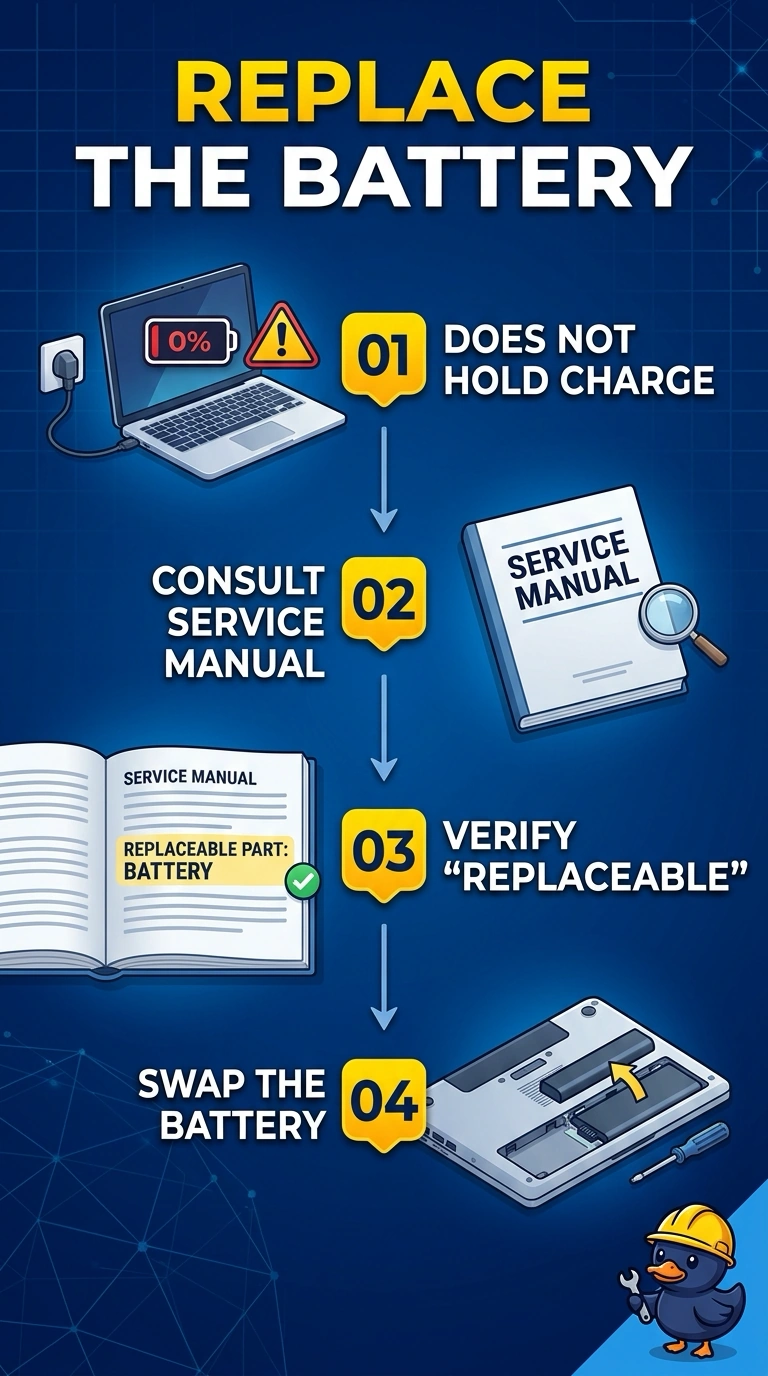
The meeting outlasts the charge, and the manual says this battery comes out. You replace the battery. The screen, the keys, and the operating system are still doing their jobs, so they are not the cell that quit.
Full Explanation
A battery that no longer lasts a normal meeting, on a laptop whose manual lists that battery as replaceable, is a worn battery. The rest of the laptop works, so the part to replace is the battery. The display shows the picture. It does not store the charge. The keyboard does not determine how long a battery lasts. The operating system can show a battery report, and reinstalling it does not restore a cell that no longer holds a charge. Exam caveat: calibrate your expectation with the battery report if the operating system offers one, and do not puncture a swollen pack. This stem is a battery that simply does not last, with no swelling described. Operational check: install the replacement, charge it, and confirm the laptop stays up through a meeting without the adapter. Charge the new battery and run a meeting without the adapter plugged in. Check the laptop's battery report after the swap so the new pack is the one being measured. Run the laptop on battery until the meeting length is proven, then plug it back in.