
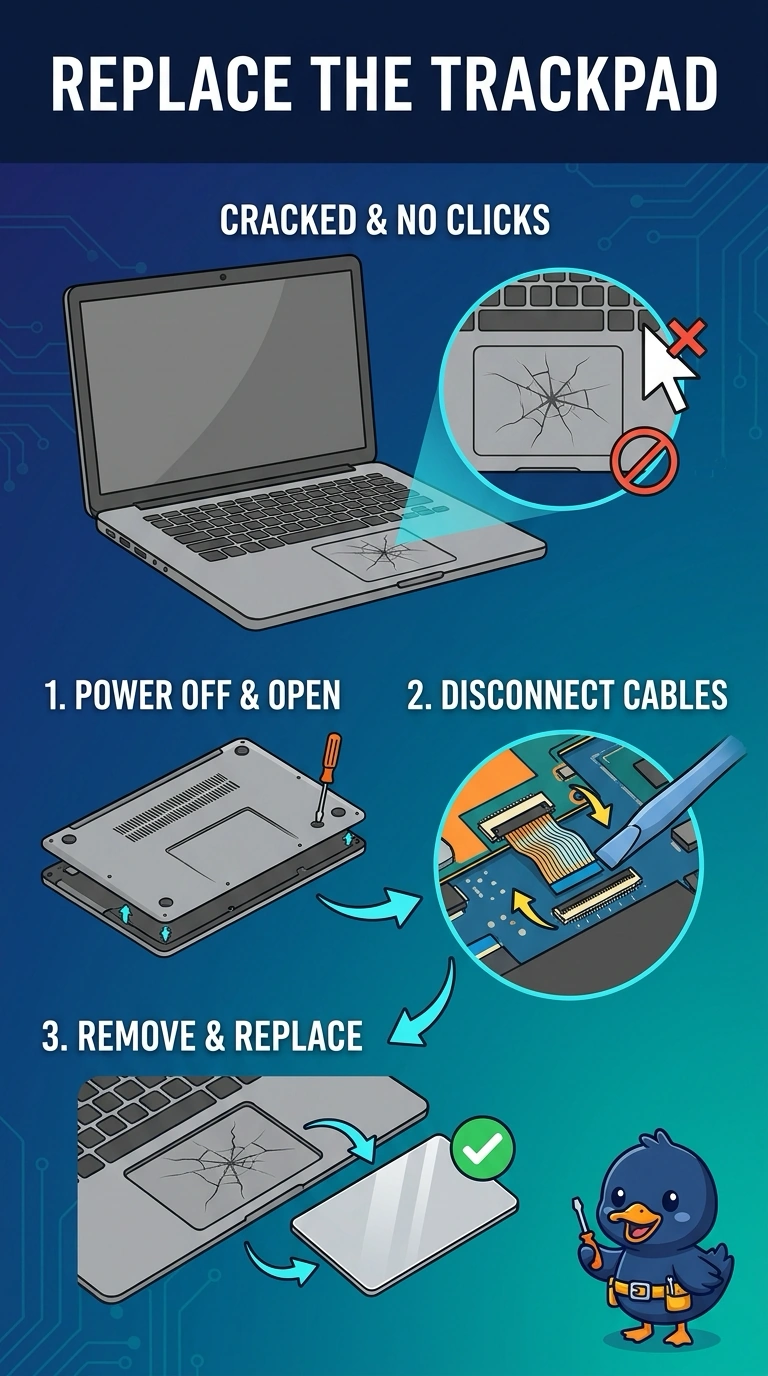
A laptop's trackpad surface is cracked, and clicks on it do nothing. An external mouse works. Which part should be replaced?
Select an answer to reveal the explanation.
Short Explanation
The pad itself is broken, and a separate mouse still points and clicks. You replace the trackpad. The battery, the camera, and the operating system are not the cracked surface under the user's fingers.
Full Explanation
A cracked trackpad that does not register clicks, with a working external mouse, is a failed pointing surface. The trackpad is the part to replace. The battery supplies power. It is not the click sensor, and the rest of the laptop is not described as dead. The camera captures images. It does not register trackpad clicks. The operating system can disable a trackpad in software, and it cannot crack the surface. A physical crack is hardware. Exam caveat: on some laptops the trackpad comes with the palm rest. Order the assembly the service manual names. Operational check: install the replacement, confirm a click and a drag work with no external mouse, and confirm the external mouse still works too. Write the result on the ticket before you close it.