
A laptop's built-in speakers are silent. Headphones plugged into the headset jack play audio normally. Which part is failing?
Select an answer to reveal the explanation.
Short Explanation
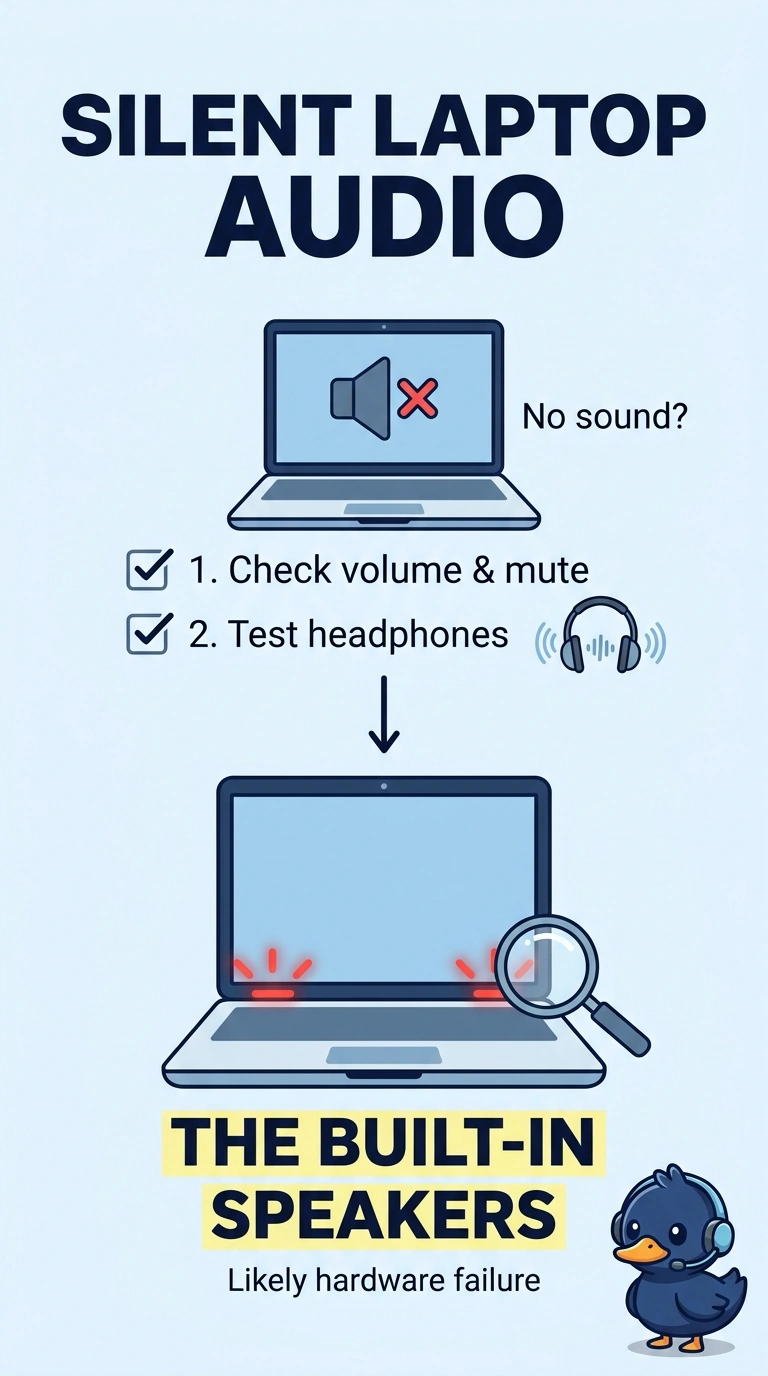
You can tell the laptop is producing audio because your headphones play it normally, while the built-in speakers stay silent. The built-in speakers or their connection have likely failed; the microphone, battery, and SIM card do not serve as the silent speakers.
Full Explanation
Headphones that play normally show that the laptop is producing audio. When the built-in speakers are silent but headphone audio works, the built-in speakers themselves or their connection have likely failed. The microphone captures sound; it does not become the speaker when headphones work, so it cannot explain the silent internal speakers. The battery powers the laptop rather than driving only the built-in speakers, and the laptop’s working headphone audio shows that it has power. A SIM card provides cellular identity; it does not route audio to the speakers. Exam caveat: a muted speaker setting or a sound device stuck on the headphones can mimic a failed speaker, so silence alone does not prove a hardware failure. The stem points to the built-in speaker path because the headphones have already shown that audio is being produced. Practical check: unplug the headphones, confirm the internal speakers remain silent, then replace the speakers or reseat their cable. Record the result on the ticket before you close it.