
A company must remove its mail and apps from a personal phone without deleting the employee's photos. Which control does that?
Select an answer to reveal the explanation.
Short Explanation
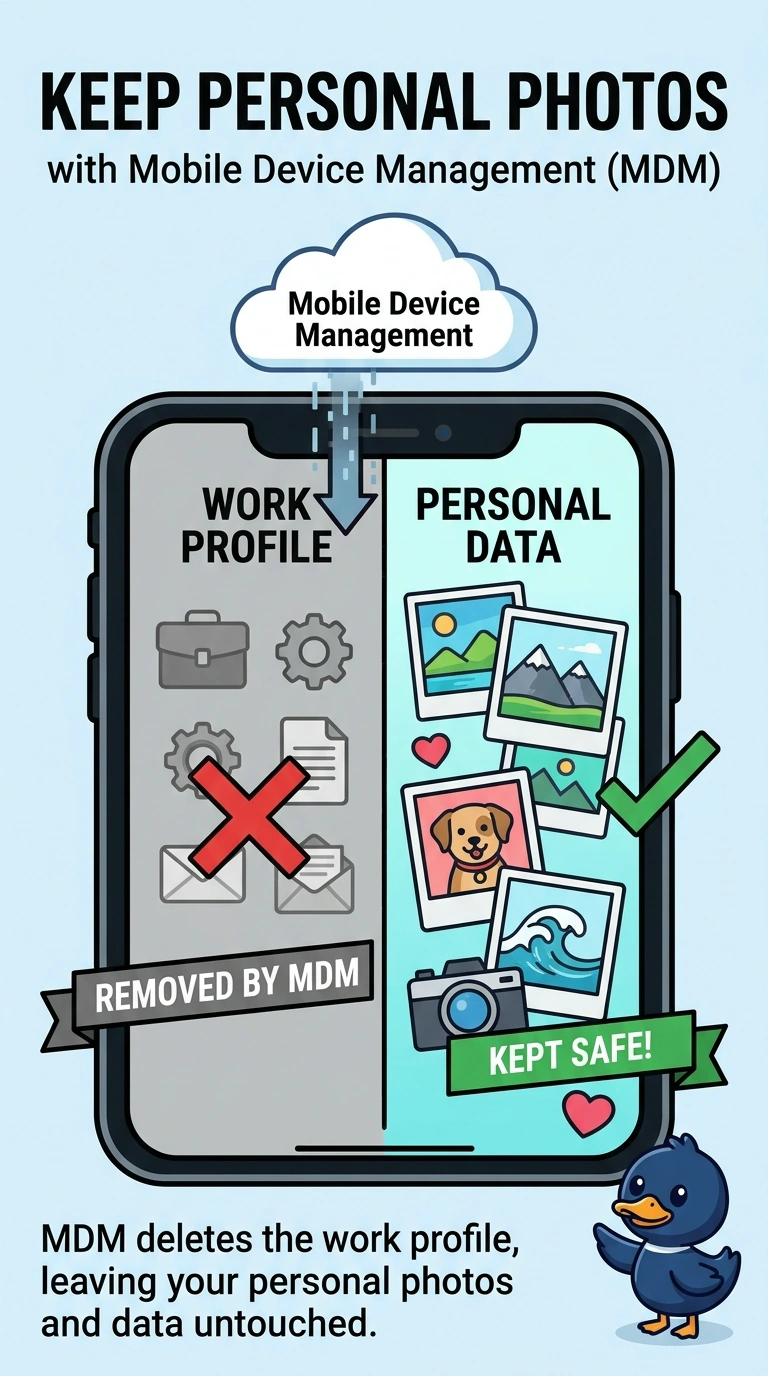
The company should take its own books off the shelf and leave the employee's photo album. You remove the work profile with mobile device management. Wiping the whole phone, swapping the battery, or forgetting a headset does not split those two piles.
Full Explanation
Mobile device management can remove a work profile, including company mail and apps, while leaving personal photos on a phone that was set up that way. That is the control the company needs. A factory reset erases the phone's user data, including the photos, so it does more than remove company mail. A new battery changes the power cell. It does not separate work data from personal files. Unpairing Bluetooth drops a wireless accessory. It does not remove company apps. Exam caveat: this works when the company data was put in a managed profile. Mail configured only in a personal app may not leave when the profile is removed. Operational check: remove the work profile from a test phone and confirm company mail is gone while a personal photo remains. Remove the work profile on a test phone and confirm a personal photo is still there. Record the result on the ticket before you close the call. Confirm company mail is gone and the photo album still opens.