
A tablet's screen is built to track a pen, and the artist needs the pen that screen expects. Which accessory is that?
Select an answer to reveal the explanation.
Short Explanation
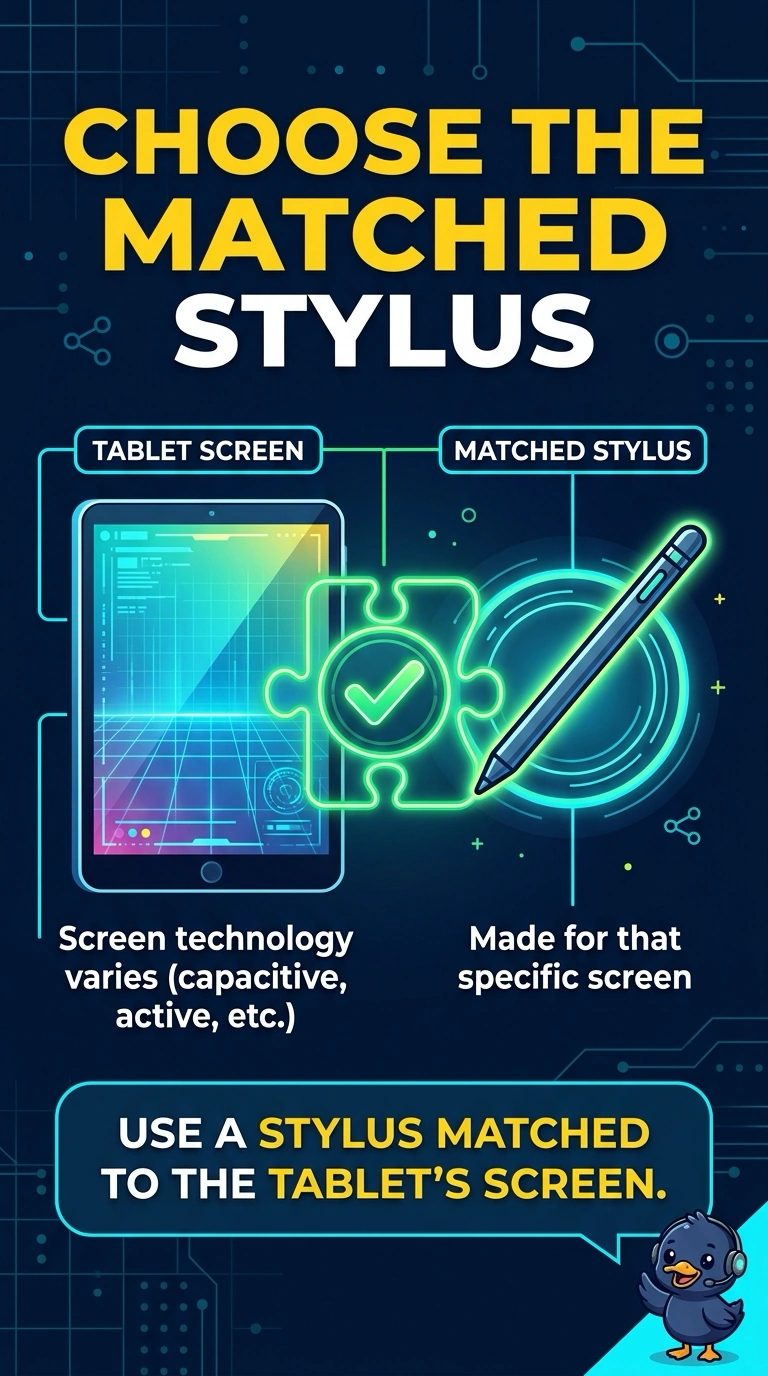
You need the stylus matched to the tablet, because that’s the pen its screen is built to track. A desktop mouse moves a pointer, a webcam captures images, and a headset plug carries audio—not pen input.
Full Explanation
A stylus matched to the tablet is the right accessory because the screen is built to track that pen through its digitizer. A desktop mouse moves a pointer; it is not the pen the screen is described as tracking. A webcam captures an image, and pointing it at the room does not draw through the pen digitizer. A headset plug carries audio, so it is not the pen input. Exam caveat: some styluses are active and pair to a particular model, while a bargain capacitive stick will not provide pressure or tilt on a screen that expects the active pen. For a practical check, pair or seat the stylus named in the manual, draw a line, then draw a diagonal and a dot to confirm the screen follows the tip rather than finger-only touch. Charge the stylus if it is active, then draw again. Store it in the tablet’s tray so the tip stays paired. If the line breaks when the pen lifts, the stylus is the right accessory.