
A laptop lost both Wi-Fi and Bluetooth after the wireless card was removed during a repair. The antenna leads are still off the card. Which action restores the radios?
Select an answer to reveal the explanation.
Short Explanation
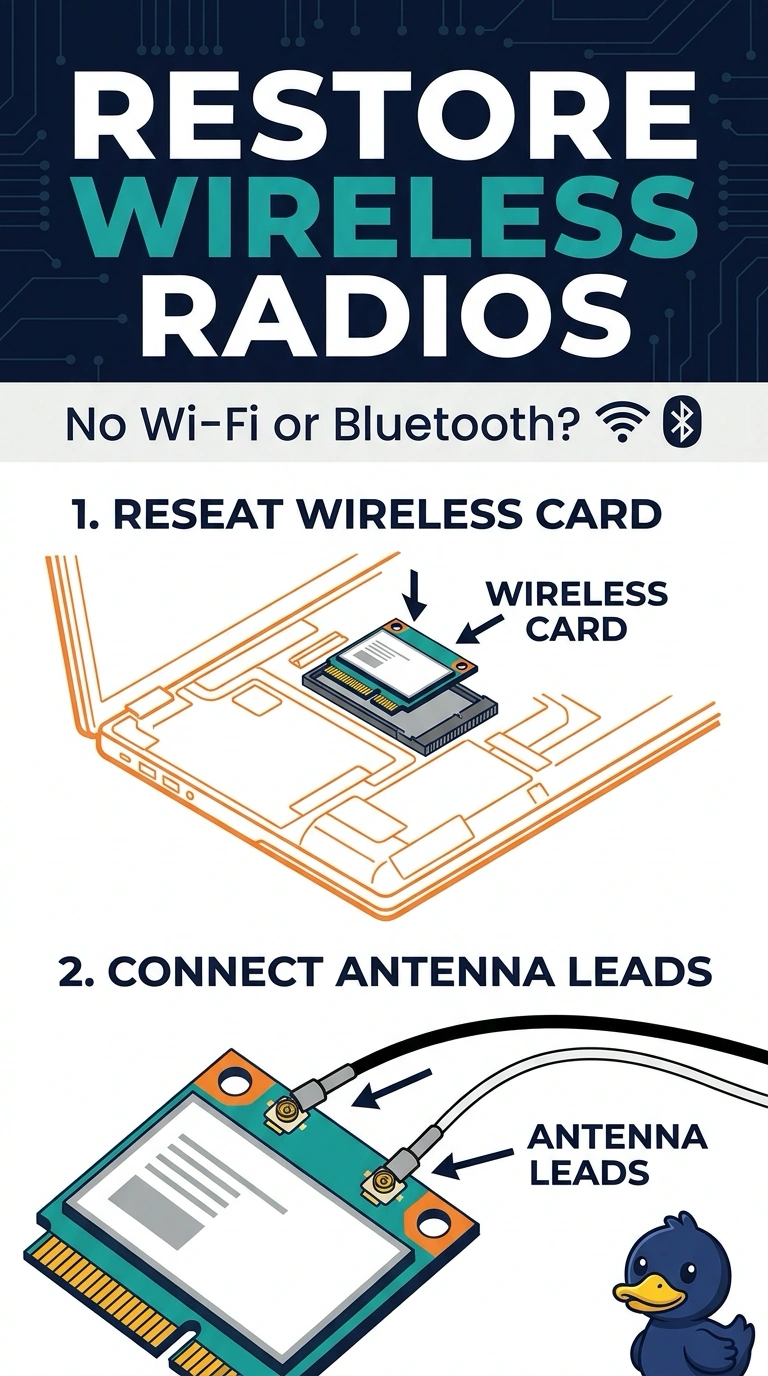
Both radios live on the card that was pulled, and the antenna leads are still dangling. You seat the card and connect those leads. The keyboard, the battery, and the camera are not the card those leads belong to.
Full Explanation
The Wi-Fi and Bluetooth radios in this laptop are on the wireless card, and the antennas connect to that card by small leads. The card was removed and the leads are still off, so reseating the card and connecting the leads restores the radios. The keyboard is the key assembly. It does not hold both radios. The battery supplies power. It is not the wireless card, and the laptop's other functions are not described as dead. The camera is a separate module in the display. Reinstalling it does not attach antenna leads to a card that is out of its slot. Exam caveat: the leads are fragile. Press them straight onto the posts on the card instead of prying them on at an angle. Operational check: boot, confirm both Wi-Fi and Bluetooth appear, and confirm a network can be joined. Confirm both radios appear before you snap the service cover back on. Join a network and pair a headset so both radios are proven. Screw the card down so it cannot lift out of the slot.