
A phone is about to download a large system update on the cellular network, and the plan's monthly data cap is nearly used up. Wi-Fi is available. What should the user do?
Select an answer to reveal the explanation.
Short Explanation
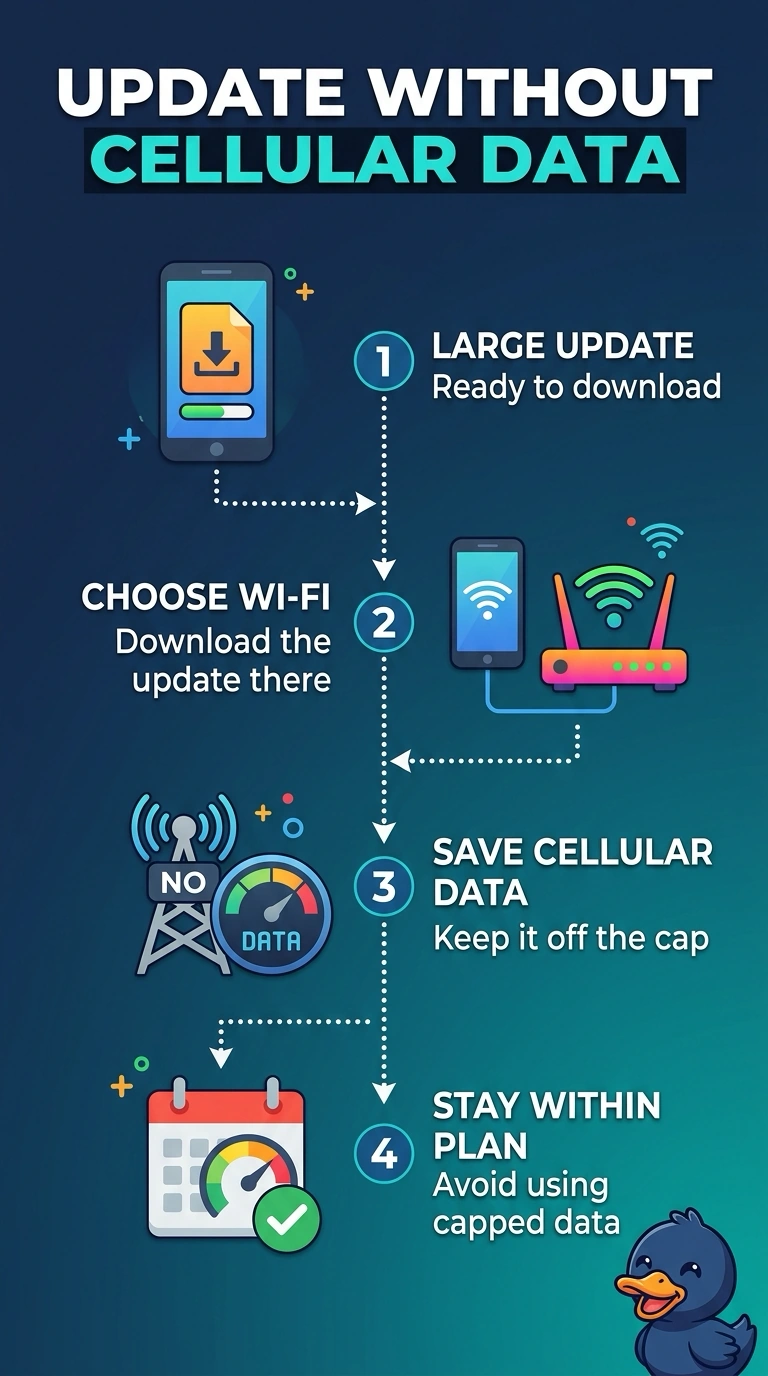
The cellular plan is a monthly bucket, and this update would empty it. You move the download onto Wi-Fi, which is sitting there ready. A headset radio, a tap tag, and a tunnel do not make a huge update free on the cellular cap.
Full Explanation
A cellular data cap limits how much data the plan will carry in the billing period. A large system update would consume that remainder, and Wi-Fi is available, so the update should run on Wi-Fi. Bluetooth moves data between nearby devices. It is not the path a phone uses to fetch a system update from the vendor, and it does not bypass the cap for that download. Near-field communication is a short tap. It cannot carry a system update. A VPN encrypts traffic. The bytes still cross the cellular network and still count against the cap. Exam caveat: some plans zero-rate particular services and still count an operating-system image. Unless the carrier says this update is excluded, treat it as capped data. Operational check: join Wi-Fi, start the update, and confirm the cellular data counter does not climb by the size of the image. Watch the cellular counter before and after the update so you can see that the image did not ride the capped plan. Start the update only after the phone shows it is on Wi-Fi.