
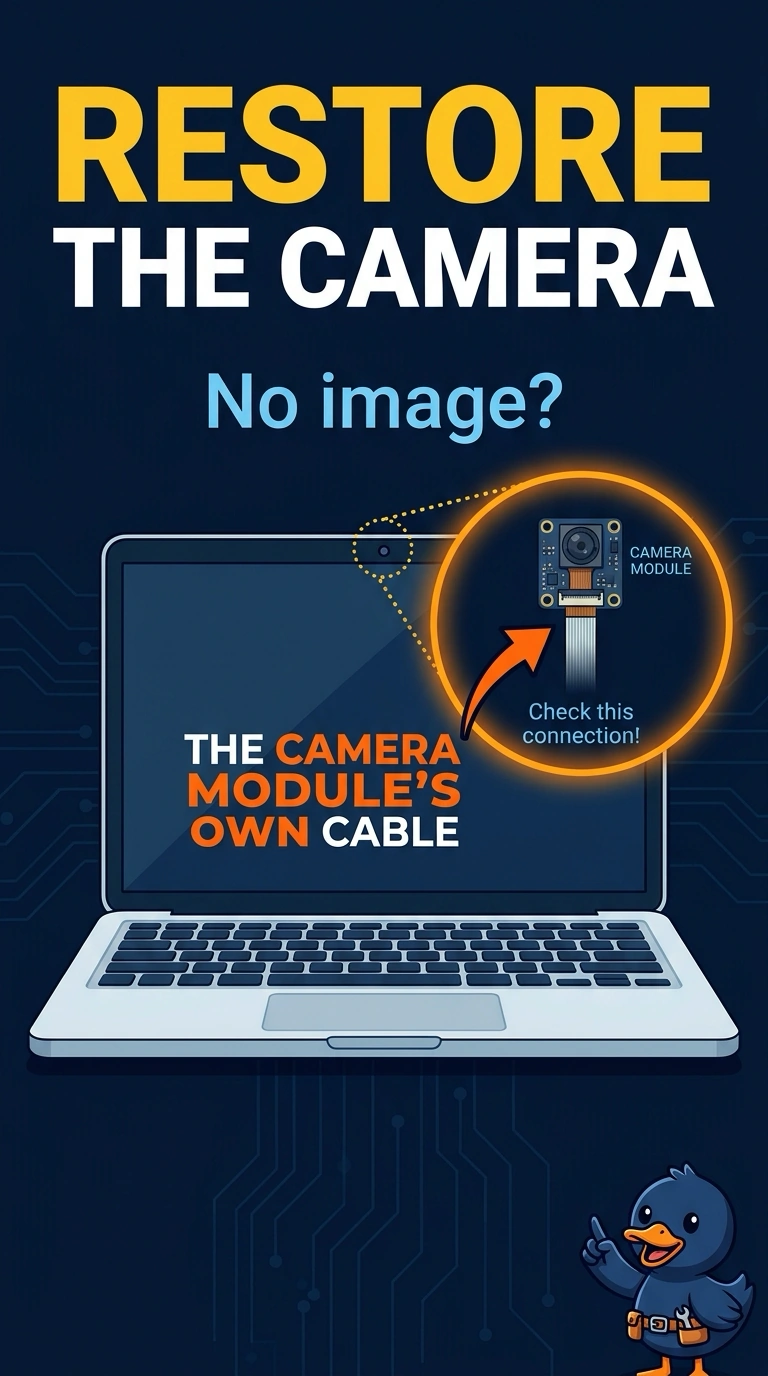
After the display bezel was opened, a laptop camera shows a black image. The small cable at the camera module is unplugged. Which reconnection restores the camera?
Select an answer to reveal the explanation.
Short Explanation
You’ve found the camera module’s own cable unplugged, so reconnecting it restores the picture. The microphone cable carries audio, the Wi-Fi antenna lead carries radio, and the main battery cable powers the laptop rather than serving as a camera-only connector.
Full Explanation
A laptop camera is a separate module, and its cable must be seated before the system can receive a picture. Since the small cable at the camera module is unplugged, reconnecting the camera module’s own cable is the repair. The microphone cable carries audio, not the camera picture, so reconnecting it does not provide the video signal. The Wi-Fi antenna lead carries radio for the wireless connection; it is not the video path from the camera module. The main battery cable powers the laptop as a whole, rather than being a cable required only for the camera; if the laptop is otherwise on and only the camera image is black, it is not the loose connector at the camera module. Exam caveat: seat the camera flex straight and close its latch fully. A flex that is cocked in the connector can still leave the image black, and a loose latch can let a bump interrupt the connection. Practical check: reconnect and latch the camera cable, then open the camera app with the lid at a normal angle and confirm a live picture before closing the bezel. Close the bezel only after the image is visible, taking care not to pinch the camera flex; this helps avoid mistaking a pinched cable for a bad camera module.