
An engineer enabled port security on a Cisco IE port that is still in dynamic auto mode, and the feature will not do its job for a single PLC. Which correction fits?
Select an answer to reveal the explanation.
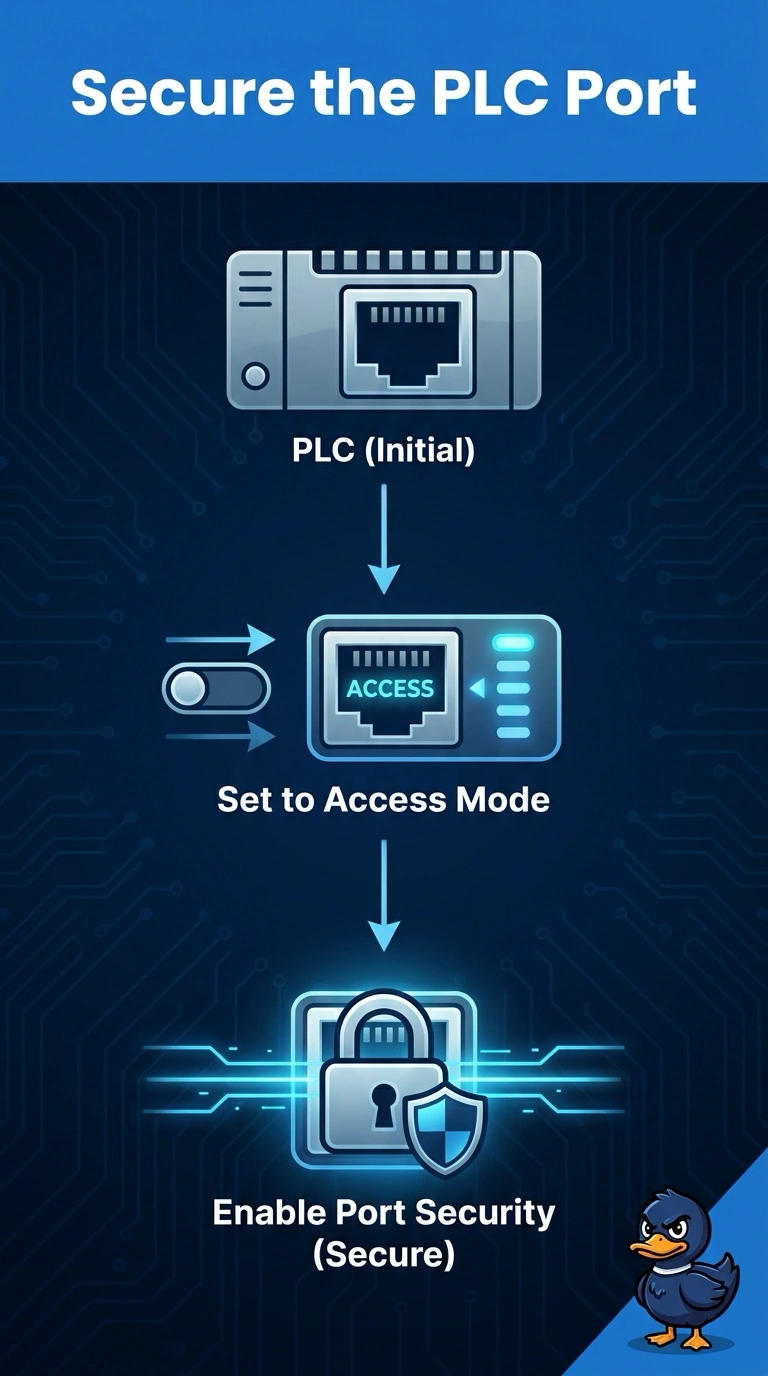
Short Explanation
Port security wants a port that has already decided it is an access port. You set that mode first, then turn the feature on. The trap is leaving the port free to negotiate and hoping the MAC limit will choose for it.
Full Explanation
IOS requires an access port, or a trunk in the narrower cases where the feature is supported, before port security will protect a single attached device the way a cell design intends. A port left in dynamic auto has not been fixed as an access port facing one PLC. Setting switchport mode access, then the maximum and the violation mode, is the correction. Dynamic auto will not negotiate that policy. A trunk with a one-MAC cap is the wrong tool for a PLC port and risks taking down more than one conversation. Removing the access VLAN does not create a mode. The caveat is to check that the access VLAN you assign is the cell VLAN, not VLAN 1 by default. The check is show interfaces switchport: the operational mode should be static access, and show port-security interface should then show the feature active. Put the before-and-after evidence in the work order, including the interface or account you changed, the time, and the person who approved it. On the next shift, confirm the original symptom is gone and that the change did not open a second path while closing the first. If the process is still inside a live batch, leave the controller running and finish only the part of this work that does not restart it. That sequence keeps a correct fix from turning into an unplanned outage.