
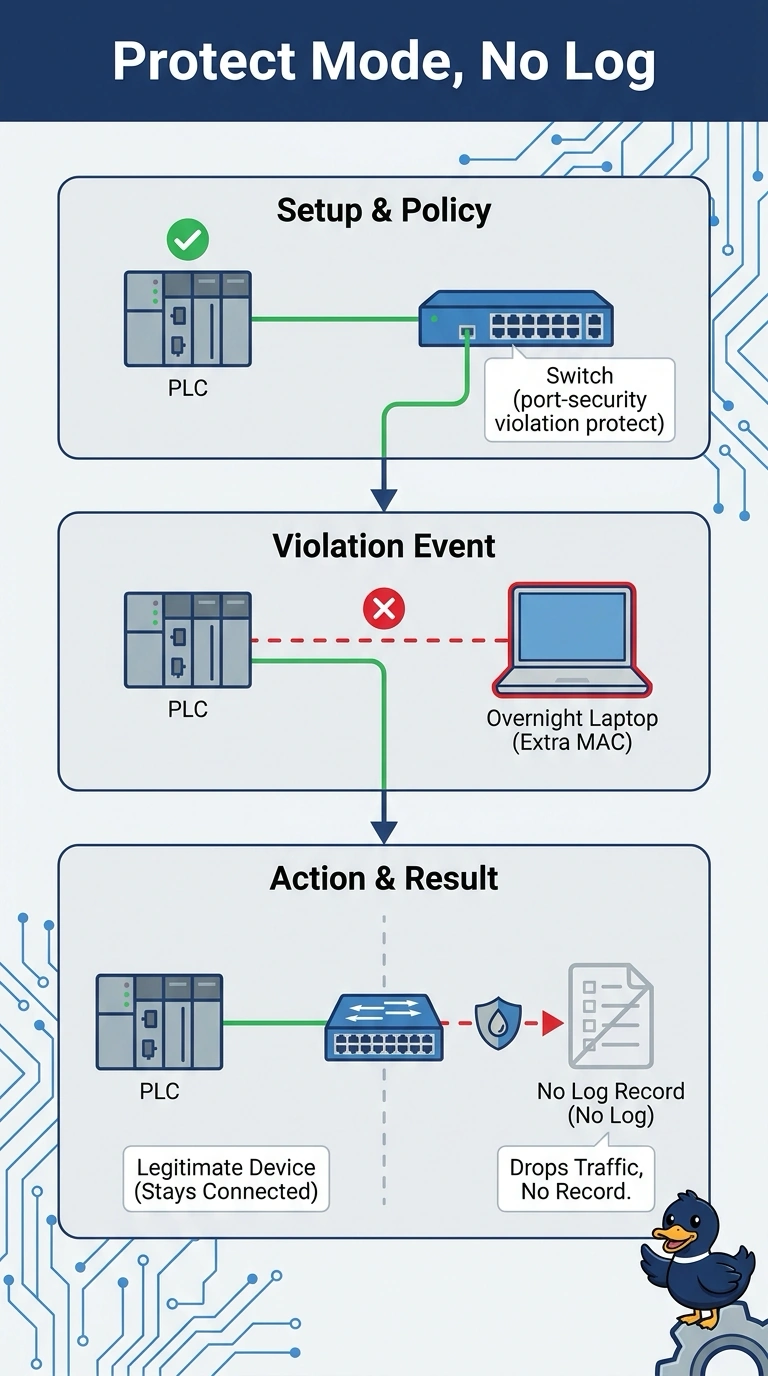
A cell switch uses port-security violation protect on a PLC port. A laptop was connected overnight and nobody received a log. The PLC still forwards. Which explanation fits?
Select an answer to reveal the explanation.
Short Explanation
Protect is the quiet bouncer: you get a dropped laptop frame and no notification, while the PLC keeps forwarding. The protect mode does not raise the limit, add the laptop as a secure MAC, or turn the port into a trunk. You should not expect an alarm from this violation mode.
Full Explanation
On IOS, protect drops frames from MAC addresses that exceed the configured maximum and does not send a notification. The PLC’s legitimate secure MAC can continue forwarding, so the PLC staying online while the overnight laptop leaves no log fits this behavior. The claim that protect err-disables the port and always sends a trap is wrong: that describes neither the action nor the notification behavior of protect. Protect also does not automatically raise the maximum or store the laptop as a second secure MAC; the extra MAC remains over the limit, and its frames are dropped. Nor does protect convert the interface to a trunk: the violation does not change the port’s VLAN mode. An exam caveat is that “no log” does not mean no violation occurred; protect can discard traffic without generating a notification. Protect silently drops violating traffic and does not increment the port-security violation counter; use a mode such as restrict if violation notifications and counting are required. For a practical check, use show port-security interface to confirm that the violation mode is protect. The configured mode’s silent drop explains why the laptop may have left no notification while the PLC continued forwarding.