
SSH sessions to a Cisco IE switch in a remote pumphouse stay open for days after the engineer walks away. Which change fits?
Select an answer to reveal the explanation.
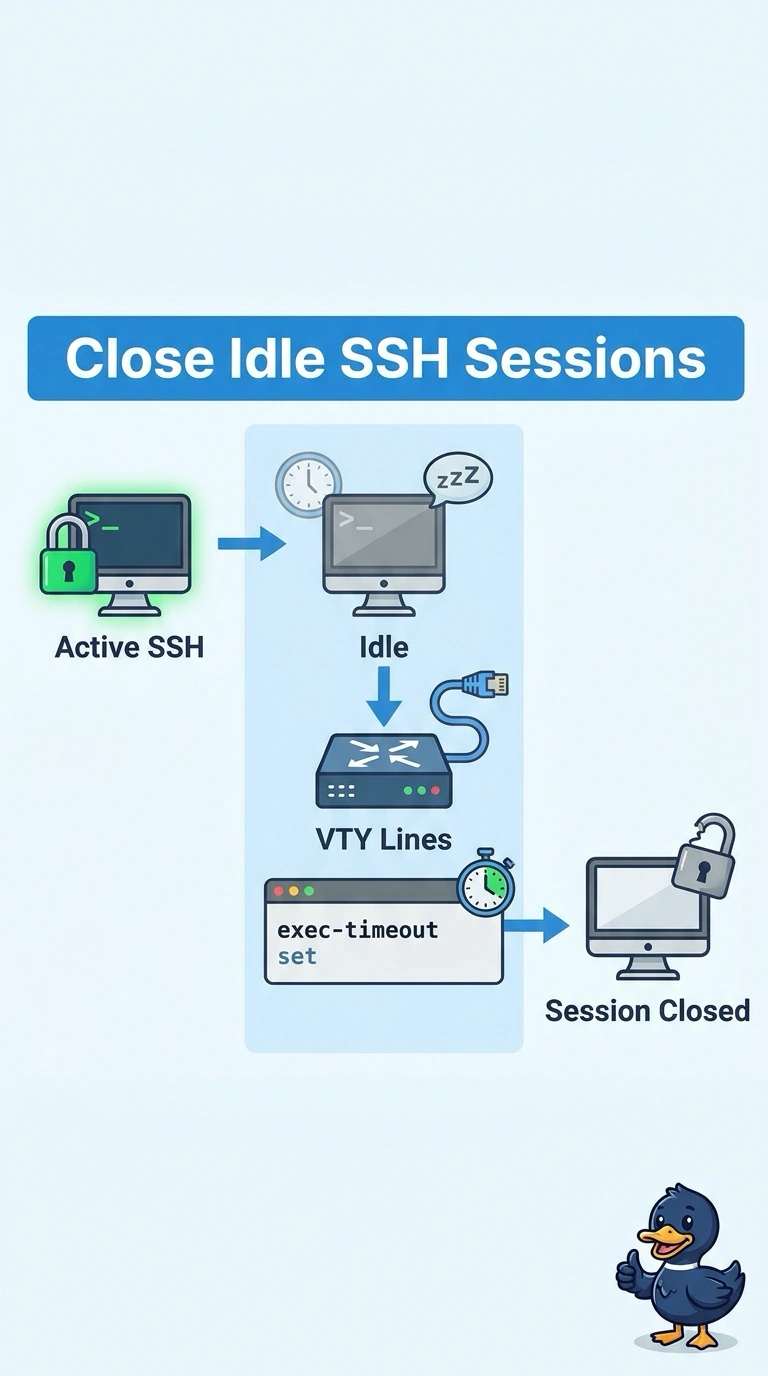
Short Explanation
An open management session can leave the door effectively unlocked, so you want idle access to close without losing remote support. Set an exec-timeout on the VTY lines to end an idle SSH session. Disabling SSH removes the support path, while VLAN 1 and posting the enable password do not solve the idle-session problem.
Full Explanation
An exec-timeout on the VTY lines sets how long an idle exec session may remain open. When the timer expires, IOS drops the session, and the next person must authenticate; this fits a remote pumphouse where an engineer connects, leaves, and forgets to close the SSH window. Disabling SSH removes the management path you still need for support rather than managing idle sessions. Moving the switch to VLAN 1 does not make idle logins expire; a VLAN is not an idle-session timer. Posting the enable password on the cabinet does not close the leftover session and exposes a credential, creating an additional security problem. The exam caveat is to choose a timeout operations can tolerate during a real troubleshooting call and apply it to the VTY lines that accept SSH, not just to an unused template. As a practical check, leave a test SSH session idle and confirm it disconnects when the timer expires, then verify a new SSH login still works. Record the change and its approval in the work order, and confirm on the next shift that the original symptom is gone without disrupting needed support.