
A vendor session on the plant jump host can copy PLC project files out to the vendor laptop. The plant wants the logic to stay inside the site. Which control fits?
Select an answer to reveal the explanation.
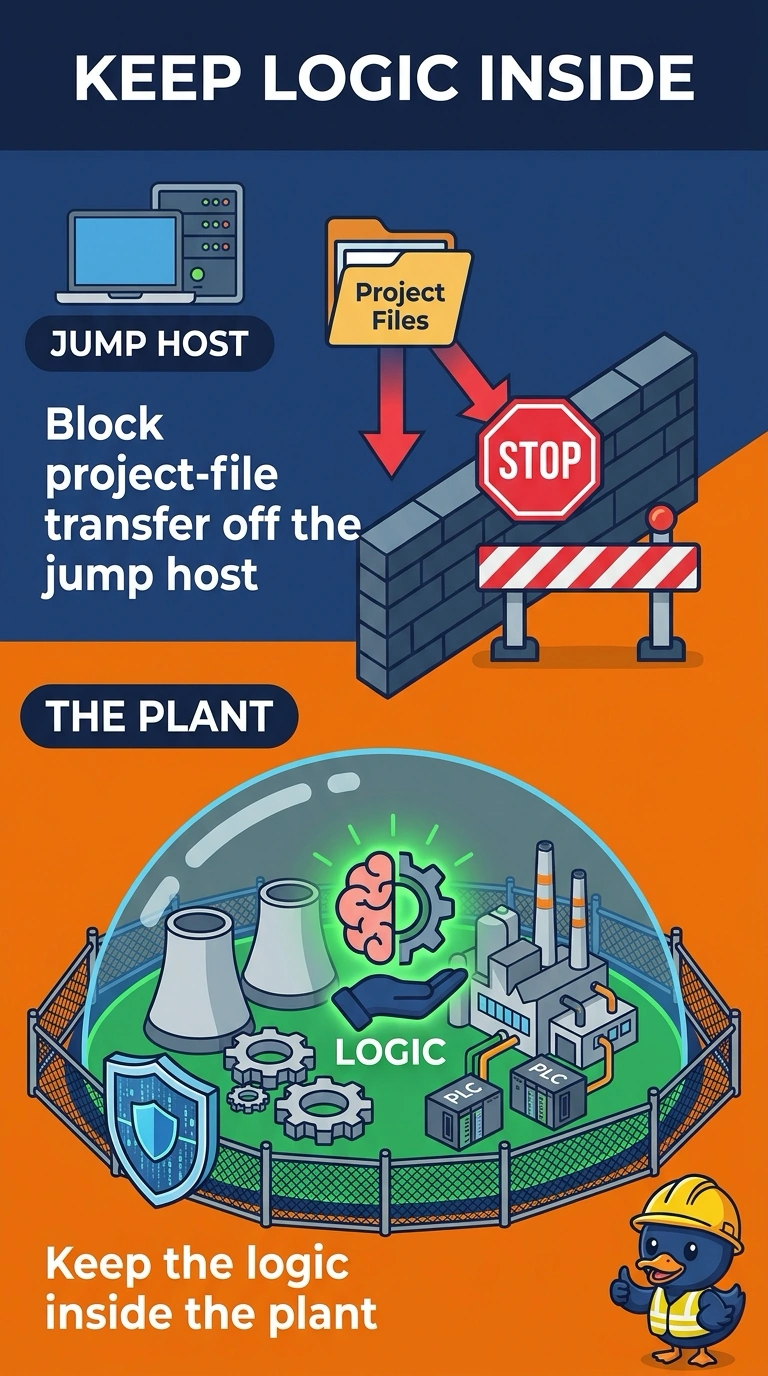
Short Explanation
Treat the jump host as a reading room, not a lending library: block project-file copies to the vendor laptop so the logic stays inside the plant. That way, you avoid creating an unmanaged vendor backup the plant does not control.
Full Explanation
A brokered vendor session should let the vendor see and, when approved, work on plant systems without taking the logic home. Blocking project-file transfer from the jump host keeps the project on systems the plant controls. Allowing a copy so the vendor has a backup creates a second, unmanaged archive rather than keeping the logic inside the site. Emailing the project from the HMI before production resumes is still an export, just through a different channel, and posting it on a public file share exposes it beyond the plant’s control. The exam caveat is that an approved export may be appropriate when a support contract requires the vendor to hold a copy; it should use a recorded channel the plant owns. For a practical check, test that copying the project file to the vendor laptop fails while the approved screen session still works. Put before-and-after evidence in the work order, including the interface or account changed, the time, and the approver. On the next shift, confirm the original symptom is gone and the change did not open another path. If the process is in a live batch, leave the controller running and complete only work that does not restart it, avoiding an unplanned outage.