
A parks department runs a map-tile renderer built to share the host kernel and scheduled as a process. It does not boot its own kernel and does not need a separate guest boundary. What should host it?
Select an answer to reveal the explanation.
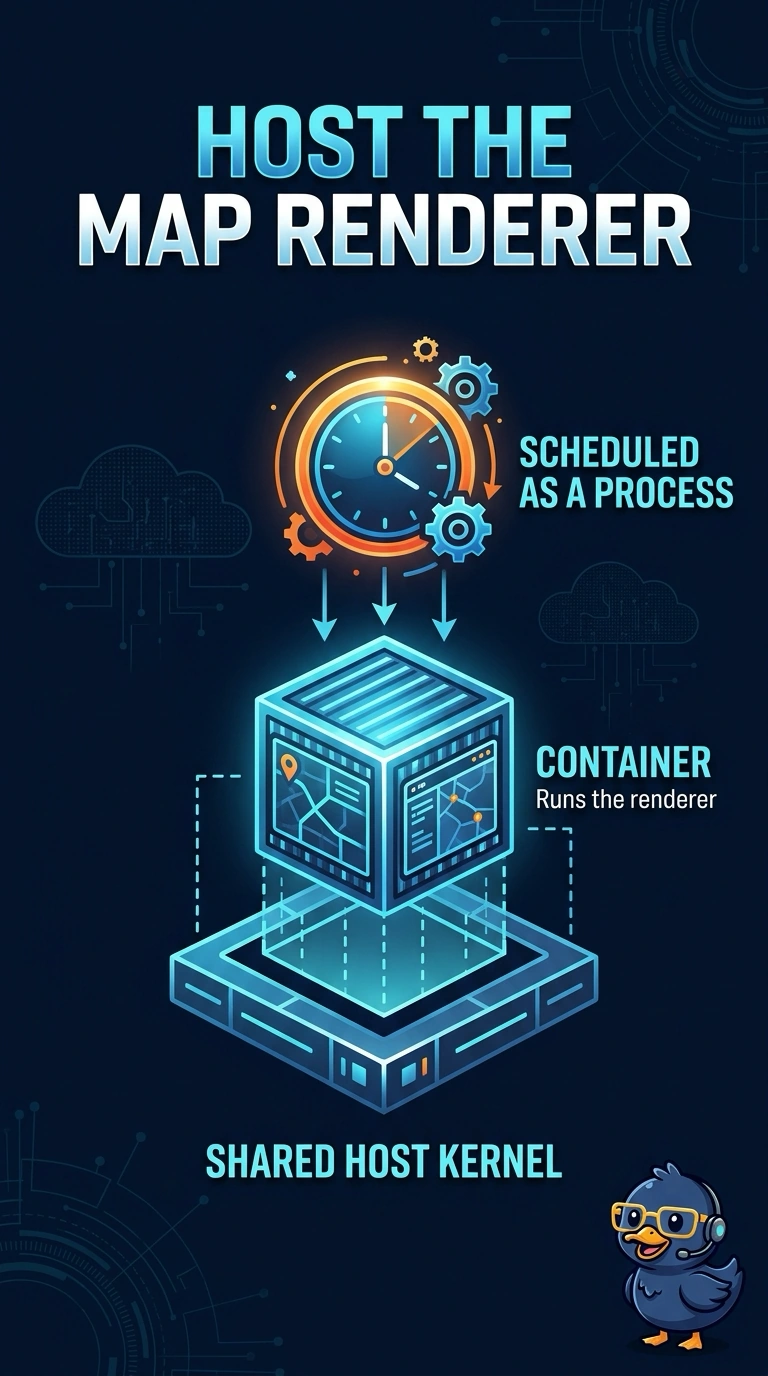
Short Explanation
A toolbox that already fits the workbench does not need its own shed. You host the map renderer in a container so it stays a scheduled process on the host kernel. A virtual machine, a one-event function, and a dedicated physical server add a kernel, a short life, or hardware the renderer does not need.
Full Explanation
A container is the process-level unit that shares the host kernel and can be scheduled. This map renderer is built that way, does not boot its own kernel, and does not need a separate guest boundary. A virtual machine would add a guest kernel the renderer does not use. A one-event function would not stay scheduled. A dedicated physical server would avoid the shared kernel the workload was built for. A container that runs the renderer as a scheduled process on the shared host kernel is the design that meets this requirement. A virtual machine that boots a second kernel the renderer was not built to use is the wrong fit because a virtual machine boots a guest kernel, and this renderer is built to share the host kernel as a process. A function that runs for one event and is not kept as a scheduled process is the wrong fit because a one-event function disappears after the event and is not the scheduled process the parks department keeps running. A dedicated server could run the process, but it is unnecessary when the application can be packaged as a container and scheduled in a Pod on the shared fleet. Exam caveat: Choose a virtual machine when the workload needs its own kernel or a strong guest boundary. This renderer was built to share the host kernel, so that boundary is unused weight. Operational check: Confirm the renderer is scheduled as a process on the host kernel, confirm it does not boot a guest, and confirm a new tile job runs without starting a virtual machine.