
Creating a port through the payments cloud API has become slow, while guest CPUs stay idle and the virtual firewall keeps forwarding. Which view shows that slowdown?
Select an answer to reveal the explanation.
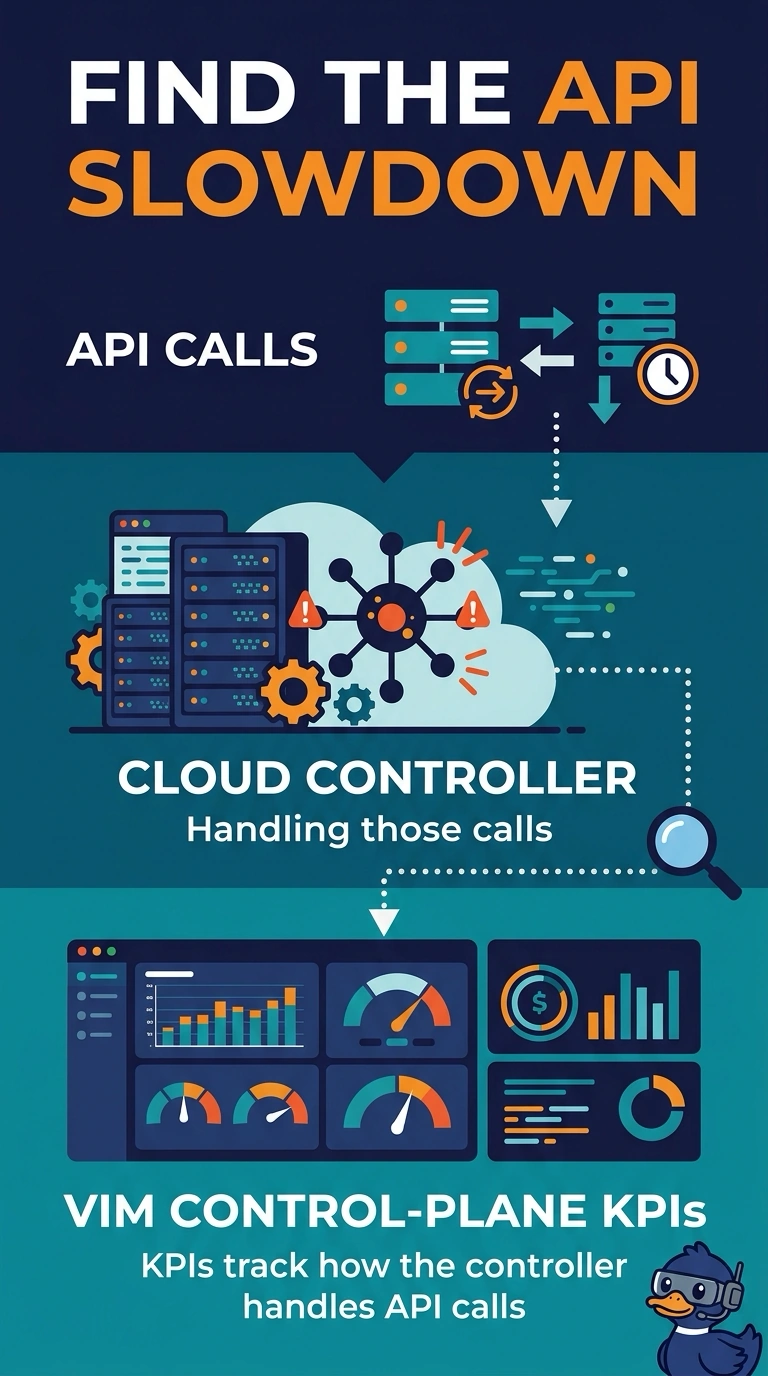
Short Explanation
When the building office takes all afternoon to issue a key, you time the office, not a tenant whose lights still work. You read VIM control-plane KPIs for the payments API, because the guests are idle and the firewall is forwarding. Workload counters, guest gNMI, and an SNMP poll of the guest all watch the tenant.
Full Explanation
VIM control-plane KPIs describe the cloud controller, including the API that creates ports. Virtual-function workload counters describe the guest, which is idle and healthy here. gNMI over gRPC streams whatever you subscribe, and a guest subscription is still about the guest. SNMP polling is a separate pull of device counters, not that stream and not the controller. The slowdown is on the VIM control plane. VIM control-plane KPIs that describe the cloud controller handling those API calls is the design that meets this requirement. Virtual-firewall workload counters for guest CPU and the interfaces that are still forwarding is the wrong fit because workload counters show the firewall, and this firewall is idle and forwarding while the controller API is slow. Streaming telemetry with gNMI from a guest interface that is not the cloud controller is the wrong fit because gNMI streaming from a guest pushes that guest's counters and does not measure the cloud controller API. SNMP polling of that same guest on a slow pull of counters from the guest itself is the wrong fit because SNMP polling pulls guest counters on a request cycle and is neither the controller view nor a stream of controller KPIs. Exam caveat: SNMP polling is a separate pull of device counters, not gNMI streaming, and a healthy guest CPU does not clear a slow VIM API on the controller. Operational check: Compare controller API latency with guest CPU over the same minutes and confirm the API stays slow while the firewall CPU stays idle the whole time.