
A clinic virtual firewall stays in the ACTIVE state, its system disk still shows reads and writes, and other guests on the same host are healthy. The firewall's management port is closed and its process list no longer shows the firewall process. Which fault is this?
Select an answer to reveal the explanation.
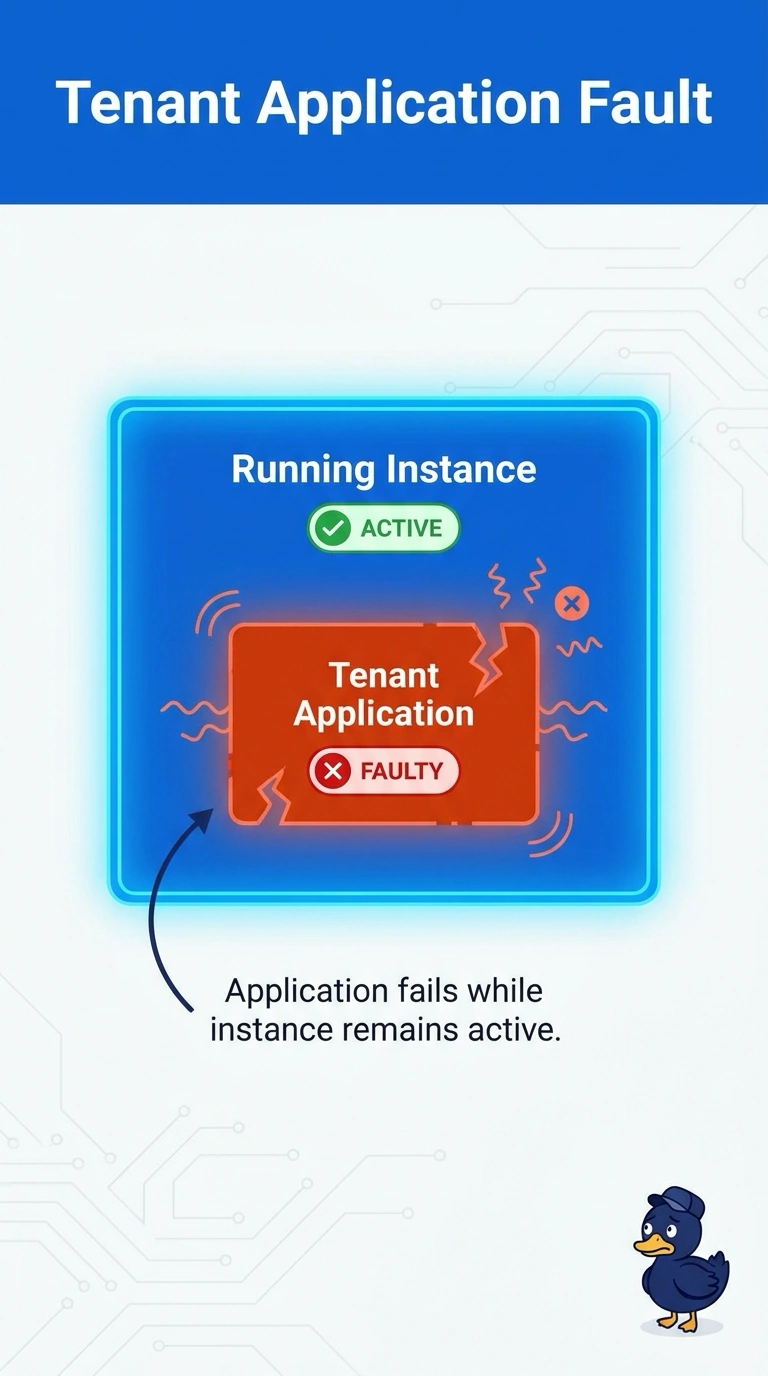
Short Explanation
The shop door is unlocked and the lights are on, and the clerk has gone home. Your instance is still ACTIVE, the disk is still busy, and only the firewall process is missing. That is the tenant application, not the host, the disk, or the API.
Full Explanation
A tenant-guest fault can be the application inside an instance that the cloud still considers running. ACTIVE state, continued system-disk activity, and healthy neighbors mean the hypervisor, the disk, and the other guests are up. The closed management port and the missing firewall process are the application. A compute outage of the host would take the other guests with it, and they are healthy. A storage outage of the system disk would stop the reads and writes the stem says are still happening. A VIM API outage blocks new cloud calls; an already-running process does not need the API to stay in memory, and the symptom is a missing process rather than a failed API call. Exam caveat: restarting the guest application is the matching fix; evacuating the host would move a healthy compute problem you do not have. Operational check: from the hypervisor, confirm the instance is running and the disk counters move, then start the firewall process and watch the management port open without a host reboot.