
A retail virtual firewall's process table is stuck and its local filesystem is full. Routers and the host do not export those guest-internal readings, and router interface counters look normal. Which collector can see the process and filesystem state?
Select an answer to reveal the explanation.
Short Explanation
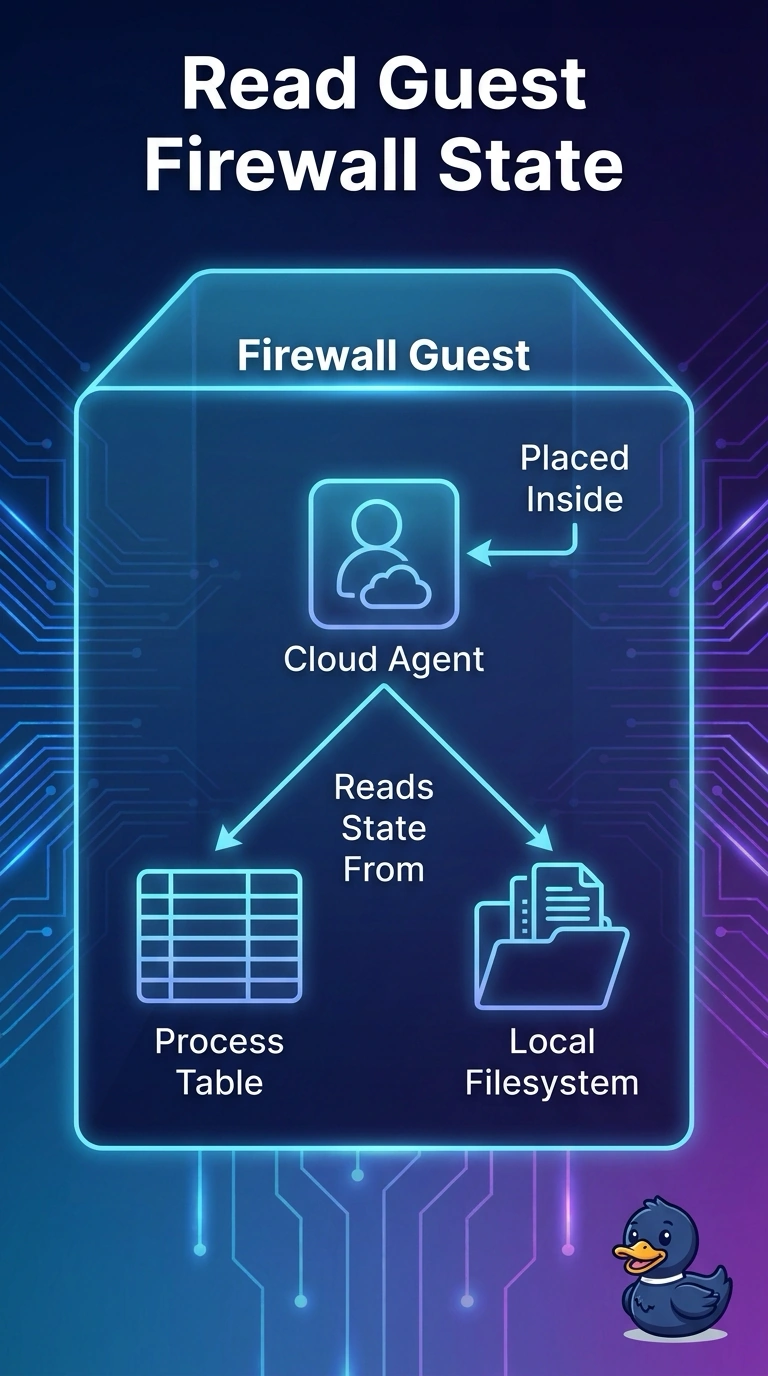
The shipping label tells you the box left the building; it does not tell you the office inside is out of disk. The firewall's process table and filesystem are inside the guest, and the routers never export them. A cloud agent in that guest is what can see them.
Full Explanation
A cloud agent runs inside the guest, or otherwise in the cloud workload, and can read process and filesystem state that never appears on a router interface. That is the collector that matches a stuck process table and a full guest filesystem. IPFIX from the routers lists conversations on the wire and cannot see a full filesystem inside the guest. An SNMP trap about a power supply is a router hardware event, not a guest process table. Streaming telemetry of router interface counters repeats figures the stem already says look normal, and those counters are not the guest's disk. Exam caveat: an agent reports what the guest lets it read; a crashed agent cannot describe a guest that will not run the agent. Operational check: on the firewall guest, compare the agent's filesystem and process readings with a local check in the same minute, and confirm the router counters stay quiet while the guest disk is full. A quiet router counter next to a full guest disk is the clue that you are looking at the wrong layer of the stack.