
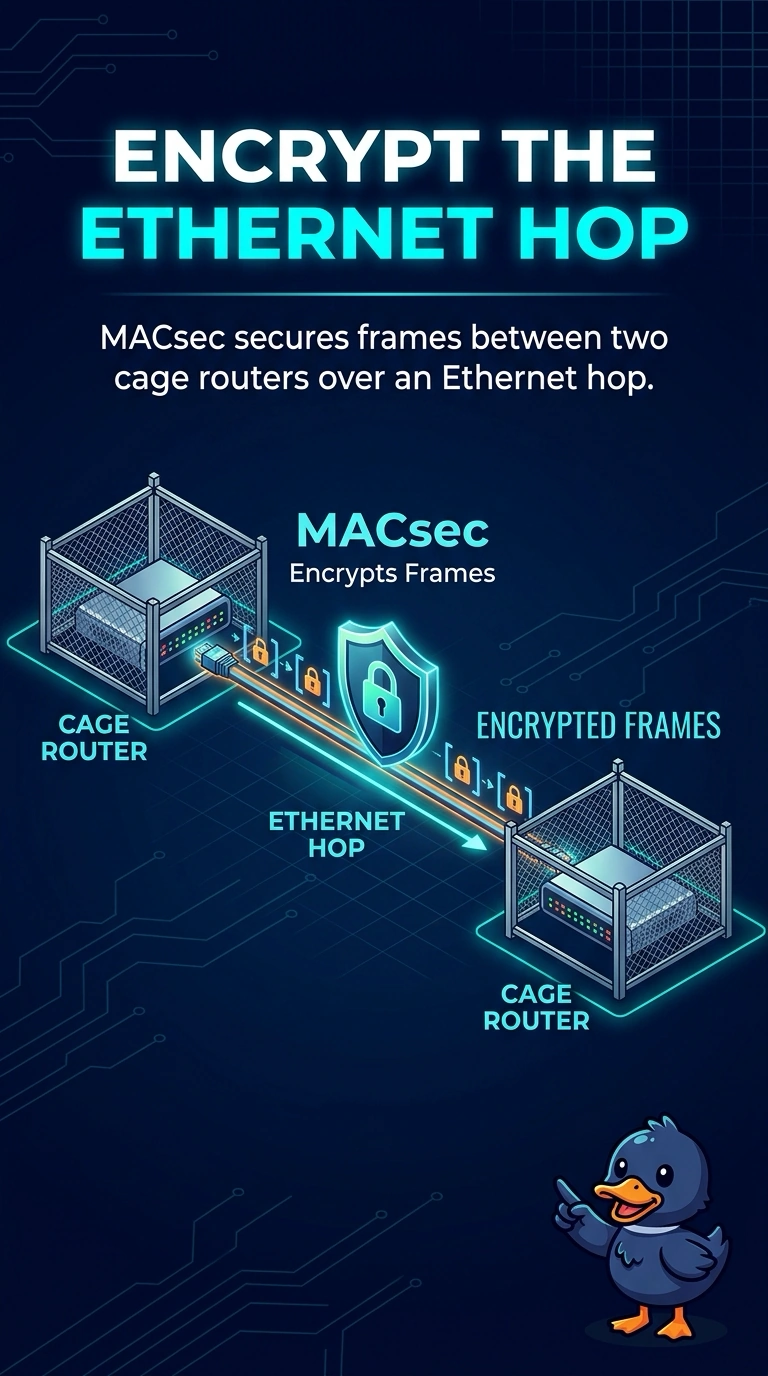
Two routers in a shared cage are connected by one Ethernet hop, and that hop must be encrypted. Device logins and packet filters are already in place. What protects the hop?
Select an answer to reveal the explanation.
Short Explanation
A sealed pouch on a desk-to-desk handoff protects that pass, and a guest list does not. You encrypt the cage Ethernet hop with MACsec so the frames on that link are protected. An access list, TACACS for logins, and reverse-path filtering do other jobs on the router.
Full Explanation
MACsec encrypts a single Ethernet hop. These two cage routers need that hop protected, while logins and packet filters are already covered by other controls. An access list permits or denies traffic and does not encrypt the hop. TACACS authenticates operators for device administration. Unicast reverse-path filtering drops unexpected sources and does not encrypt frames on the link. MACsec on the Ethernet hop so frames between the two cage routers are encrypted is the design that meets this requirement. An access list on the router interfaces that permits or denies selected packets is the wrong fit because an access list permits or denies packets and does not encrypt the frames on the Ethernet hop between the routers. TACACS authentication for operators who log in to administer the two cage routers is the wrong fit because TACACS authenticates operators for device administration and does not encrypt traffic on the hop. Unicast reverse-path filtering that drops packets whose source is not reachable outbound is the wrong fit because unicast reverse-path filtering drops sources that are not reachable back and does not encrypt the Ethernet hop. Exam caveat: MACsec protects only the Ethernet hop where it is enabled, and it does not replace router filters, login control, or encryption of a routed path beyond that hop. Operational check: Confirm both cage routers show MACsec active on the shared Ethernet interfaces and that frames on that hop are encrypted while login and filter policies remain in place.