
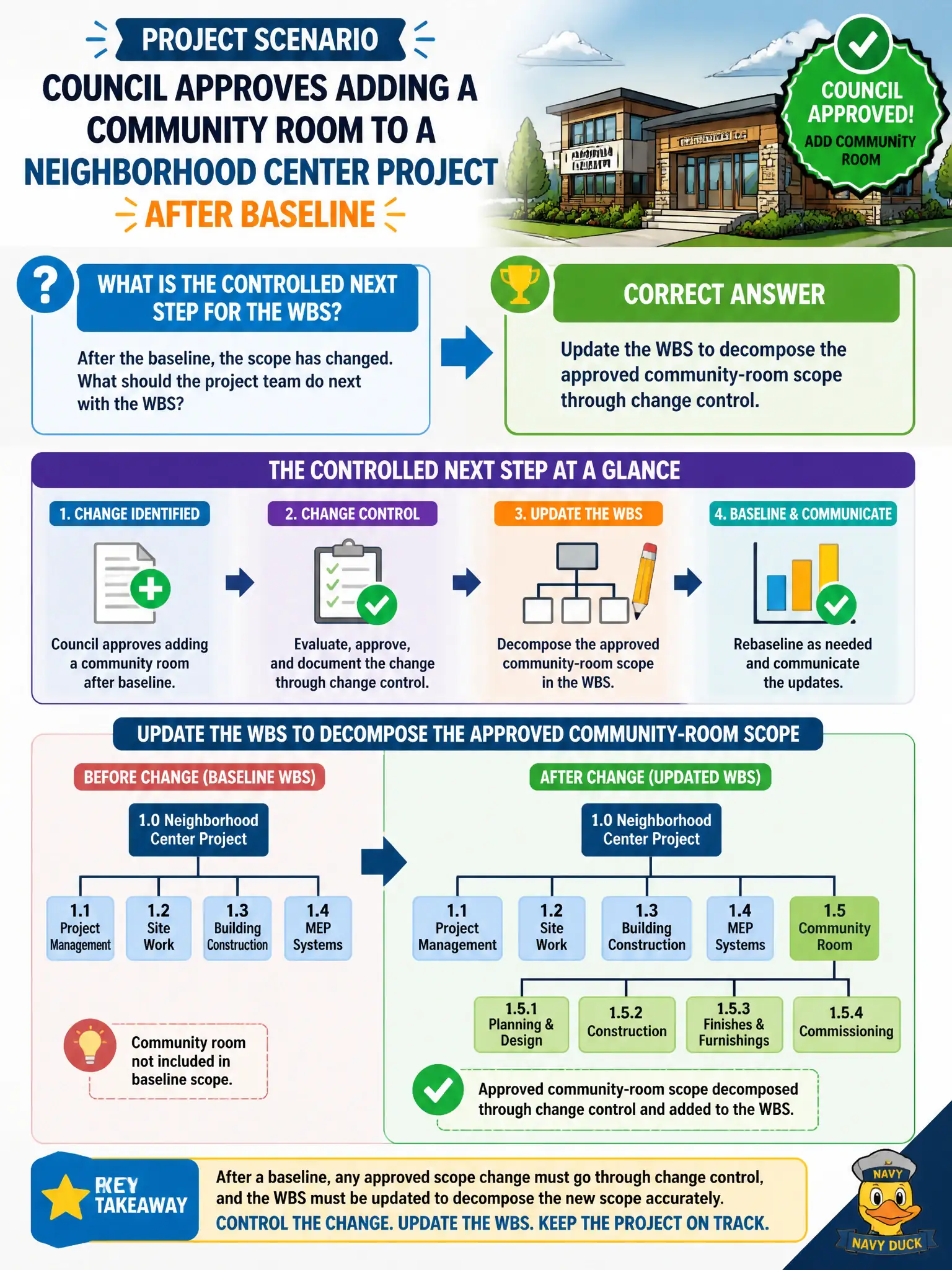
Council approves adding a community room to a neighborhood center project after baseline. What is the controlled next step for the WBS?
Select an answer to reveal the explanation.
Short Explanation
New approved scope means the WBS gets a proper new branch for the community room—not a sticky note under the monitor. Change control keeps the decomposition honest with what council authorized.
Full Explanation
When council approves adding a community room to a neighborhood center project after baseline, the controlled next step is to update the WBS to decompose the approved community-room scope through change control. Approved scope must appear in the scope hierarchy so estimating, scheduling, and control remain aligned with authorization. Sticky-note scope is not governance.
Leaving the WBS frozen forever so it never reflects new scope disconnects planning from council direction. Adding the room only to informal sticky notes skips the formal scope baseline structure. Removing unrelated work packages at random to keep page count fixed corrupts scope to satisfy formatting superstition.
Exam caveat: Predictive scope control updates the WBS (and related baselines) when changes are approved. Associates should reject both “never change the WBS” and “change it informally.”
Operational check: process the community-room addition through change control, decompose new WBS elements and dictionary entries, update schedule and cost baselines, and communicate the revised scope tree to the team. After WBS update, confirm related dictionary, schedule, and cost entries land in the same change package. Partial updates recreate the stale-baseline problem the process exists to prevent.