
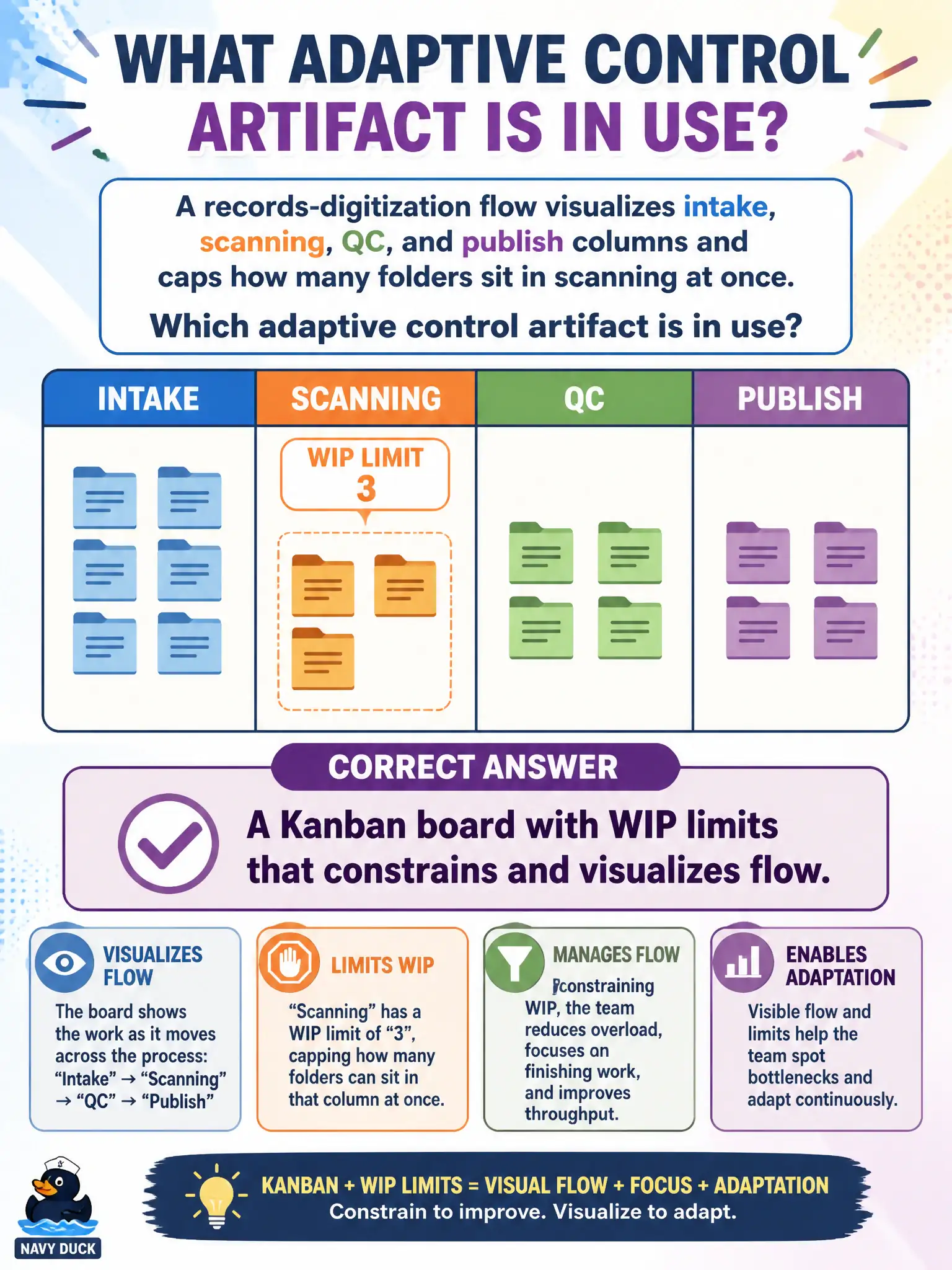
A records-digitization flow visualizes intake, scanning, QC, and publish columns and caps how many folders sit in scanning at once. Which adaptive control artifact is in use?
Select an answer to reveal the explanation.
Short Explanation
Columns you can see plus a cap on open work—that is a Kanban board doing its job. The WIP limit keeps the scanning station from drowning. It is flow control, not a predictive change board in disguise.
Full Explanation
A records-digitization flow that visualizes intake, scanning, QC, and publish columns and caps how many folders sit in scanning at once is using a Kanban board with WIP limits that constrains and visualizes flow. The board makes workflow states visible; the WIP cap manages how many items occupy a column to highlight bottlenecks and protect flow. That adaptive control artifact differs from predictive change control or critical-path schedules as the primary mechanism.
A predictive integrated change-control board that freezes all column moves fails conceptually because change-control boards authorize baseline changes; they are not the same as flow visualization with WIP limits. A critical-path schedule that removes the need for any visual workflow fails because CPM schedules do not replace Kanban’s pull-and-limit flow model. A fixed phase-gate packet that replaces continuous flow metrics fails because phase gates are predictive stage controls, not continuous-flow WIP management.
Exam caveat: Identify Kanban boards plus WIP limits as flow-control artifacts distinct from predictive ICC or CPM mechanisms. Operational check: enforce the scanning WIP cap on the digitization board, swarm on bottlenecks when the cap is hit, and track cycle time for folders moving to publish.