
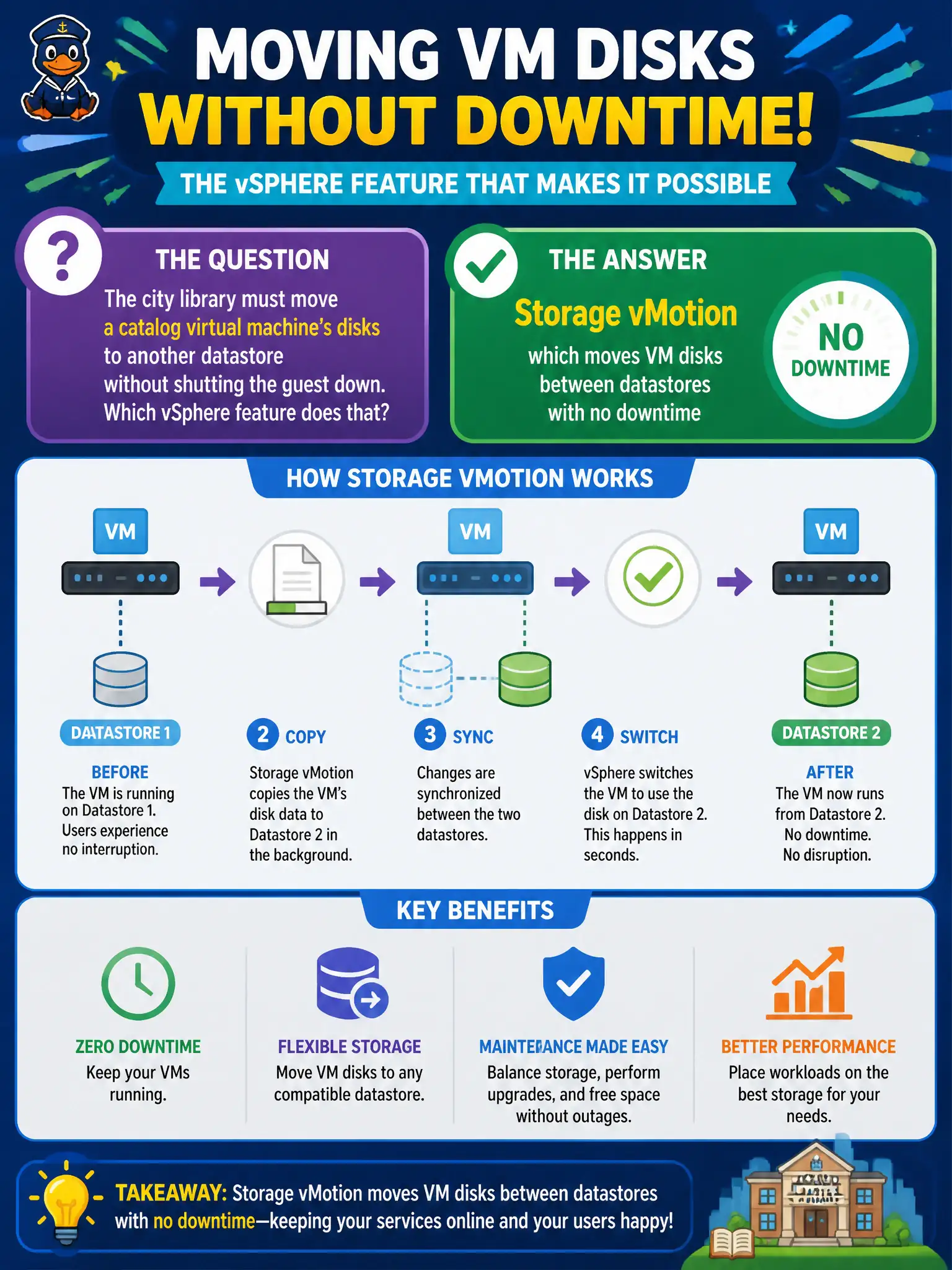
The city library must move a catalog virtual machine's disks to another datastore without shutting the guest down. Which vSphere feature does that?
Select an answer to reveal the explanation.
Short Explanation
Storage vMotion is moving the library books to another shelf while patrons keep reading. Regular vMotion moves the running guest to another host and can leave disks where they are. NSX does not relocate VMDKs.
Full Explanation
The city library that must move a catalog virtual machine’s disks to another datastore without shutting the guest down needs Storage vMotion, which moves VM disks between datastores with no downtime. Storage vMotion is moving the library books to another shelf while patrons keep reading—the guest stays powered on while VMDKs relocate. Compute-only vMotion, which always relocates virtual disks, is a false absolute—standard vMotion moves the running VM’s compute to another host and can leave disks where they are. NSX overlay mobility of Geneve network identifiers is not a VMDK relocation feature and does not empty or fill datastores. An NSX segment migration wizard that moves VMDK files does not exist as the answer to this vSphere storage-migration need. Exam caveat: combined compute-and-storage migrations are possible in one workflow, but the feature that specifically moves disks between datastores is Storage vMotion. Networking products do not relocate virtual disks. Operational check: Storage vMotion a catalog VM to a target datastore during a maintenance window, confirm the guest stays powered on and reachable, and verify the VMDK path updated to the new datastore in vCenter before retiring the old datastore capacity.