
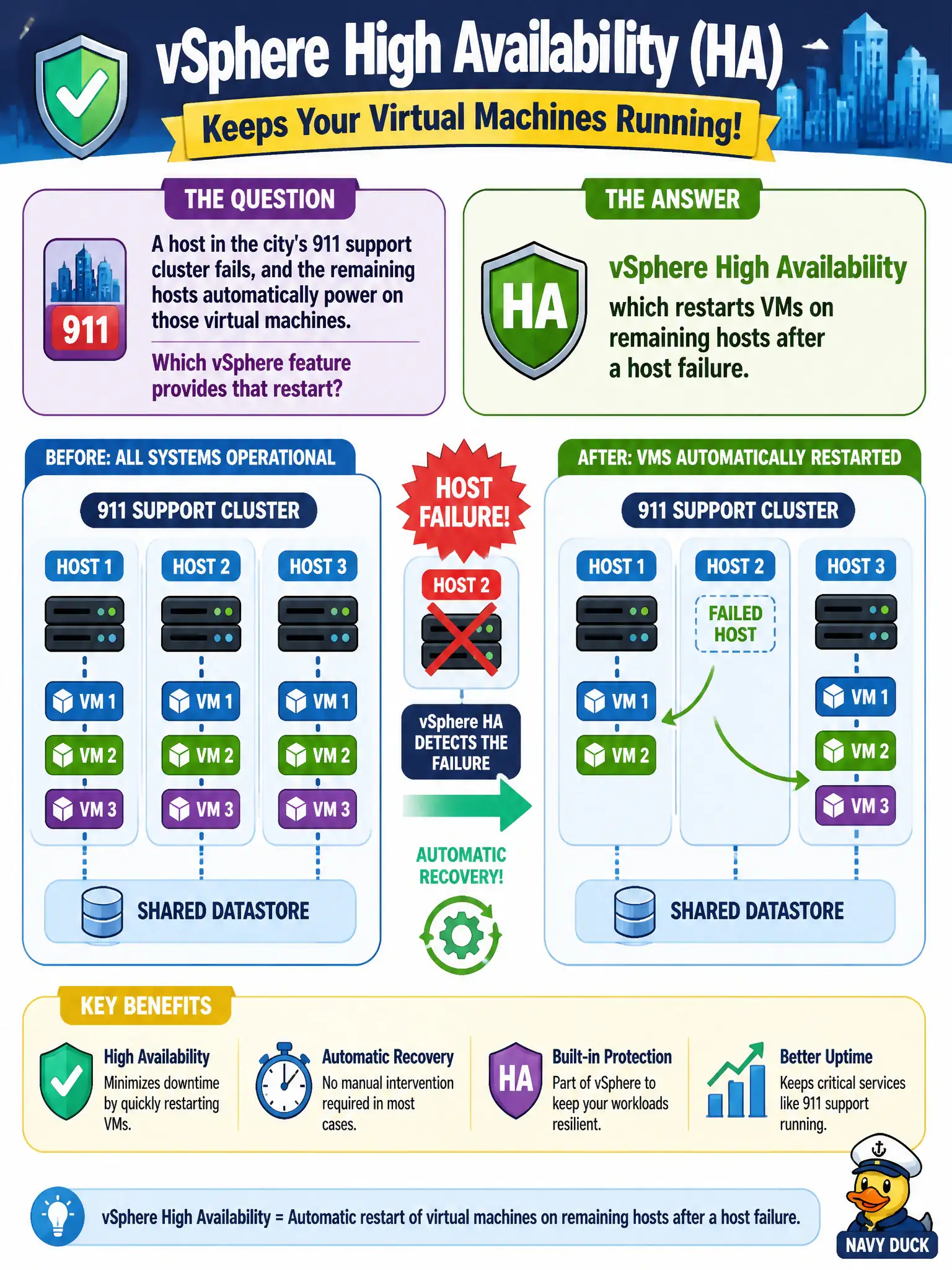
A host in the city's 911 support cluster fails, and the remaining hosts automatically power on those virtual machines. Which vSphere feature provides that restart?
Select an answer to reveal the explanation.
Short Explanation
HA is the spare firehouse: if one station goes dark, the trucks restart at the next one. That is a host-failure restart, not a continuous lockstep twin. Edge HA fails over NSX services, and DRS is about balancing load, not restarting after a crash.
Full Explanation
When a host in the city's 911 support cluster fails and the remaining hosts automatically power on those virtual machines, the feature providing that restart is vSphere High Availability (HA). HA detects ESXi host failure and restarts affected virtual machines on surviving hosts in the cluster so public-safety support workloads return to service after an outage window. That is the civic "empty bunk" restart model for ordinary guests, not a lockstep secondary. NSX Edge active/standby failover protects centralized NSX services such as north-south NAT or VPN on Edge nodes; it does not restart general application VMs after an ESXi host dies. vSphere Fault Tolerance maintains a live secondary for selected VMs and is not the only—or default—way any VM can restart after host failure; ordinary HA restart remains the cluster-wide answer. Distributed Resource Scheduler load-balances or places VMs using vMotion based on CPU and memory; it does not restart guests after a host outage and does not distribute TCP connections like an application load balancer. Exam caveat: VCTA-NV expects clear separation of HA restart, FT lockstep, Edge service HA, and DRS placement. Stems that say "remaining hosts automatically power on" point to HA, not FT and not NSX Edge failover. Operational check: on the 911 support cluster, confirm HA is enabled, review admission control and host monitoring, simulate or review last host-isolation responses in events, and separately document Edge HA only for NSX service continuity so operators do not expect Edge failover to restart GIS or CAD application VMs.