
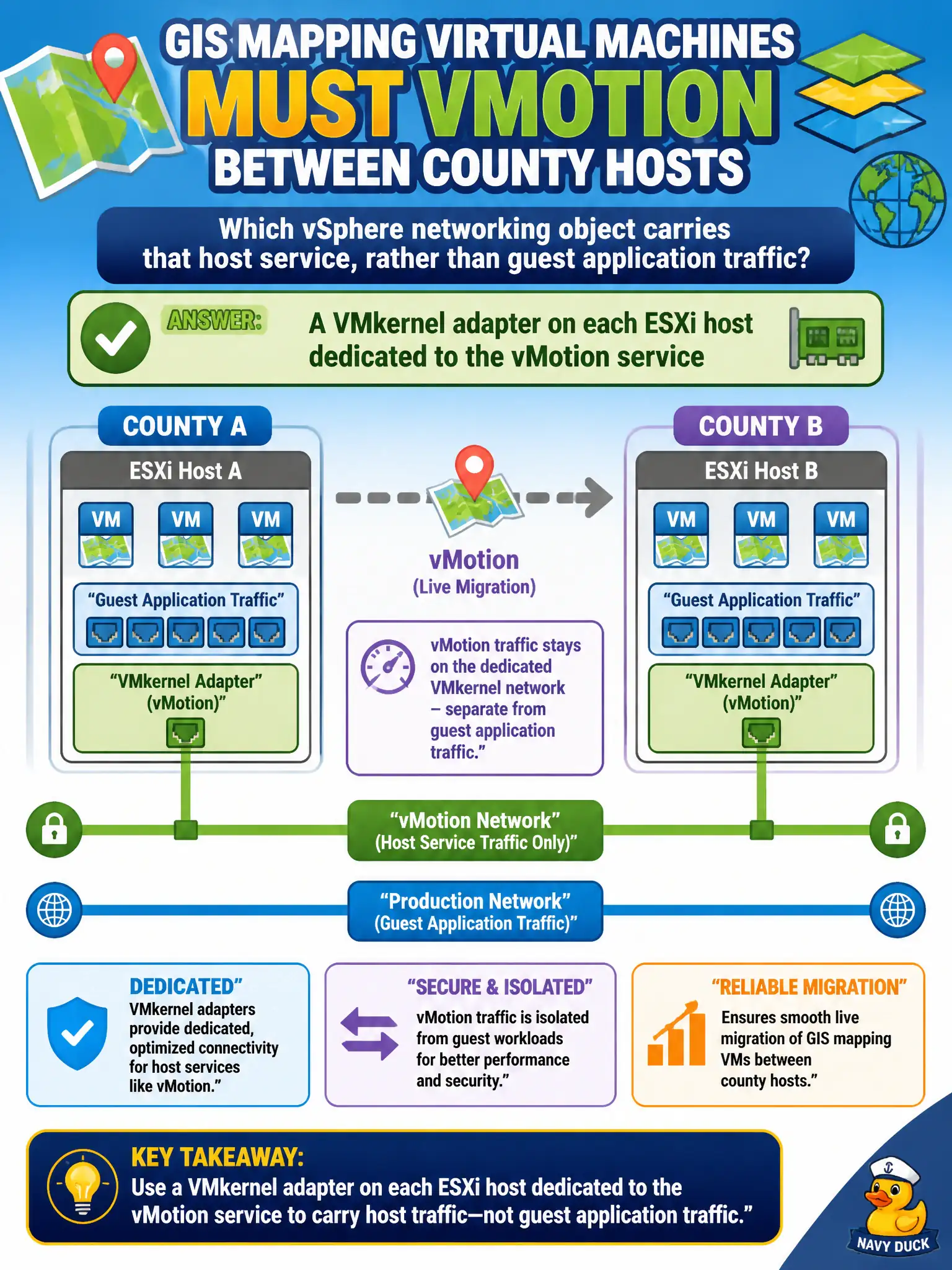
GIS mapping virtual machines must vMotion between county hosts. Which vSphere networking object carries that host service, rather than guest application traffic?
Select an answer to reveal the explanation.
Short Explanation
vMotion rides a staff-only hallway on the host, not the GIS guest's own front door. That hallway is a VMkernel adapter. The guest vNIC carries map-app traffic, and an NSX firewall rule or overlay name does not become the vMotion stack.
Full Explanation
GIS mapping virtual machines that must vMotion between county hosts rely on a host service path, not on the guests’ own application NICs. That path is a VMkernel adapter on each ESXi host dedicated to the vMotion service—the staff-only hallway on the hypervisor that carries live-migration traffic while the GIS guests keep their map-app sessions. A guest virtual NIC inside each GIS virtual machine carries application traffic for the mapping workload; it is not the host stack that moves the running VM. An NSX Distributed Firewall rule that permits live migration may allow or deny flows, but a firewall allow rule is not the networking object that carries the vMotion service. An NSX overlay segment named vMotion that replaces the host stack mislabels a guest logical network as the host VMkernel service; naming a segment “vMotion” does not replace the VMkernel adapter. Exam caveat: associate questions often contrast VMkernel services (management, vMotion, vSAN, Fault Tolerance logging) with VM port groups. Live migration still needs compatible networking and, when NSX is present, destination transport-node readiness—but the carrier object for the service remains the VMkernel adapter. Operational check: on each county host, confirm a VMkernel adapter enabled for vMotion, on the intended VLAN or network, with sufficient bandwidth and MTU; initiate a test vMotion of a GIS VM and verify traffic counters rise on that VMkernel interface rather than on the guest vNIC.