
In vCenter, a library VM's network appears as an nsx.LogicalSwitch opaque network. What does that SDN building block mean?
Select an answer to reveal the explanation.
Short Explanation
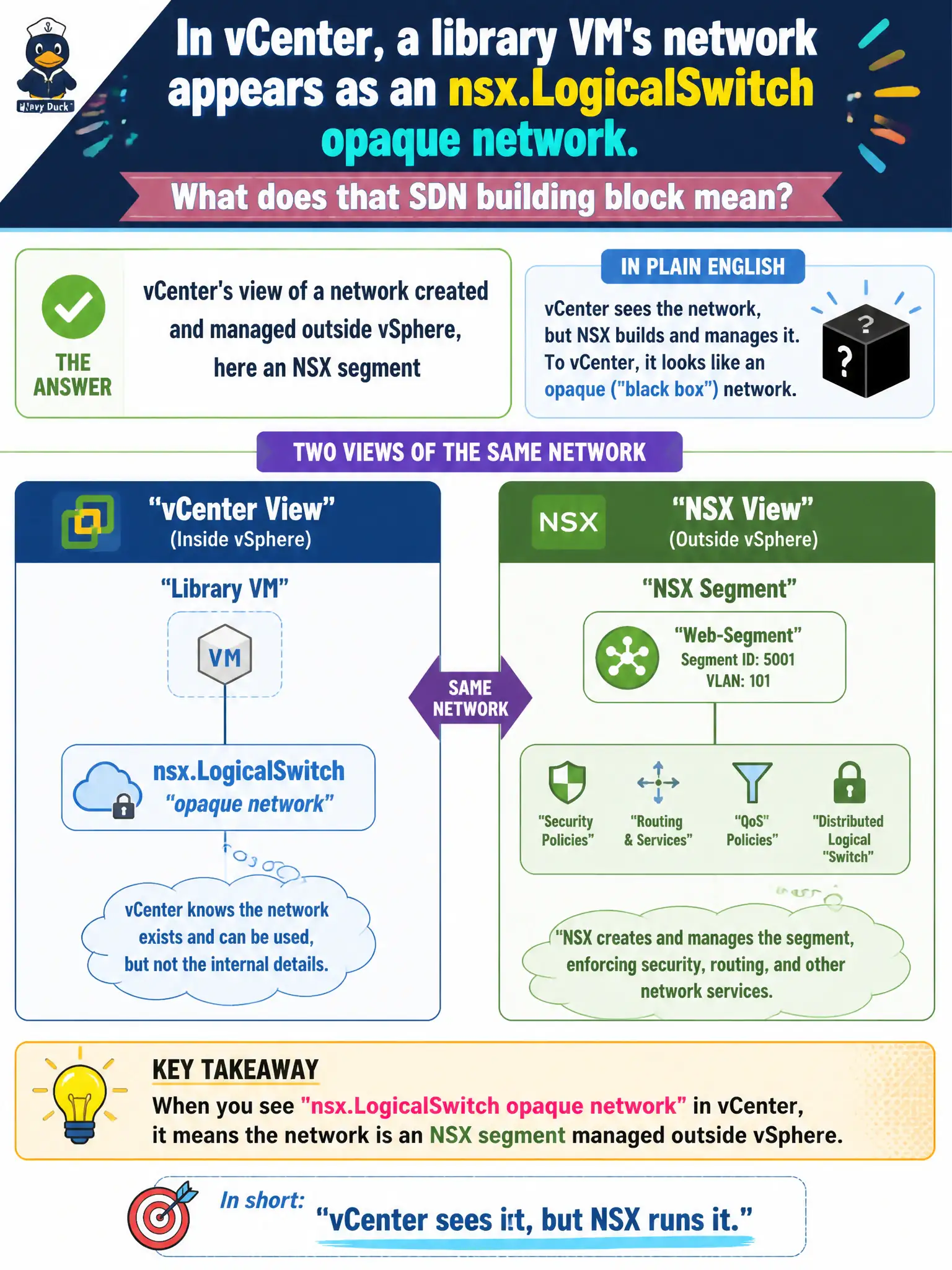
Opaque just means vCenter did not build that network—it is showing someone else's work. For NSX, that someone is the segment, shown as nsx.LogicalSwitch. It is not a secret standard switch, a Horizon app, or a sensor quarantine.
Full Explanation
When vCenter shows a library VM network as an nsx.LogicalSwitch opaque network, that SDN building block means vCenter is presenting a network created and managed outside vSphere—here an NSX segment—so operators can still attach the VM’s vNIC without vSphere owning the logical switch. Opaque is an inventory presentation that keeps compute attachment simple while NSX remains the source of truth for the segment definition. A hidden vSphere Standard Switch created inside vSphere would not appear as an NSX-managed opaque network of type nsx.LogicalSwitch. A Horizon published application is an EUC entitlement and is not a vCenter network object. Carbon Black isolation may quarantine an endpoint workload, but it does not create that opaque-network inventory object for library VMs. Exam caveat: opaque networks let compute admins connect VMs while NSX controls the segment lifecycle. Do not attempt to edit NSX segment properties as if they were ordinary VSS port-group settings in vCenter alone. Operational check: in vCenter, identify the opaque network type for the library segment, attach a test VM’s vNIC to it, and confirm the same segment appears as a managed object in NSX Manager; verify L2/L3 connectivity without converting the network into a host-local standard switch.