
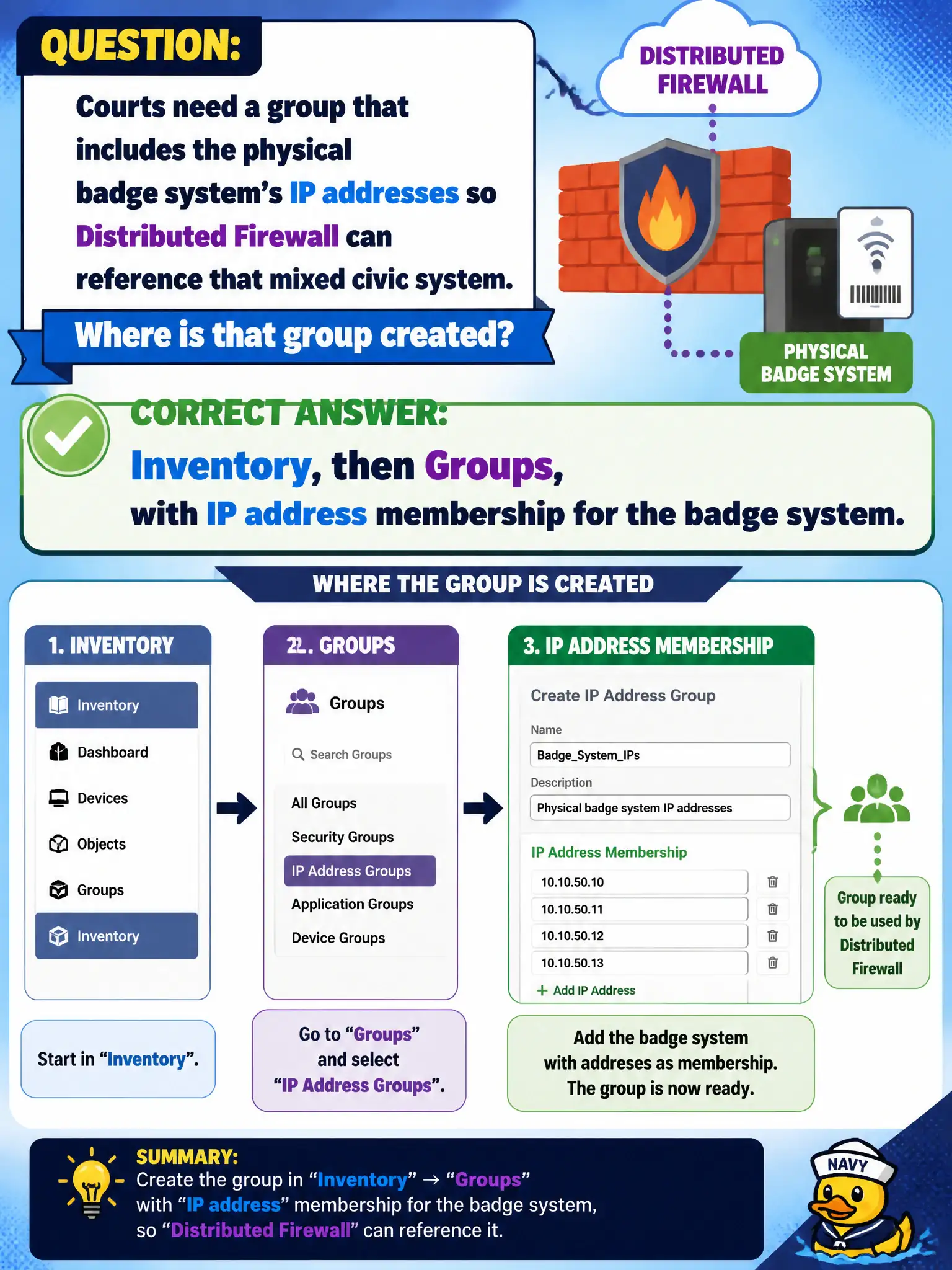
Courts need a group that includes the physical badge system's IP addresses so Distributed Firewall can reference that mixed civic system. Where is that group created?
Select an answer to reveal the explanation.
Short Explanation
The badge reader is still a box on the wall with an IP. Put that IP into an Inventory group. It does not become a VTEP, an RDS host, or a vSAN policy.
Full Explanation
Courts that need a group including the physical badge system's IP addresses so Distributed Firewall can reference that mixed civic system create the group under Inventory → Groups with IP address membership—the supported way to represent non-VM endpoints in NSX policy. Converting the badge panel into a Geneve VTEP from the panel firmware is not how physical badge systems join overlay; they remain IP endpoints. Adding the badge panel as a Horizon RDS session host confuses EUC session hosting with Security grouping. A vSAN storage policy tagged Badge is a storage profile, not an NSX group. Exam caveat: IP group members are static unless automation updates them—document ownership when badge controllers change addresses after network refreshes. Operational check: create an Inventory group with the badge system IPs, reference it in a courts DFW rule in a lab policy, confirm effective membership, and attach the group name to the physical-security runbook. In municipal operations, record the chosen control and the rejected alternatives in the change ticket so future on-call staff understand which failure modes would affect city services. Re-validate after the next maintenance window that the same GUI path and realized state still hold under the current NSX build used by the civic platform team.