
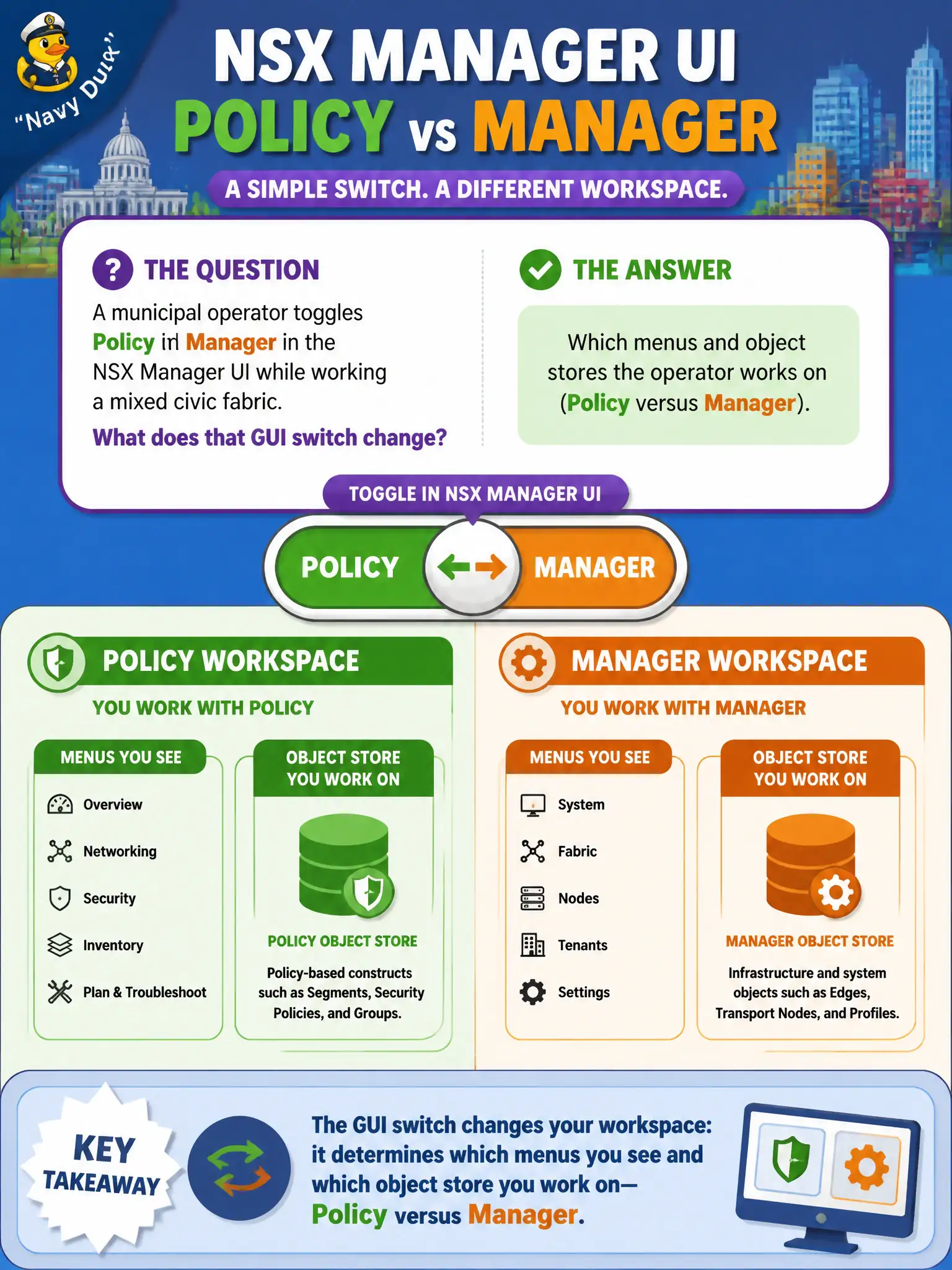
A municipal operator toggles Policy and Manager in the NSX Manager UI while working a mixed civic fabric. What does that GUI switch change?
Select an answer to reveal the explanation.
Short Explanation
Policy versus Manager is two filing cabinets, not two paint colors. Flip the UI mode and you get different menus and objects. You do not reinstall NSX to change cabinets.
Full Explanation
When a municipal operator toggles Policy and Manager in the NSX Manager UI on a mixed civic fabric, that switch changes which menus and object stores the operator works on—Policy versus Manager—not cosmetics. Believing it only changes wallpaper while objects and menus stay identical misses the dual-API reality of NSX-T GUIs. Thinking Policy and Manager are separately sold licensed products misreads a UI mode switch as a SKU change. Assuming nothing changes until NSX is reinstalled from OVA invents an unnecessary rebuild for a simple mode toggle. Exam caveat: some objects exist only in one mode; editing the wrong store causes 'missing' menus or unreplicable objects when Federation or Policy-only features are planned. Operational check: toggle Policy/Manager on a lab Manager, note which Networking and Security menus differ, confirm the object you intend to edit exists in the active mode, and standardize civic runbooks on Policy where Federation-readiness matters. In municipal operations, record the chosen control and the rejected alternatives in the change ticket so future on-call staff understand which failure modes would affect city services. Re-validate after the next maintenance window that the same GUI path and realized state still hold under the current NSX build used by the civic platform team.