
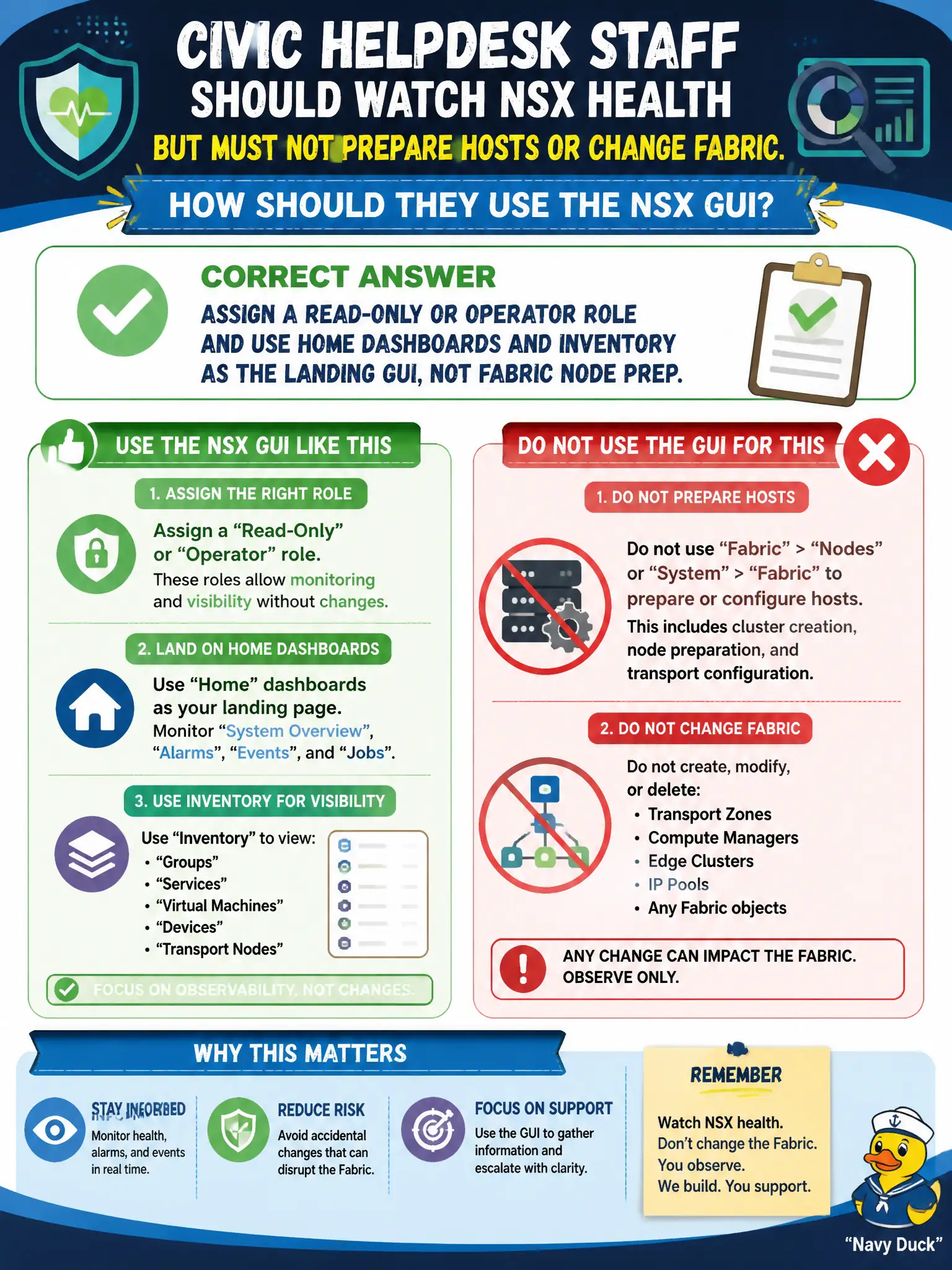
Civic helpdesk staff should watch NSX health but must not prepare hosts or change Fabric. How should they use the NSX GUI?
Select an answer to reveal the explanation.
Short Explanation
Helpdesk watches the lobby status board; they do not rewire the building. Give them a read-only or operator role and park them on Home dashboards. Fabric prep is an admin counter.
Full Explanation
Civic helpdesk staff who should watch NSX health but must not prepare hosts or change Fabric should receive a read-only or operator role and use Home dashboards and inventory as the landing GUI—not Fabric node prep. Granting Enterprise Admin so helpdesk can open System Fabric node preparation violates least privilege and invites accidental host prep. Sending them to the ESXi DCUI on each host is not an NSX helpdesk landing page and exposes host consoles. Opening System → Fabric → Nodes and letting helpdesk apply transport-node profiles is administrative fabric work outside helpdesk scope. Exam caveat: role choice must block Fabric writes while still allowing alarm and inventory visibility used in civic triage. Operational check: assign read-only/operator, have helpdesk open Home Monitoring Dashboards and Inventory, confirm Fabric prepare actions are unavailable, and document that landing path in the helpdesk SOP. In municipal operations, record the chosen control and the rejected alternatives in the change ticket so future on-call staff understand which failure modes would affect city services. Re-validate after the next maintenance window that the same GUI path and realized state still hold under the current NSX build used by the civic platform team.