
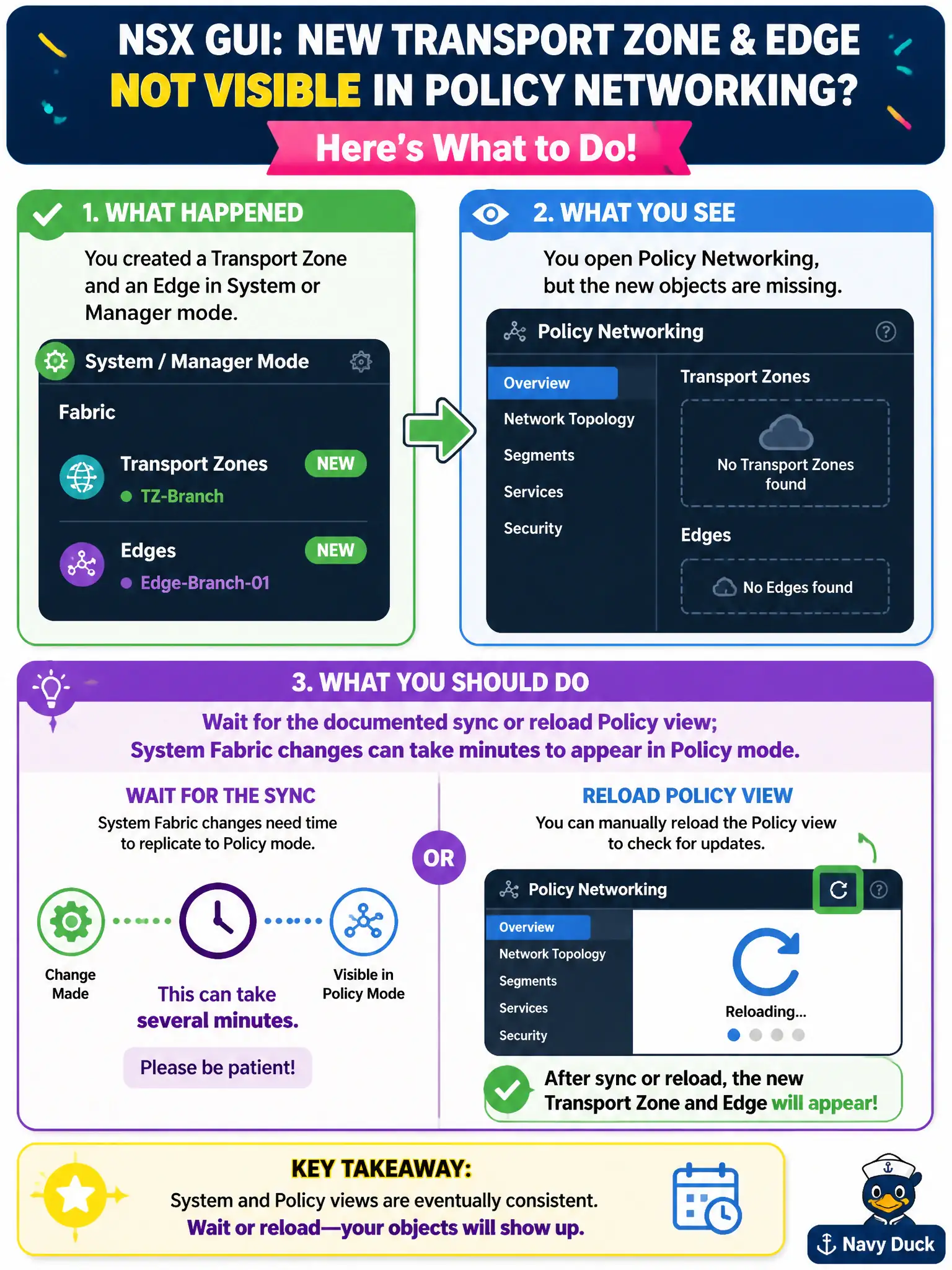
After a county operator creates a transport zone and Edge in System or Manager mode, the Policy Networking menu still omits those objects. What should the operator do in the NSX GUI?
Select an answer to reveal the explanation.
Short Explanation
The new civic hallway is built downstairs; the upstairs directory just needs a minute to catch up. Wait or reload Policy view. Do not buy Horizon, a second NSX, or a new vSAN to make the menu update.
Full Explanation
After a county operator creates a transport zone and Edge in System or Manager mode and Policy Networking still omits those objects, the operator should wait for the documented sync or reload the Policy view—System Fabric changes can take minutes to appear in Policy mode. Installing a Horizon Connection Server so Policy can see NSX fabric objects adds an unrelated EUC component. Deploying a second NSX product because Policy cannot show Fabric objects misunderstands sync delay as product absence. Rebuilding the vSAN cluster so transport zones appear under Policy confuses storage rebuilds with NSX inventory propagation. Exam caveat: persistent absence after sync windows may indicate realization or inventory errors—check alarms before recreating objects and causing duplicates. Operational check: create or note the transport zone/Edge in System, wait the documented interval or reload Policy Networking, confirm the objects appear, and only then attach Policy segments or gateways that depend on them. In municipal operations, record the chosen control and the rejected alternatives in the change ticket so future on-call staff understand which failure modes would affect city services. Re-validate after the next maintenance window that the same GUI path and realized state still hold under the current NSX build used by the civic platform team.