
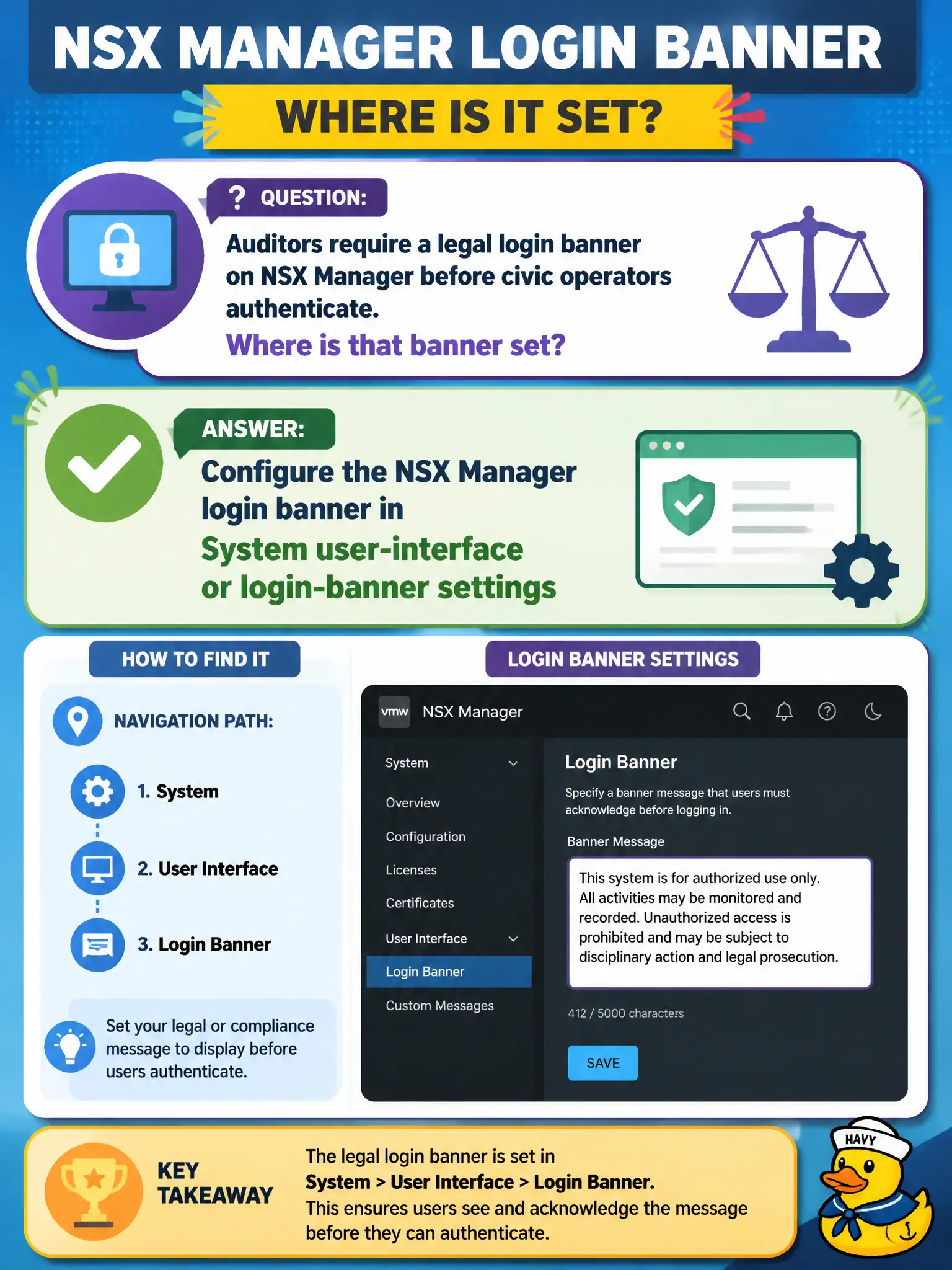
Auditors require a legal login banner on NSX Manager before civic operators authenticate. Where is that banner set?
Select an answer to reveal the explanation.
Short Explanation
The login banner is the plaque on the NSX Manager front door, set in System UI / login-banner settings. A DFW reject, Horizon branding, and HA messages hang on other doors.
Full Explanation
Auditors requiring a legal login banner on NSX Manager set that banner in System user-interface or login-banner settings so civic operators see the notice before authentication. That is a Manager UI/legal control, not a data-plane rule. A Distributed Firewall reject message is packet rejection text on the wire, not the Manager HTTPS login banner. Branding Horizon HTML Access changes the VDI splash screen, not NSX Manager’s login legal notice. vSphere HA admission-control messaging is unrelated to NSX Manager login banners. Exam caveat: banner text should match city legal counsel language and appear on the VIP/UI URL operators actually use; verify after Manager upgrades that custom banners persist. Operational check: set the approved banner text, open a private browser to the Manager URL, confirm the banner before login, and file a screenshot with the auditor evidence package. In municipal operations, record the chosen control and the rejected alternatives in the change ticket so future on-call staff understand which failure modes would affect city services. Re-validate after the next maintenance window that the same GUI path and realized state still hold under the current NSX build used by the civic platform team.