
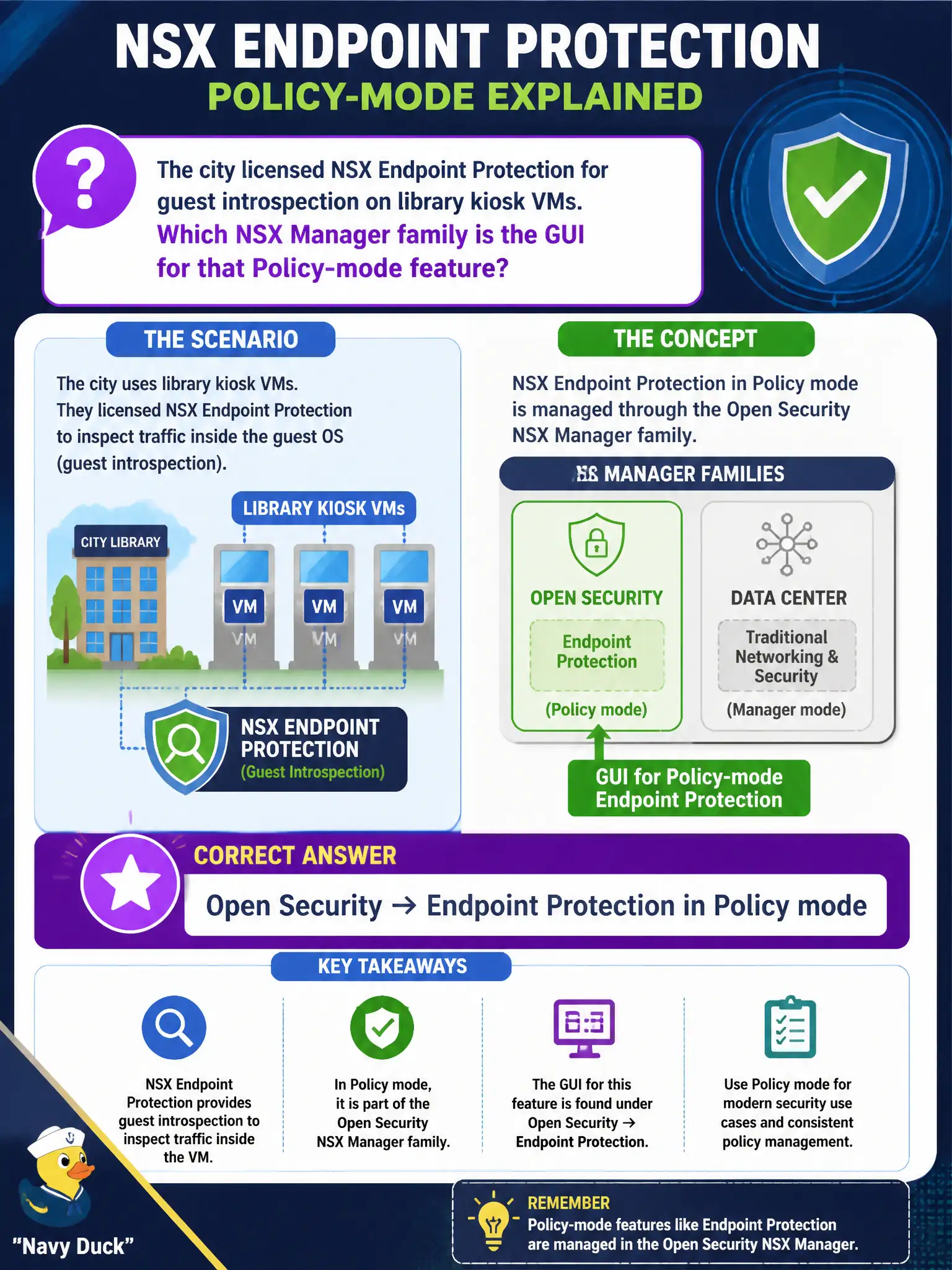
The city licensed NSX Endpoint Protection for guest introspection on library kiosk VMs. Which NSX Manager family is the GUI for that Policy-mode feature?
Select an answer to reveal the explanation.
Short Explanation
NSX Endpoint Protection is a Security menu on the NSX Manager in Policy mode. Think of it as the library’s partner-SVM checkpoint inside NSX, not the Carbon Black Cloud website, Horizon Hub, or a NAT rule.
Full Explanation
NSX Endpoint Protection for guest introspection on library kiosk VMs is configured in Policy mode under Security → Endpoint Protection. That is the NSX Manager GUI family for the licensed guest introspection endpoint-protection feature on civic kiosks, separate from adjacent security products’ consoles. Using the Carbon Black Cloud console as “this exam’s NSX Endpoint Protection GUI” fails the VCTA-NV identify-the-NSX-menu objective even if Carbon Black is used elsewhere in the city. Horizon Intelligent Hub enrollment is EUC workspace access, not NSX guest introspection policy. A source NAT rule under Networking → NAT performs address translation and cannot stand in for endpoint protection. Exam caveat: Endpoint Protection depends on guest introspection deployment health—policy in the GUI will not protect kiosks if the introspection service VM/agent path is unhealthy. Operational check: open Security → Endpoint Protection in Policy mode, assign the library kiosk group, confirm introspection status, and document policy name in the library kiosk hardening checklist. In municipal operations, record the chosen control and the rejected alternatives in the change ticket so future on-call staff understand which failure modes would affect city services. Re-validate after the next maintenance window that the same GUI path and realized state still hold under the current NSX build used by the civic platform team.