
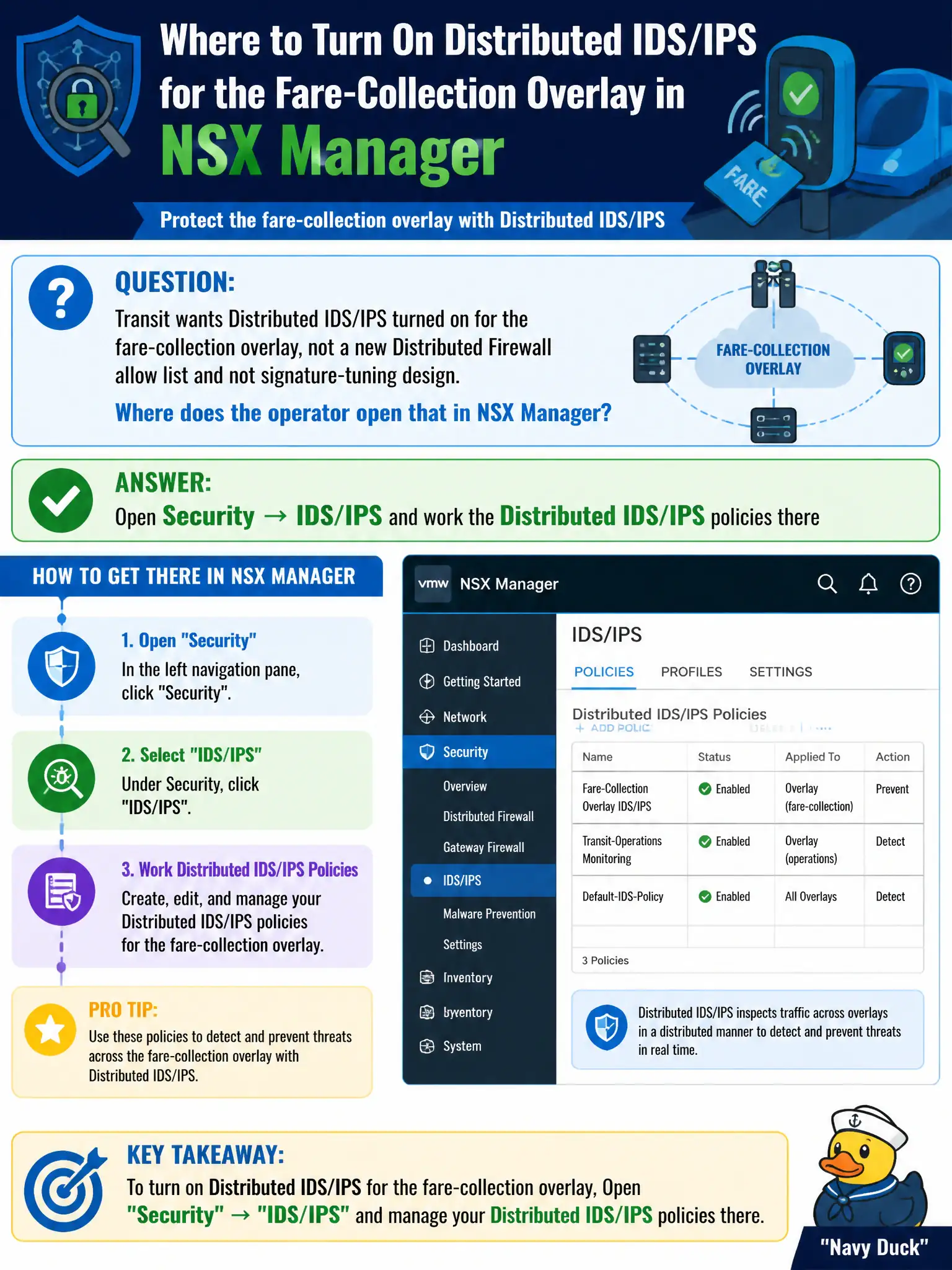
Transit wants Distributed IDS/IPS turned on for the fare-collection overlay, not a new Distributed Firewall allow list and not signature-tuning design. Where does the operator open that in NSX Manager?
Select an answer to reveal the explanation.
Short Explanation
Distributed IDS is a separate security camera system from the DFW door locks. You turn those cameras on under Security → IDS/IPS—not with DHCP, Carbon Black, or the license page as the camera console.
Full Explanation
Transit’s goal to turn on Distributed IDS/IPS for the fare-collection overlay is handled under Security → IDS/IPS, working Distributed IDS/IPS policies there. That Security family is distinct from authoring another DFW allow list and from deep signature-tuning design work; associate operators open IDS/IPS for detection/prevention on the civic fare path. Enabling DHCP on the fare-collection segment issues leases; leases are not IDS. A Carbon Black Cloud watchlist is EDR detection, not NSX Distributed IDS/IPS policy. Writing signatures on System → Licenses is nonsense—Licenses unlock features; they are not the IDS/IPS policy UI. Exam caveat: IDS/IPS requires appropriate licensing and profiles; enabling the menu without assigning policies to the fare-collection workloads yields no inspection. Operational check: open Security → IDS/IPS, attach a suitable profile/policy to the fare-collection group or segment path, publish, generate a lab signature event if available, and confirm events reach the municipal SOC workflow. In municipal operations, record the chosen control and the rejected alternatives in the change ticket so future on-call staff understand which failure modes would affect city services. Re-validate after the next maintenance window that the same GUI path and realized state still hold under the current NSX build used by the civic platform team.