
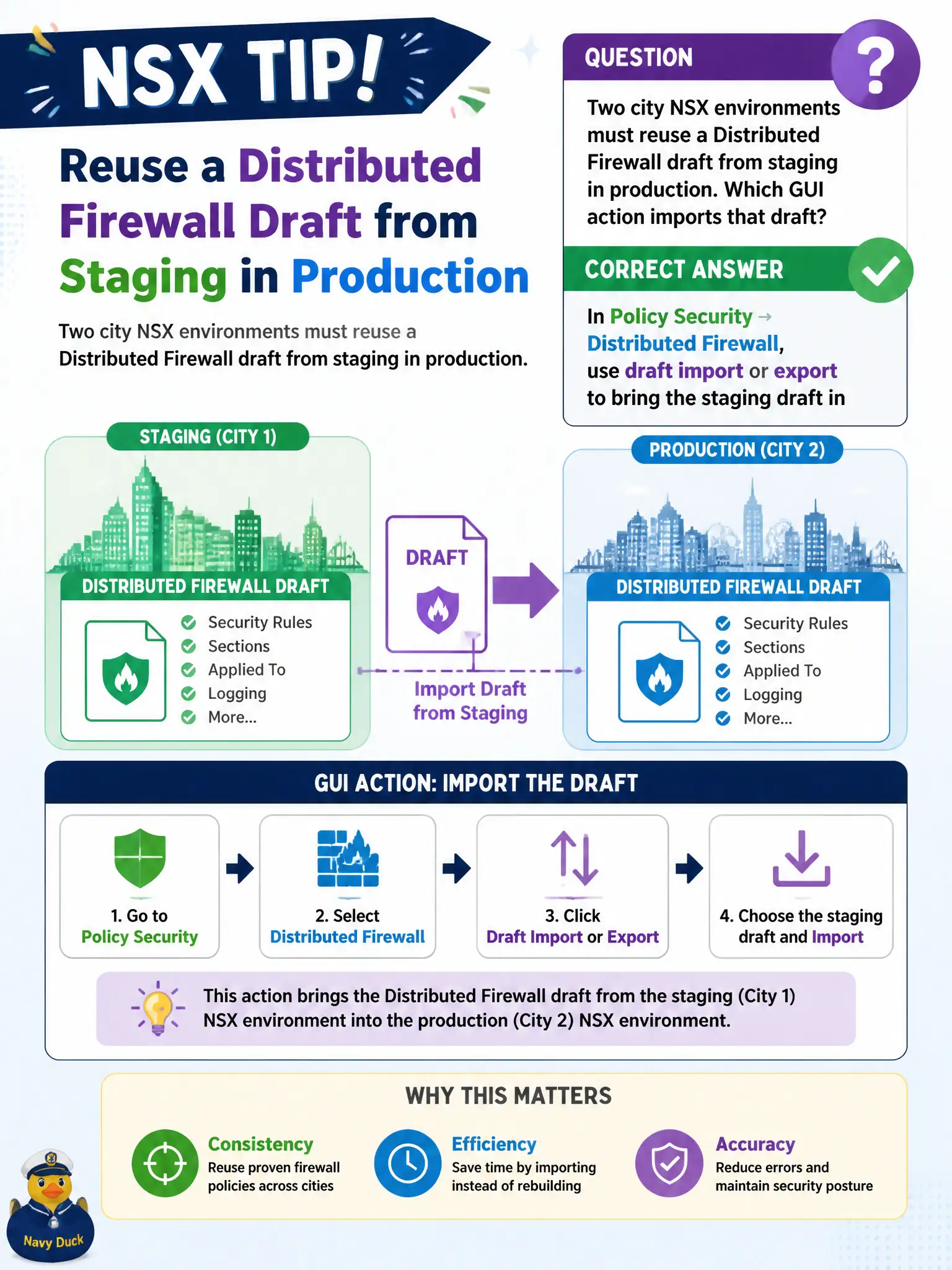
Two city NSX environments must reuse a Distributed Firewall draft from staging in production. Which GUI action imports that draft?
Select an answer to reveal the explanation.
Short Explanation
A DFW draft is a stack of paper building codes you can copy between city halls. Policy Security’s Distributed Firewall import/export is the photocopier—vCenter alarms, Horizon pools, and support bundles are not.
Full Explanation
Two city NSX environments reusing a Distributed Firewall draft from staging into production use Policy Security → Distributed Firewall draft import/export. That GUI action brings the staging draft into the production Policy DFW workspace so security engineers can review and publish without retyping every civic rule. Pasting draft XML into a vCenter alarm definition will never make NSX consume firewall drafts; alarms are vSphere alerting objects. Importing a draft as a Horizon desktop pool entitlement confuses EUC entitlements with NSX security policy artifacts. Uploading under System → Support Bundle treats the file as a log/support archive, not a DFW draft import. Exam caveat: importing a draft is not the same as publishing—production still needs review, conflict checks, and Publish before transport nodes enforce the staging content. Operational check: export the approved staging draft, import into production DFW drafts, diff against live policy, publish in a change window, and verify a sample city application path. In municipal operations, record the chosen control and the rejected alternatives in the change ticket so future on-call staff understand which failure modes would affect city services. Re-validate after the next maintenance window that the same GUI path and realized state still hold under the current NSX build used by the civic platform team.