
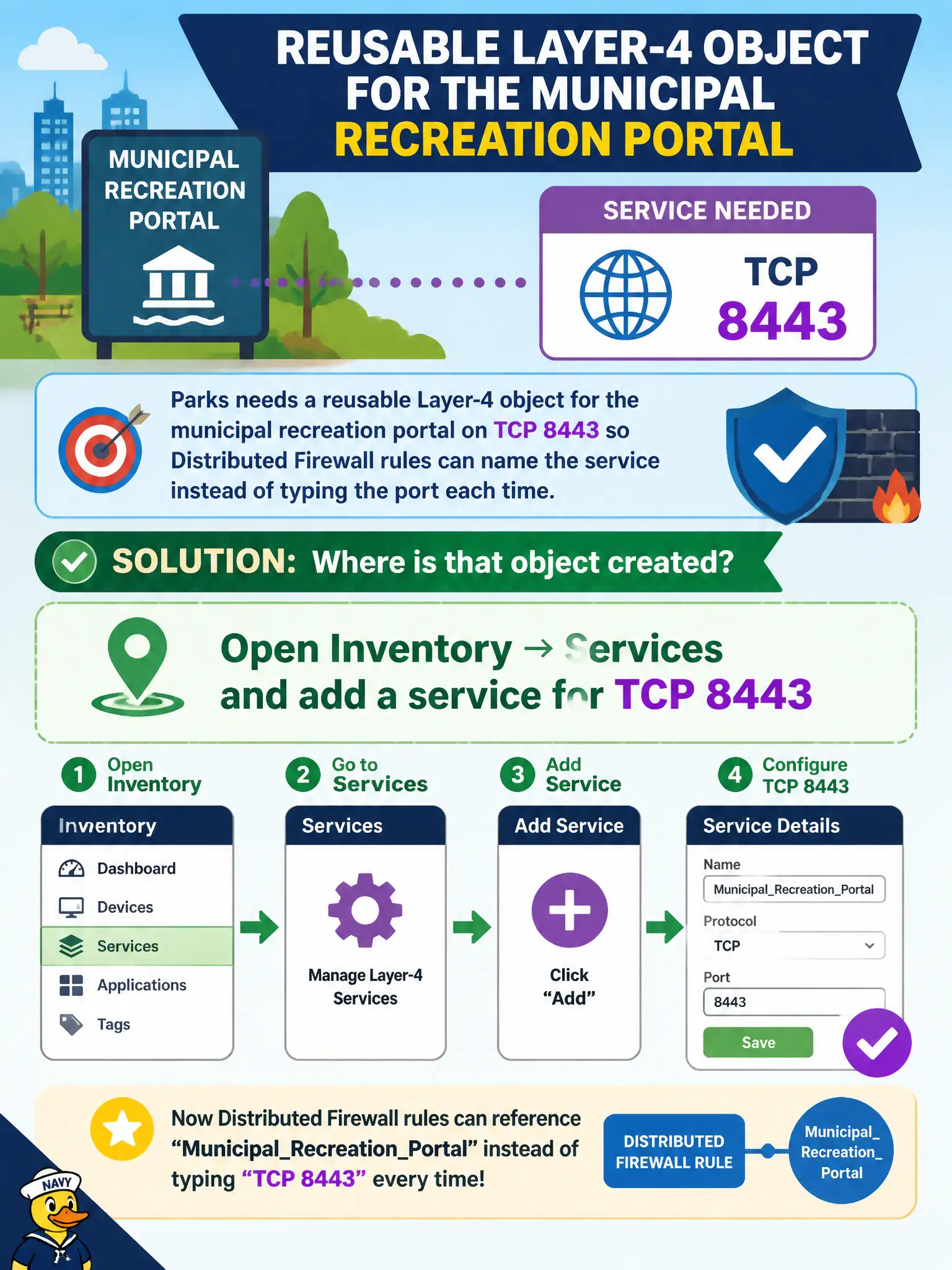
Parks needs a reusable Layer-4 object for the municipal recreation portal on TCP 8443 so Distributed Firewall rules can name the service instead of typing the port each time. Where is that object created?
Select an answer to reveal the explanation.
Short Explanation
A named service is a city form number: fill it out once in Inventory → Services, then every DFW rule can say “recreation portal” instead of scribbling 8443 again. Load-balancer pools, uplink profiles, and vSphere shaping are not that form.
Full Explanation
Parks needs a reusable Layer-4 object for TCP 8443 on the municipal recreation portal so DFW rules can reference a named service. That object is created under Inventory → Services by adding a service for TCP 8443—the civic service catalog entry reused across rules instead of retyping the port. Defining the port only as a load-balancing server pool under Networking does not create an Inventory service for Distributed Firewall reuse. Uplink profiles under System → Fabric → Profiles configure host teaming/MTU, not L4 service objects for firewall rules. vSphere distributed port-group traffic shaping is QoS on a DVPG; it is not an NSX Inventory service definition. Exam caveat: Inventory Services are referenced by DFW/Gateway rules—creating the service does nothing until rules use it and policy is published. Operational check: create the TCP 8443 service in Inventory → Services, reference it in the recreation-portal DFW rules, publish, verify hits on 8443, and name the service clearly (for example MunicRec-8443) in the parks security catalog. Reuse the named Inventory service across Gateway Firewall and DFW where appropriate so parks keeps a single TCP 8443 definition; deprecate ad-hoc raw-port rules during the next policy hygiene pass.