
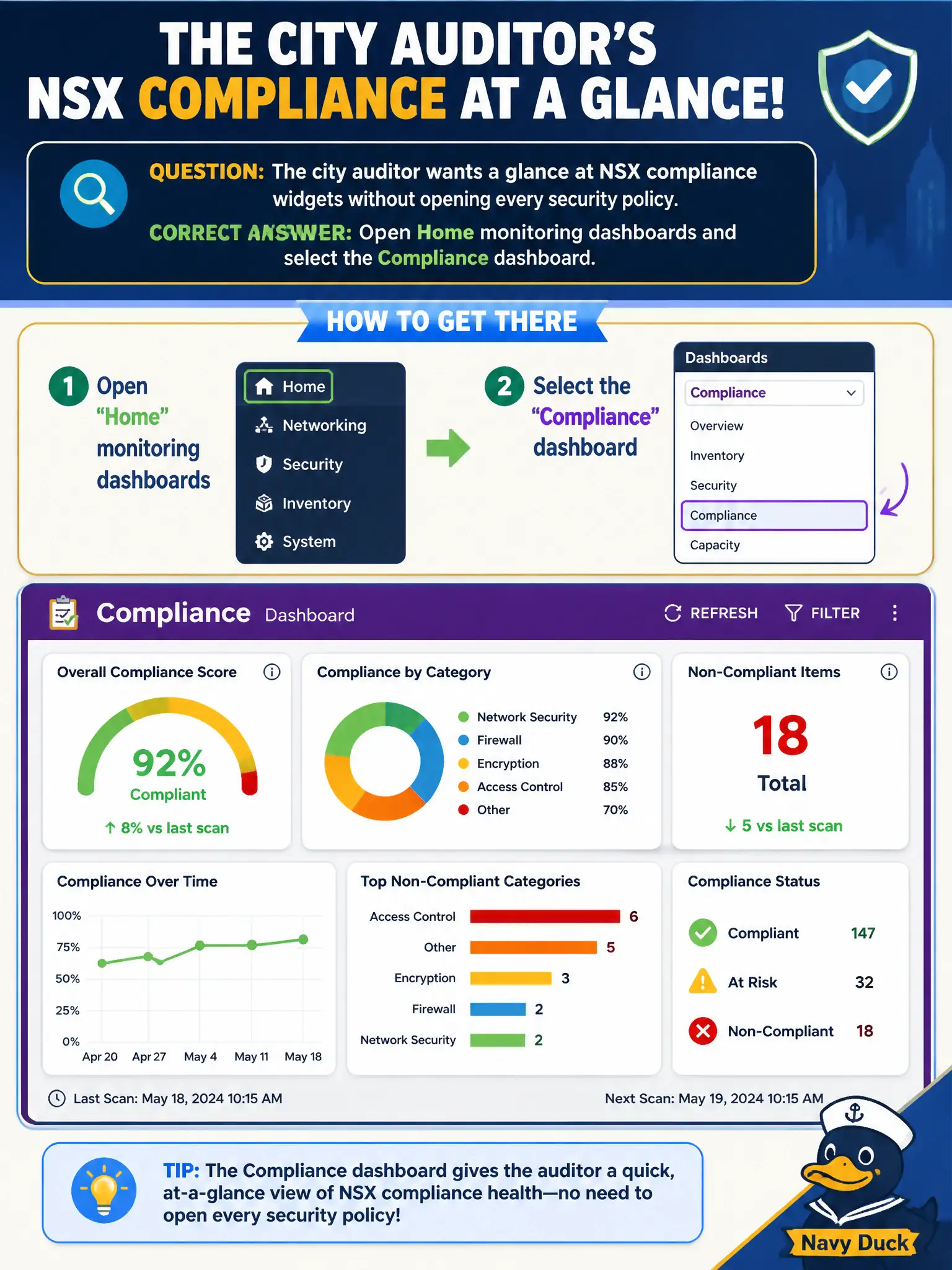
The city auditor wants a glance at NSX compliance widgets without opening every security policy. Which GUI area shows those compliance dashboard widgets?
Select an answer to reveal the explanation.
Short Explanation
Compliance widgets are the lobby scoreboard, not the filing cabinets behind each clerk. Home monitoring dashboards already roll that scoreboard up—Inventory services, vSAN health, and Horizon Help Desk are different buildings.
Full Explanation
The city auditor’s glance at NSX compliance widgets belongs on Home monitoring dashboards by selecting the Compliance dashboard. That GUI area aggregates compliance-oriented widgets without opening every security policy—suitable for municipal audit walkthroughs of firewall posture summaries. Inventory → Services is the L4/L7 service catalog for rules, not the compliance dashboard. vSAN Skyline Health monitors storage health, not NSX overlay firewall compliance widgets. Horizon Help Desk session metrics measure VDI sessions, not NSX compliance. Exam caveat: dashboard compliance widgets summarize; they do not replace exporting or reviewing actual DFW/Gateway policies for a formal audit finding. Operational check: open Home → Compliance (or Compliance dashboard), capture a screenshot for the auditor package, drill into any failed widgets to the underlying policy, and file the snapshot with the city’s quarterly IT compliance evidence. Use the Compliance dashboard as an opening slide for audit meetings, then deep-link from failed widgets into the exact DFW or gateway policies so the auditor sees both summary posture and authoritative rule evidence. Retain dated screenshots in the municipal compliance share so quarterly comparisons show whether civic NSX posture improved after policy remediations.