
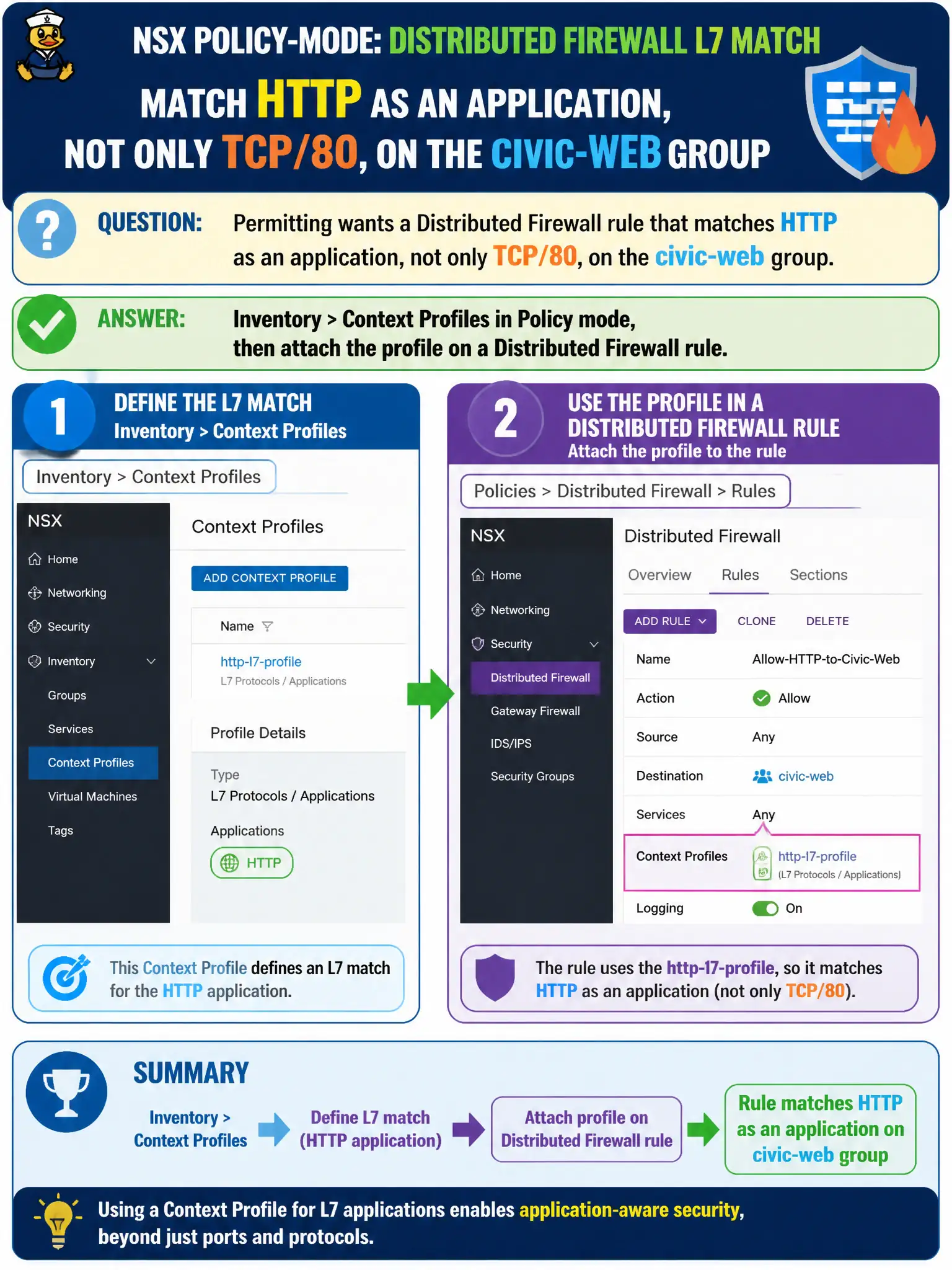
Permitting wants a Distributed Firewall rule that matches HTTP as an application, not only TCP/80, on the civic-web group. Where in Policy-mode NSX Manager is that L7 match defined and then used?
Select an answer to reveal the explanation.
Short Explanation
Port 80 is just the door number; HTTP is the kind of conversation. In Policy mode you define that APP-ID as a context profile under Inventory, then hang it on a DFW rule.
Full Explanation
Permitting’s need to match HTTP as an application—not only TCP/80—uses Policy-mode Context Profiles (L7/APP-ID style attributes) created under Inventory > Context Profiles and then attached on a Distributed Firewall rule that applies to the civic-web group. That is how NSX expresses application-aware matching for municipal web workloads beyond raw ports. System > Fabric > Uplink Profiles define host NIC teaming and MTU; APP-ID is not an uplink teaming mode. Manager-mode Logical Switches are L2 network objects; Context Profiles for Policy DFW are Policy inventory constructs, not “Manager-only” switch features. vRealize Operations dashboards may show metrics but do not define or attach L7 context profiles used by DFW rules. Exam caveat: Context Profile matches still require correct Applied To/groups and a published DFW policy—creating the profile alone does not enforce HTTP identification on the civic-web group. Operational check: create or select an HTTP context profile in Inventory > Context Profiles, attach it on the permitting DFW rule for the civic-web group, publish, generate HTTP traffic, and confirm hits; record profile and rule IDs in the permitting security baseline. In civic permitting environments, prefer Context Profiles when multiple apps share ports or when port-only rules would over-permit; re-validate after NSX or guest introspection updates that the HTTP match still hits in production traffic samples.