
City 311 helpdesk must view NSX objects without changing policy. Where in NSX Manager does the operator assign a read-only (auditor) role rather than relying on vSphere permissions alone?
Select an answer to reveal the explanation.
Short Explanation
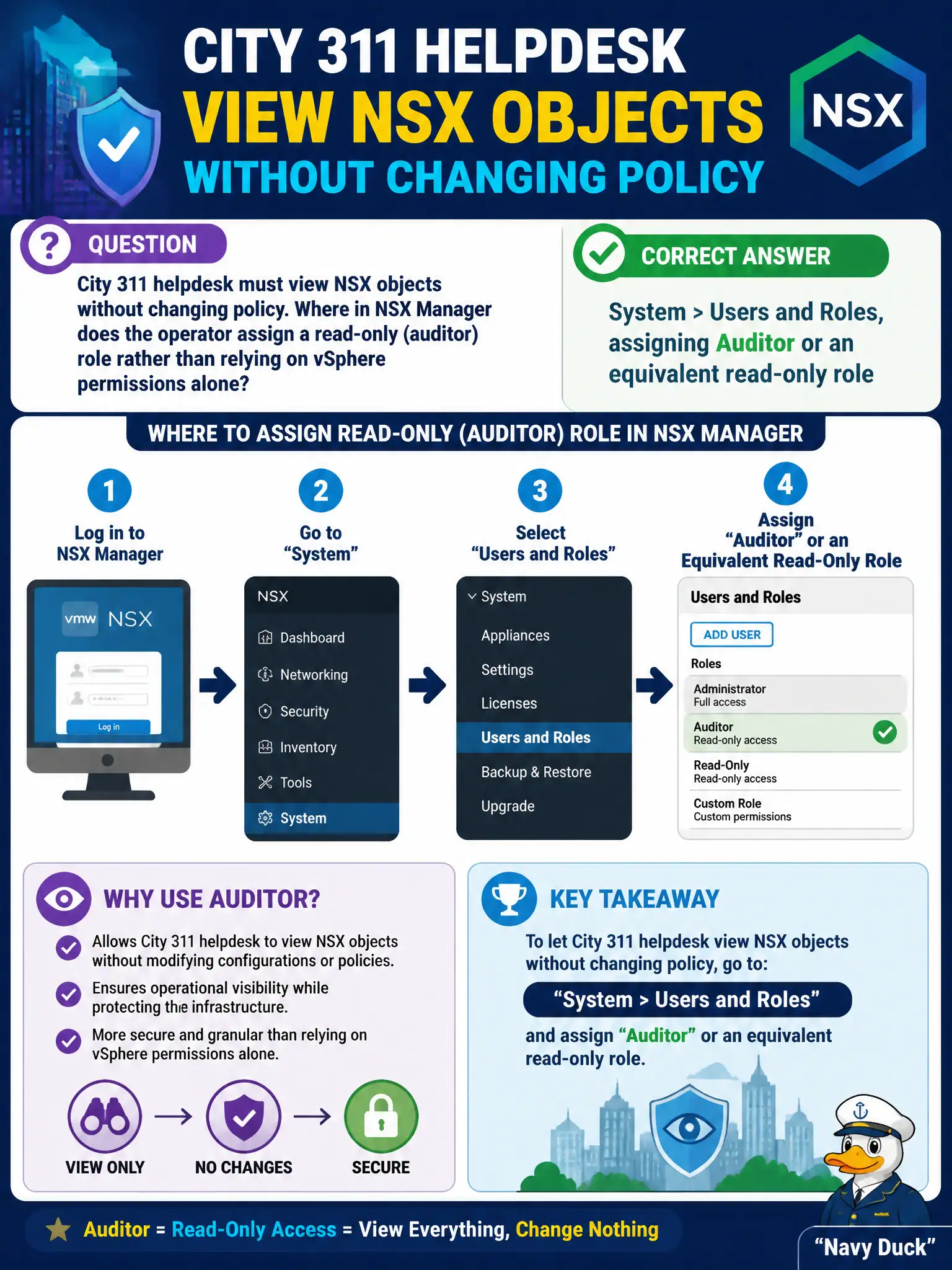
Letting 311 look but not touch is a badge in the NSX front office, not a firewall rule named ReadOnly. Assign Auditor (or similar) under System > Users and Roles.
Full Explanation
City 311 helpdesk needs view-only access to NSX objects. NSX RBAC is assigned in NSX Manager under System > Users and Roles, where Auditor (or an equivalent read-only role) grants inspection without policy change. That badge is an NSX front-office control and must not be assumed from vSphere permissions alone. Networking > NAT is wrong: SNAT/DNAT translations are data-path address mappings, not RBAC role assignments for helpdesk identities. Creating a Distributed Firewall rule named ReadOnly does not confer UI permissions; rule names are not authorization objects. Horizon entitlements publish desktops; they do not grant NSX Manager roles. Exam caveat: vSphere Admin does not automatically imply NSX Enterprise Admin—assign NSX roles explicitly for civic least privilege. Operational check: map 311 accounts or groups to Auditor under Users and Roles, verify they can open inventory but cannot publish policy, and document the role mapping in the municipal access-control matrix. After assigning Auditor, have 311 attempt a harmless policy edit in a lab or non-prod Manager to prove denial, then confirm read access to segments and groups used by city services so the helpdesk can triage without elevating to Enterprise Admin.