
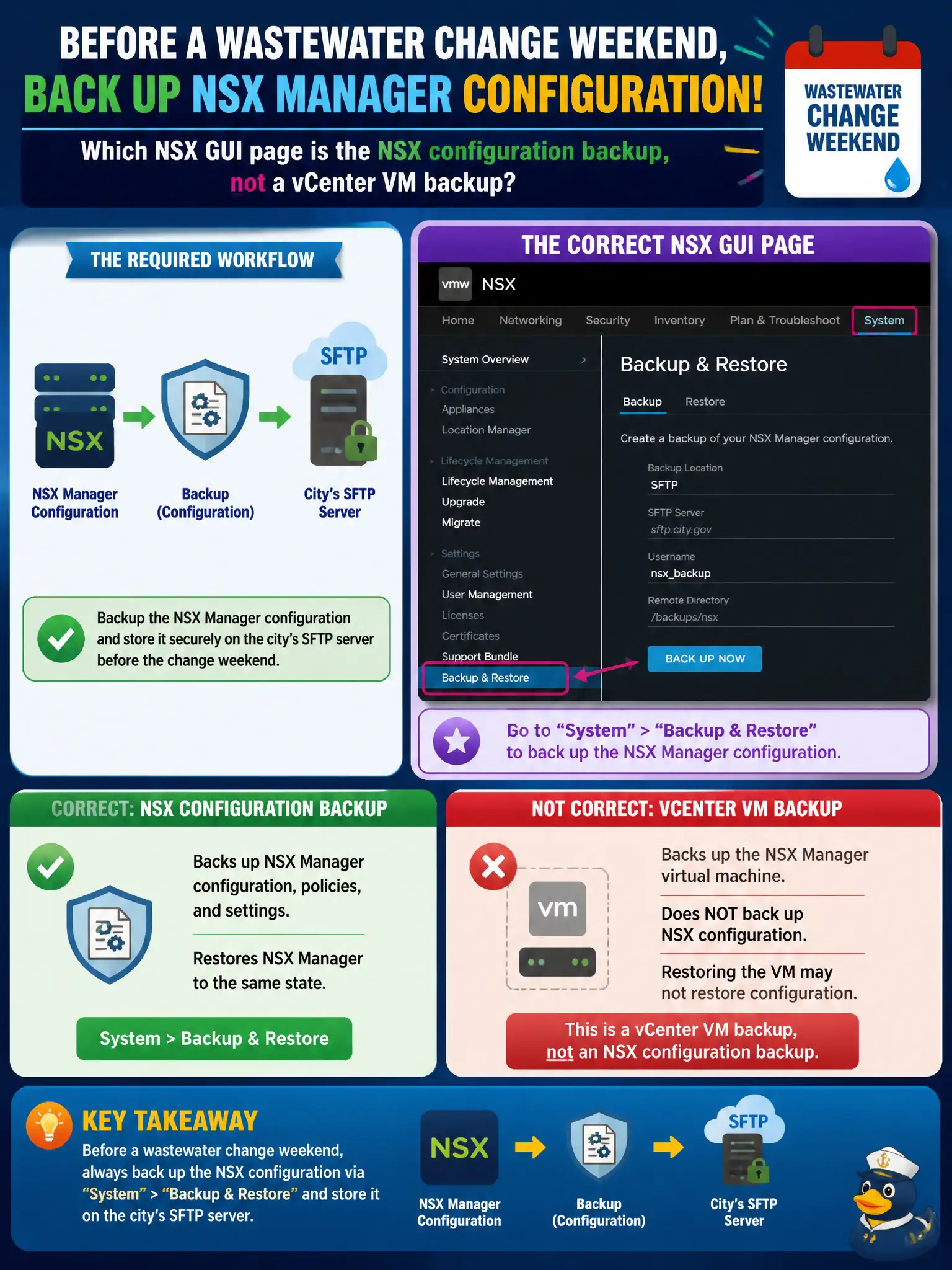
Before a wastewater change weekend, operations must back up NSX Manager configuration to the city's SFTP server. Which NSX GUI page is the NSX configuration backup, not a vCenter VM backup?
Select an answer to reveal the explanation.
Short Explanation
Backing up the Edge VMs is like photocopying the trucks and calling it the street map. The NSX policy map is saved from System > Backup & Restore to SFTP.
Full Explanation
NSX Manager configuration backup and restore are configured on System > Backup & Restore, including SFTP target, passphrase, and schedule. That path captures NSX policy and system configuration for a wastewater change weekend—the street map for the civic fabric—not a photocopy of Edge VM disks. Inventory > Tags is incorrect: tags are metadata for grouping; they are not configuration backup snapshots. Backing up Edge VMs in vCenter alone fails by concept: Edge guest backups do not capture the NSX Manager policy database that defines segments, gateways, and security; Manager Backup & Restore is required for NSX config. Traceflow exports are troubleshooting artifacts, not a configuration backup. Exam caveat: Backup & Restore covers NSX Manager configuration; it is not a substitute for vCenter, ESXi, or guest OS backups of workload VMs. Operational check: configure SFTP to the city backup server, run an on-demand backup before the change window, verify backup status success, store the passphrase per vault policy, and note restore contact in the wastewater runbook. For civic wastewater weekends, also verify that the SFTP account can write from both NSX Manager nodes if clustered, retain the latest successful backup fingerprint in the change ticket, and rehearse who would run Restore if policy publish fails mid-window.