
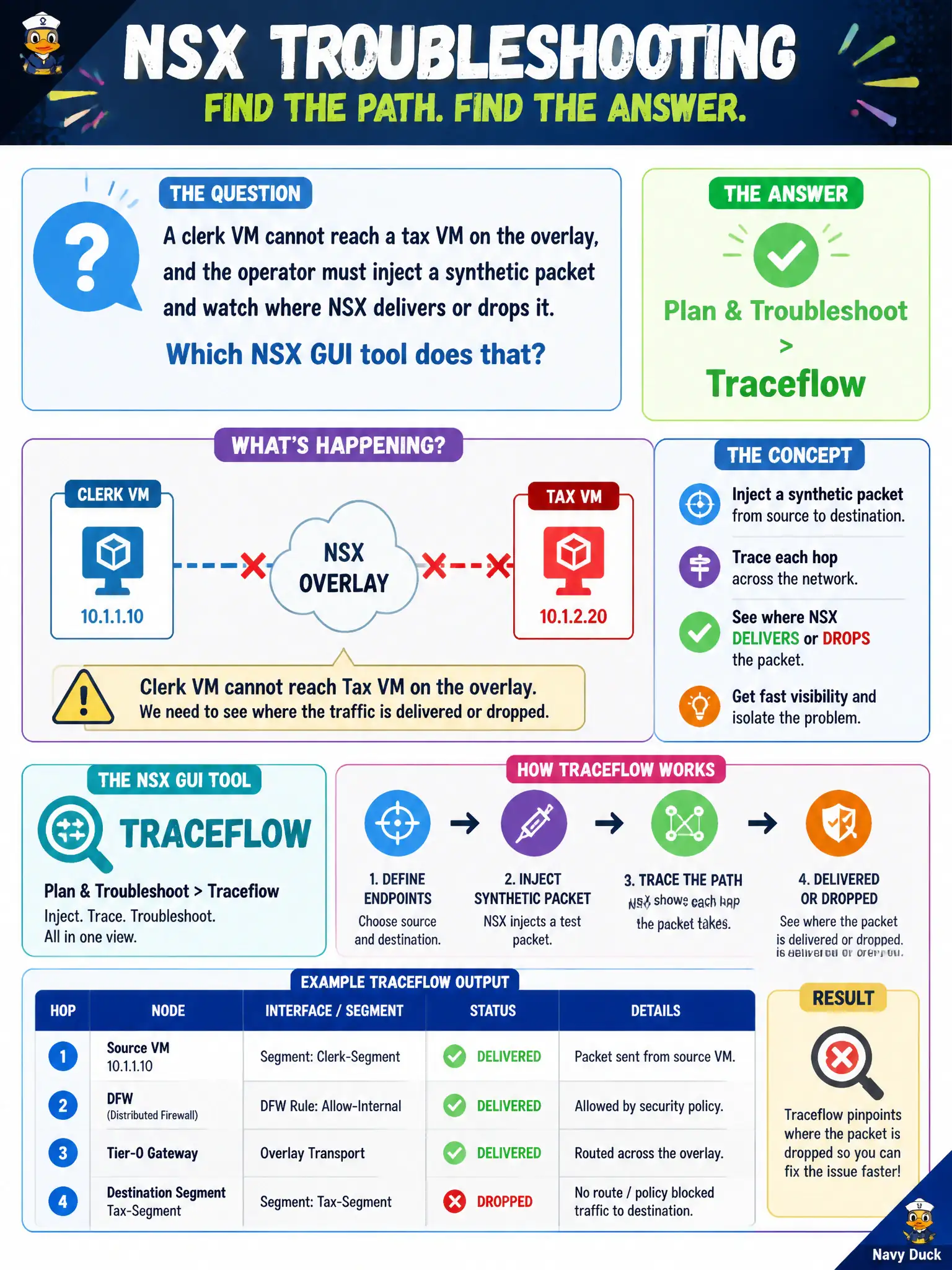
A clerk VM cannot reach a tax VM on the overlay, and the operator must inject a synthetic packet and watch where NSX delivers or drops it. Which NSX GUI tool does that?
Select an answer to reveal the explanation.
Short Explanation
Traceflow is a flare you shoot along the path so you can see which door stopped it. That tool sits under Plan & Troubleshoot—not under licenses or Gateway Firewall alone.
Full Explanation
When a clerk VM cannot reach a tax VM on the overlay, Traceflow injects a synthetic packet and reports where NSX delivers or drops it, including Distributed Firewall and routing observation points. The tool lives under Plan & Troubleshoot > Traceflow and is the civic flare along the path between municipal workloads. System > Licenses is unrelated: a blocked overlay packet is a path or policy issue, not proof of an unlicensed feature. Inventory > Services lists service objects used in rules; Traceflow is not a per-VM service attachment in Inventory. Security > Gateway Firewall alone is insufficient and conceptually wrong for exclusive east-west tracing: east-west often hits distributed routing and DFW on hosts; Gateway Firewall is primarily north-south on Edges, and Traceflow is the dedicated path tool. Exam caveat: Traceflow shows the observed logical path at injection time—it does not permanently change firewall policy; fix the deny with the correct rule or group after interpreting the drop point. Operational check: run Traceflow from clerk to tax VM with matching protocol/port, note the first drop or delivery hop, correlate with DFW/gateway rules, remediate, and attach the Traceflow result ID to the 311 or tax-portal ticket.