
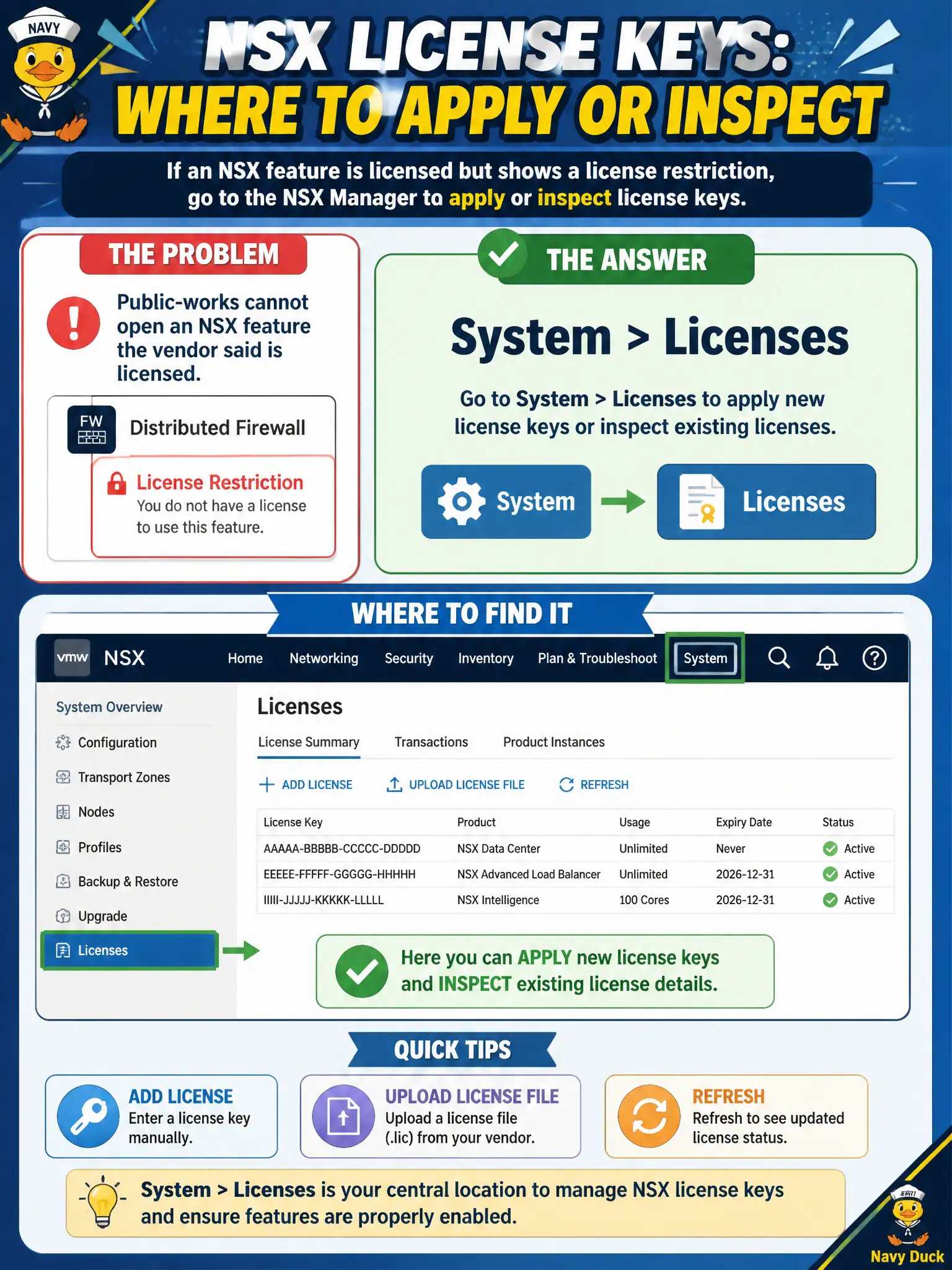
Public-works cannot open an NSX feature the vendor said is licensed, and the GUI shows a license restriction. Where does the operator apply or inspect NSX license keys?
Select an answer to reveal the explanation.
Short Explanation
If the vending machine says 'no license,' you add coins in the license drawer—not in the firewall or the load balancer. That drawer is System > Licenses in NSX Manager.
Full Explanation
NSX feature availability is enforced by license keys applied in NSX Manager under System > Licenses. When public-works cannot open a vendor-licensed feature and the GUI reports a license restriction, the operator applies or inspects keys on that Licenses page—the license drawer for the civic NSX deployment—not in data-plane menus. Security > Gateway Firewall is wrong because T0/T1 rule sections do not install or display NSX license entitlements. vSphere Client VM storage policies govern vSAN/VM disk placement; NSX licenses are not stored as vSAN storage policies. Networking > Load Balancing certificate uploads for VIPs are TLS material for services, not the mechanism that unlocks NSX feature packs. Exam caveat: a valid license can still leave a feature unavailable if the edition does not include it—read the license edition and feature matrix, not only the expiration date. Operational check: open System > Licenses, confirm product, edition, and expiration for the township NSX Managers, apply the correct key if missing, then retest the restricted feature and attach a license screenshot to the municipal asset record. In municipal operations, treat license changes as a controlled change: apply keys on both Managers in an HA pair if required by the version, wait for sync, and confirm the public-works feature tile no longer shows a license lock before closing the ticket.