
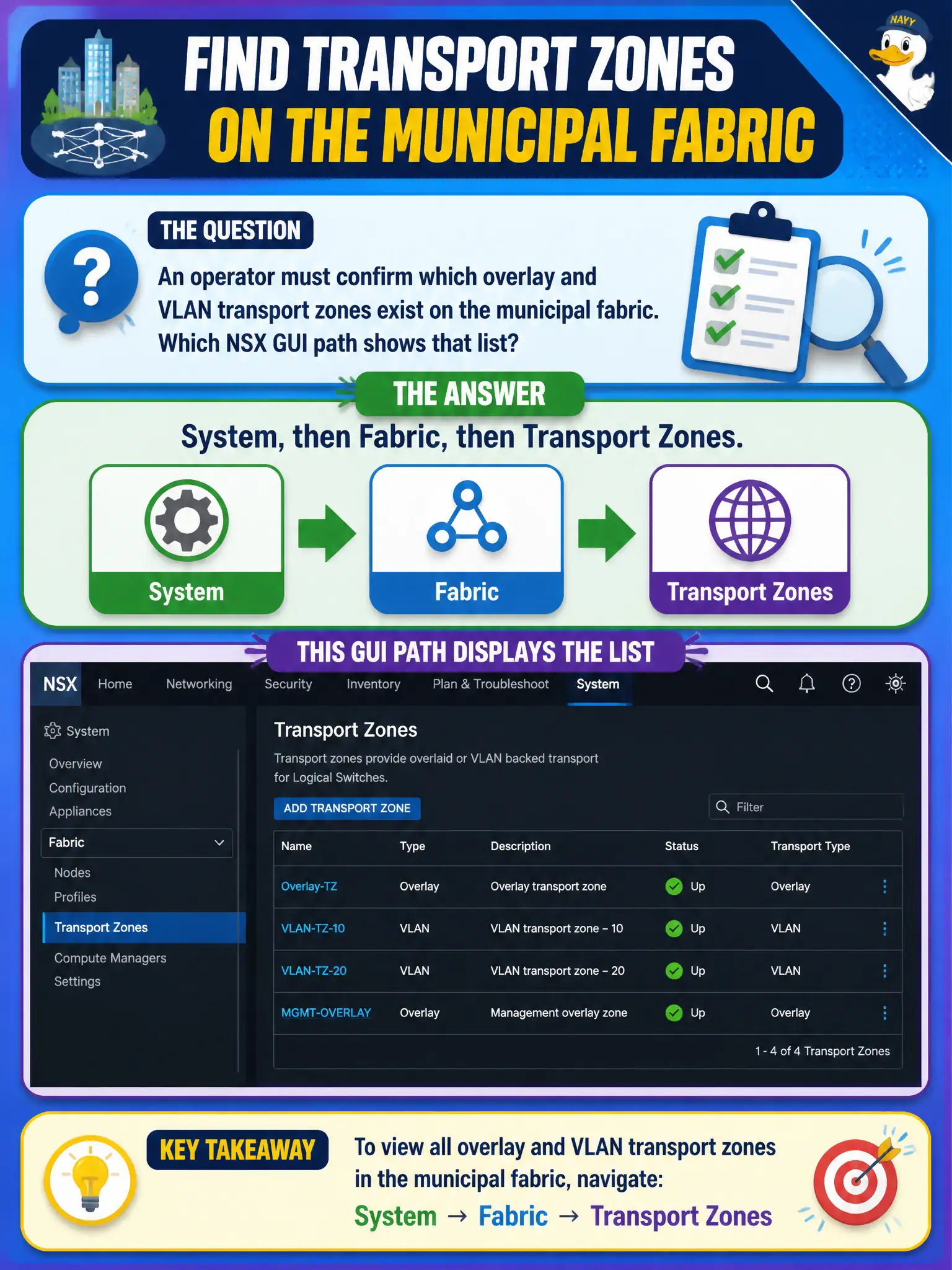
An operator must confirm which overlay and VLAN transport zones exist on the municipal fabric. Which NSX GUI path shows that list?
Select an answer to reveal the explanation.
Short Explanation
Transport zones are the neighborhoods the fabric knows about, and they live under System, then Fabric. DFW, Horizon Inventory, and the alarm pane are not that map.
Full Explanation
Overlay and VLAN transport zones are viewed and managed under System, then Fabric, then Transport Zones. Transport zones are the neighborhoods the municipal fabric knows about, and that inventory lives under System Fabric—not under DFW, Horizon, or the alarm pane alone. Distributed Firewall does not list transport zones. Horizon Inventory is an EUC view. Home Alarms may surface faults but is not the inventory of transport zones. Exam caveat: operators confirm both overlay and VLAN zones exist and are correctly assigned to nodes before troubleshooting missing segments. Operational check: open System Fabric Transport Zones, list overlay and VLAN zones on the municipal fabric, confirm expected nodes are members, and reject Security DFW, Horizon Inventory, and Home Alarms as the TZ list path. Document the civic rationale in the change record so the next operator can restate why the correct control matches the agency outcome, why each distractor fails by concept, and which NSX Manager view confirms the result after publish. Document the civic rationale in the change record so the next operator can restate why the correct control matches the agency outcome, why each distractor fails by concept, and which NSX Manager view confirms the result after publish.