
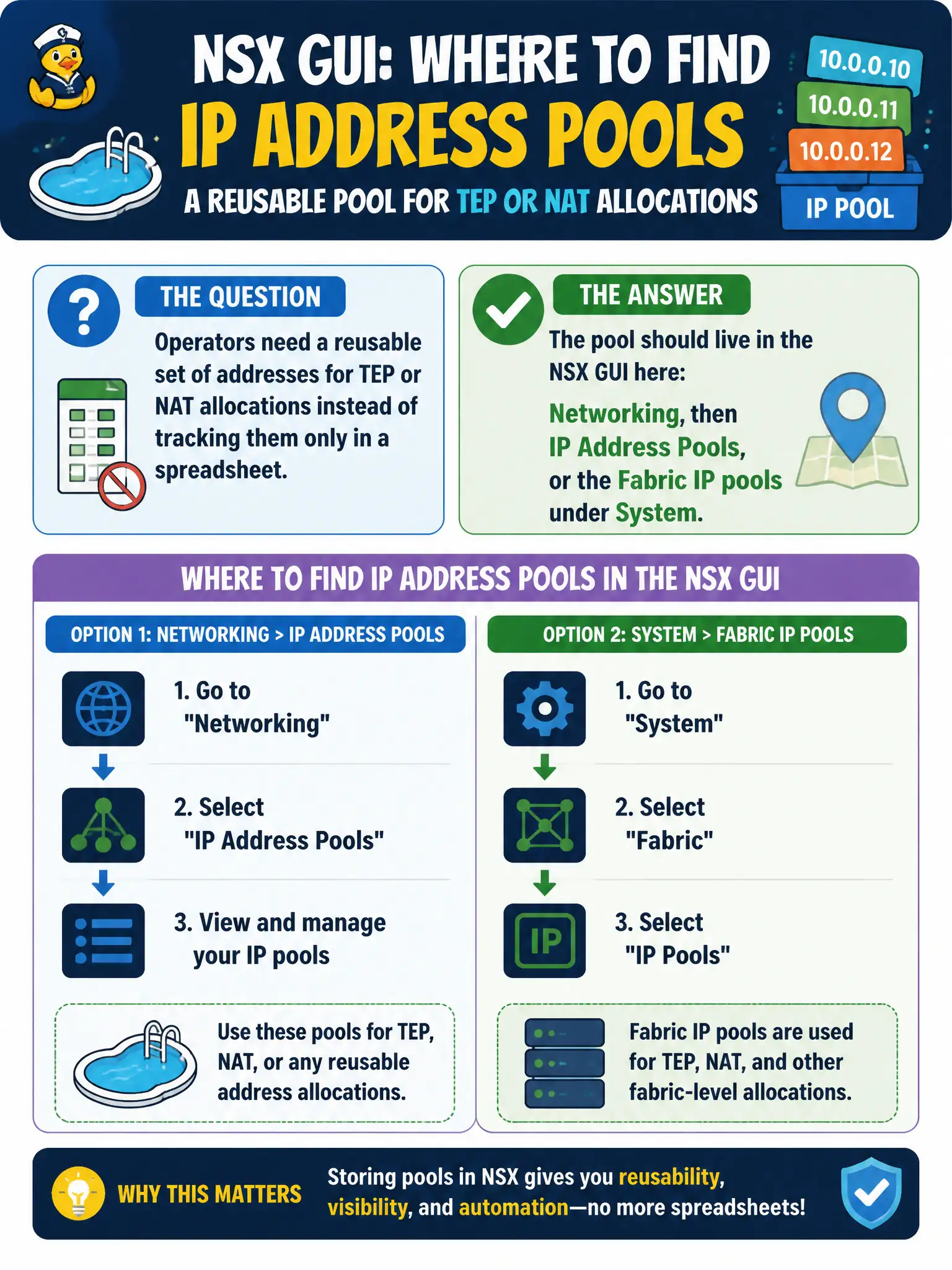
Operators need a reusable set of addresses for TEP or NAT allocations instead of tracking them only in a spreadsheet. Where should that pool live in the NSX GUI?
Select an answer to reveal the explanation.
Short Explanation
A city should not run TEP and NAT numbers from a paper ledger. Put the pool in Networking IP Address Pools, or in Fabric IP pools under System. DFW and Horizon desktop pools are not that NSX object.
Full Explanation
NSX allocates TEP, NAT, and similar addresses from IP address pool objects in the GUI: Policy Networking IP Address Pools, or Fabric IP pools under System. A city should not run TEP and NAT numbers from a paper ledger alone—put the reusable pool in those NSX objects. A spreadsheet is documentation, not the allocation object. Distributed Firewall has no IP Pool rule action for this purpose. Horizon IP pools assign desktop addresses and are not the NSX TEP or NAT pool. Exam caveat: know which pool feeds TEPs versus NAT; mis-assigning ranges causes preparation or translation failures that look like random underlay issues. Operational check: create or verify the IP address pool under Networking or System Fabric, attach it to the TEP or NAT use case, allocate a test address, and reject spreadsheets-only, DFW actions, and Horizon desktop pools as the NSX pool. Document the civic rationale in the change record so the next operator can restate why the correct control matches the agency outcome, why each distractor fails by concept, and which NSX Manager view confirms the result after publish. Document the civic rationale in the change record so the next operator can restate why the correct control matches the agency outcome, why each distractor fails by concept, and which NSX Manager view confirms the result after publish.