
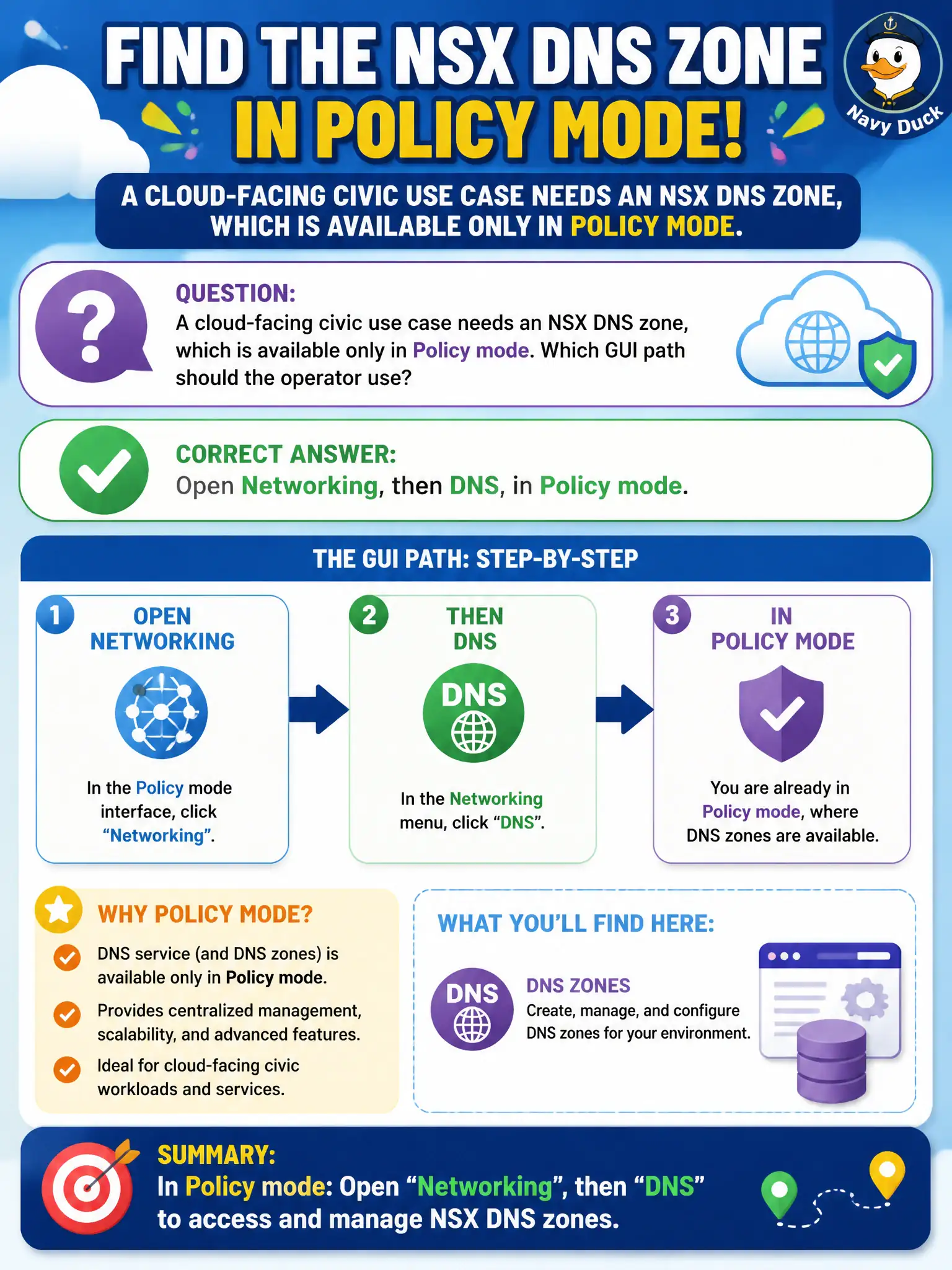
A cloud-facing civic use case needs an NSX DNS zone, which is available only in Policy mode. Which GUI path should the operator use?
Select an answer to reveal the explanation.
Short Explanation
DNS zones are a Policy-mode Networking feature, like a service window that only opens on that side of city hall. Switch to Policy and use Networking, then DNS. Manager mode, Horizon Access, and vSphere TCP/IP stacks do not expose that NSX zone.
Full Explanation
NSX DNS services and zones are Policy-mode Networking features. A cloud-facing civic use case that needs an NSX DNS zone must open Networking, then DNS, in Policy mode—like a service window that only opens on that side of city hall. Manager mode does not offer the same DNS menus. Horizon Access identity providers are EUC authentication objects. vSphere TCP/IP stacks configure host networking; they do not publish an NSX DNS zone into Manager mode. Exam caveat: if the UI lacks DNS, confirm you are in Policy mode rather than Manager mode before concluding the feature is missing. Operational check: switch to Policy mode, open Networking DNS, configure the required zone for the cloud-facing use case, and verify Manager-mode menus, Horizon Access, and vSphere TCP/IP stacks were not used. Document the civic rationale in the change record so the next operator can restate why the correct control matches the agency outcome, why each distractor fails by concept, and which NSX Manager view confirms the result after publish. Document the civic rationale in the change record so the next operator can restate why the correct control matches the agency outcome, why each distractor fails by concept, and which NSX Manager view confirms the result after publish.