
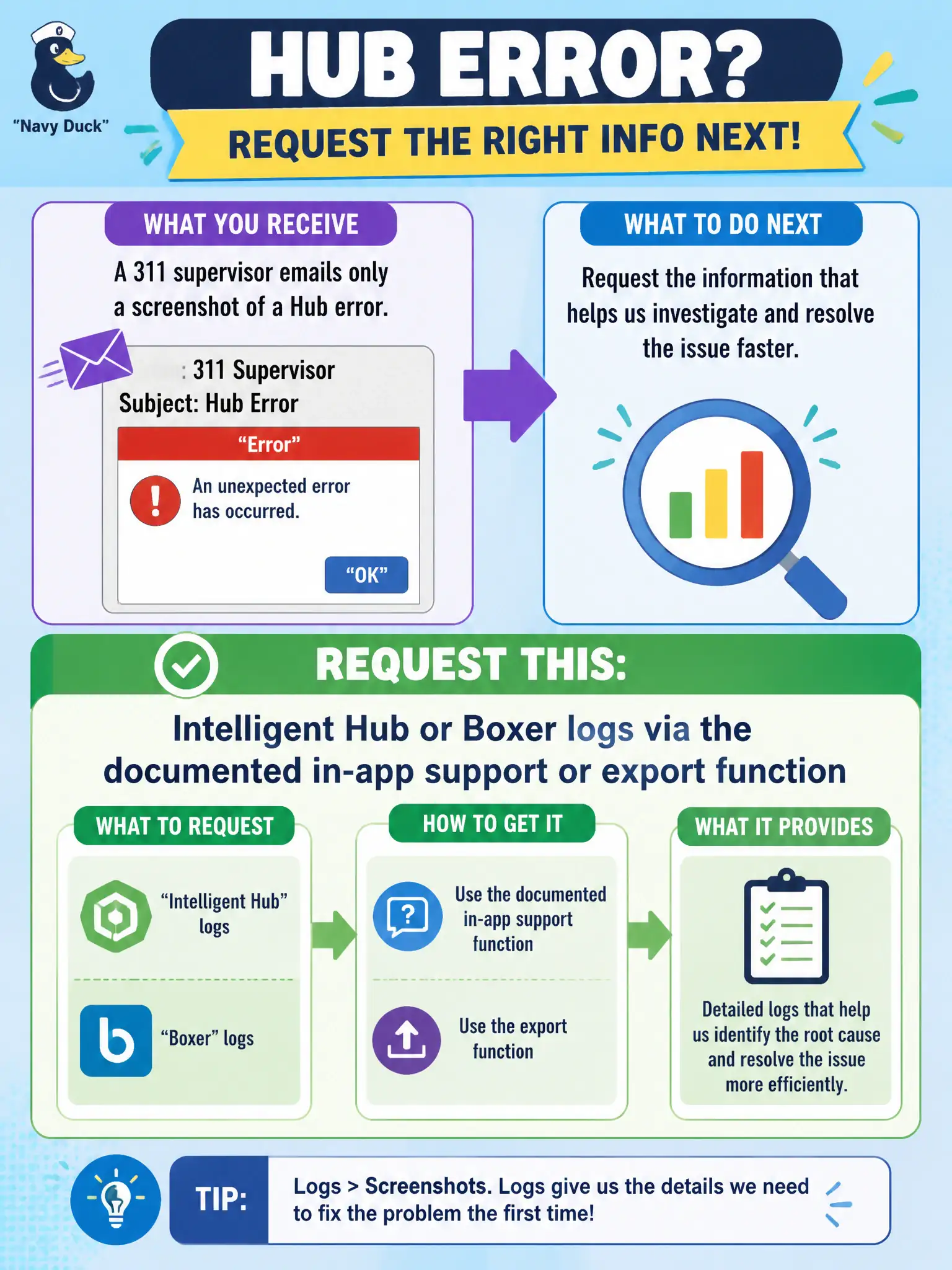
A 311 supervisor emails only a screenshot of a Hub error. What should the operator request next?
Select an answer to reveal the explanation.
Short Explanation
A screenshot is a postcard, not a log. Ask the 311 supervisor to export Intelligent Hub or Boxer logs with the in-app support function named in Docs.
Full Explanation
When a 311 supervisor emails only a screenshot of a Hub error, the operator should next request Intelligent Hub or Boxer logs via the documented in-app support or export function. Screenshots lack the detail needed for support-quality diagnosis. Contact-center escalations stall on screenshot-only tickets; requiring Hub export is a measurable quality gate for municipal service desks. A second screenshot from a different angle still is not a log export. Horizon Connection Server dumps are the wrong product family for a Hub error on a phone. App Volumes writable-volume files from a 311 desktop do not explain an Intelligent Hub error screenshot. Exam caveat: Escalate from screenshots to documented Hub or Boxer log export before grabbing unrelated infrastructure dumps. Operational check: Ask the supervisor to use Intelligent Hub's in-app export or support share, attach those logs to the ticket, and only then involve additional components if indicated. Keeping the civic evidence trail tied to the failing component also reduces cross-team handoffs that delay public services. Document the collection source and timestamp in the ticket so the next operator can continue without rework. Document the collection source and timestamp in the municipal ticket so the next operator can continue without rework.