
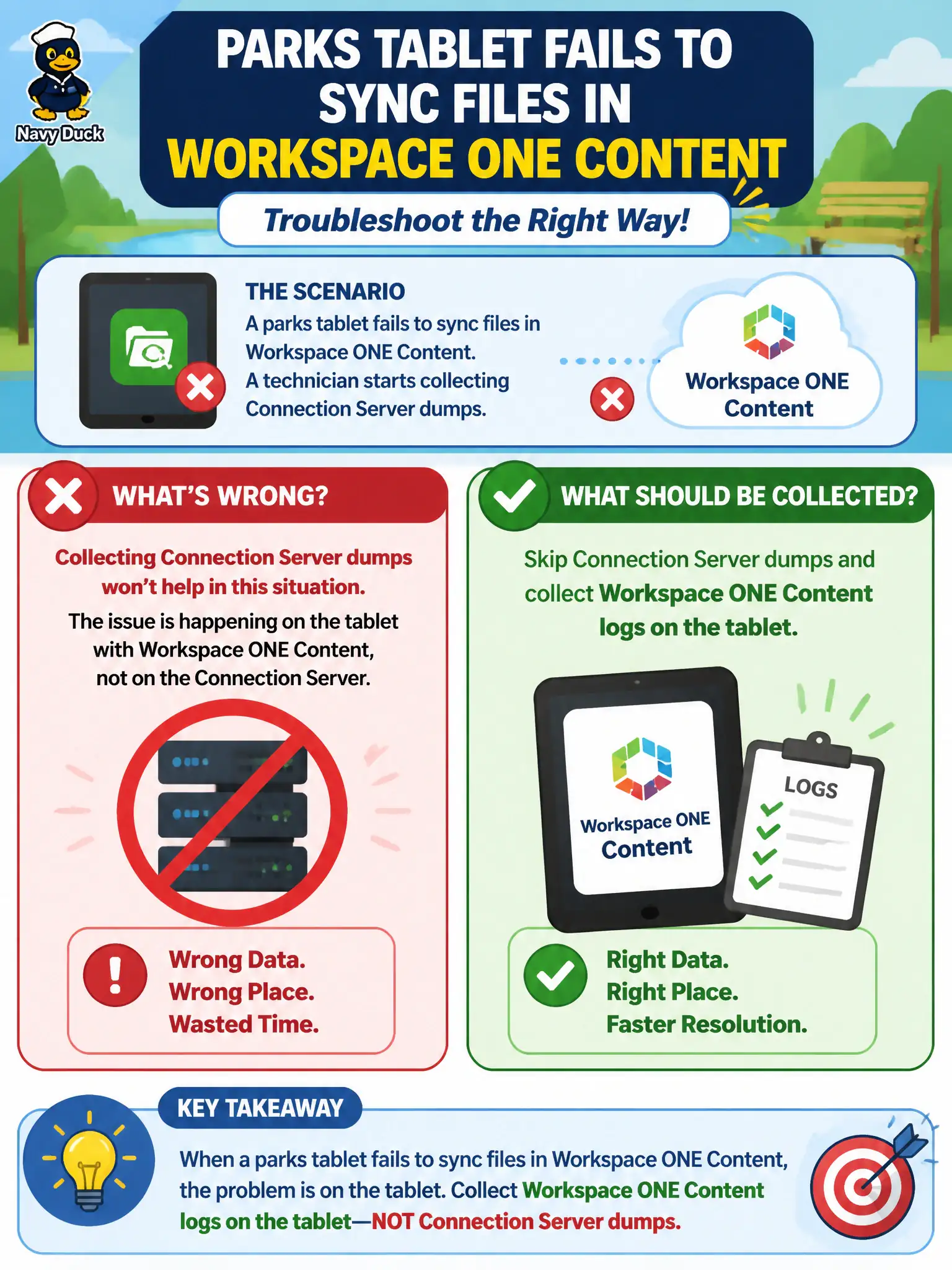
A parks tablet fails to sync files in Workspace ONE Content. A technician starts collecting Connection Server dumps. Why is that wrong, and what should be collected?
Select an answer to reveal the explanation.
Short Explanation
Content on a parks tablet is a UEM productivity app, not a Horizon Connection Server problem. Put the server dumps back and collect Workspace ONE Content logs on that tablet.
Full Explanation
When a parks tablet fails to sync files in Workspace ONE Content and a technician starts collecting Connection Server dumps, that is wrong because Content sync is not a Horizon Connection Server problem; Workspace ONE Content logs on the tablet should be collected instead. Parks document sync outages end sooner when technicians stay on the Content path instead of pulling broker dumps from the VDI pod. Connection Server dumps are not required merely because someone assumes Content is a Horizon published app. Horizon Agent logs are wrong as a default because tablets in this stem sync through Content, not because they always broker through Blast. App Volumes Manager logs are wrong because Content lockers are not App Volumes writable volumes. Exam caveat: Do not collect Horizon Connection Server dumps for a Content sync failure on a tablet; collect Content logs on the device. Operational check: Stop Connection Server dump collection, export Workspace ONE Content logs from the parks tablet during sync failure, and verify locker assignment in UEM. Keeping the civic evidence trail tied to the failing component also reduces cross-team handoffs that delay public services. Document the collection source and timestamp in the ticket so the next operator can continue without rework.