
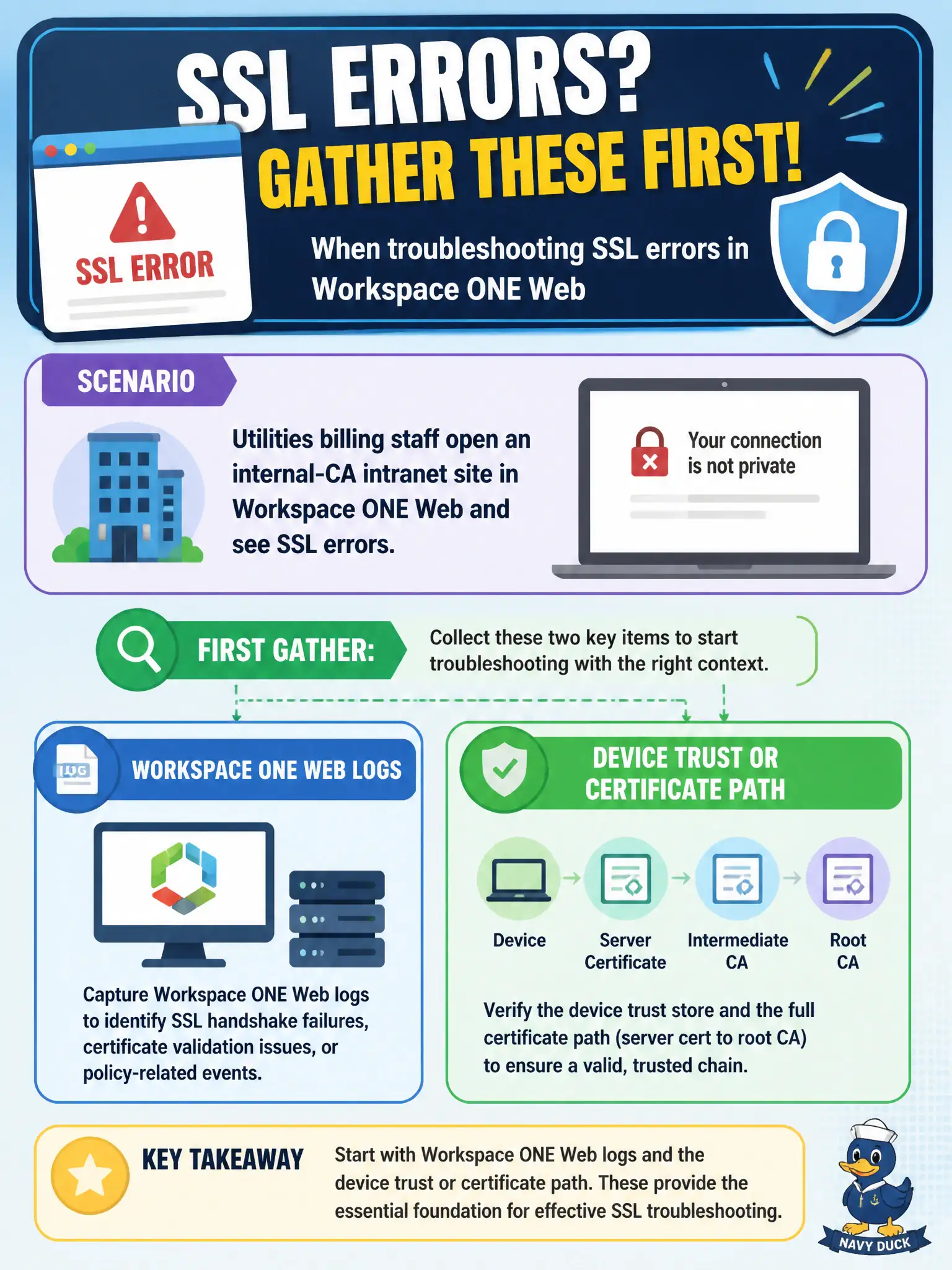
Utilities billing staff open an internal-CA intranet site in Workspace ONE Web and see SSL errors. Which logs belong with the first gather?
Select an answer to reveal the explanation.
Short Explanation
SSL complaints in the civic secure browser stay with Workspace ONE Web. Horizon Client DCT is the wrong suitcase for a phone browser that never launched a desktop.
Full Explanation
When utilities billing staff open an internal-CA intranet site in Workspace ONE Web and see SSL errors, Workspace ONE Web logs and the device trust or certificate path belong with the first gather. The browser app and trust chain explain TLS failures to an internal CA site. Billing portals that use civic internal CAs commonly break after profile drift; Web logs plus certificate path checks catch that pattern quickly. Horizon Client DCT from a billing VDI session diagnoses display-protocol clients, not Workspace ONE Web TLS errors. App Volumes Agent logs for a billing package address desktop app attach, not mobile or endpoint Web SSL failures. Horizon Agent logs from a disconnected clone do not capture Workspace ONE Web certificate validation on the staff device. Exam caveat: Internal-CA SSL errors in Workspace ONE Web are a Web-plus-trust problem, not a Horizon Agent problem. Operational check: Collect Workspace ONE Web logs during the SSL error, inspect whether the internal CA is trusted on the device via UEM profiles, and remediate trust before blaming the intranet server alone. Keeping the civic evidence trail tied to the failing component also reduces cross-team handoffs that delay public services.