
After a civic iOS upgrade, Boxer on health-department iPhones crash-loops on launch. What is the first collect?
Select an answer to reveal the explanation.
Short Explanation
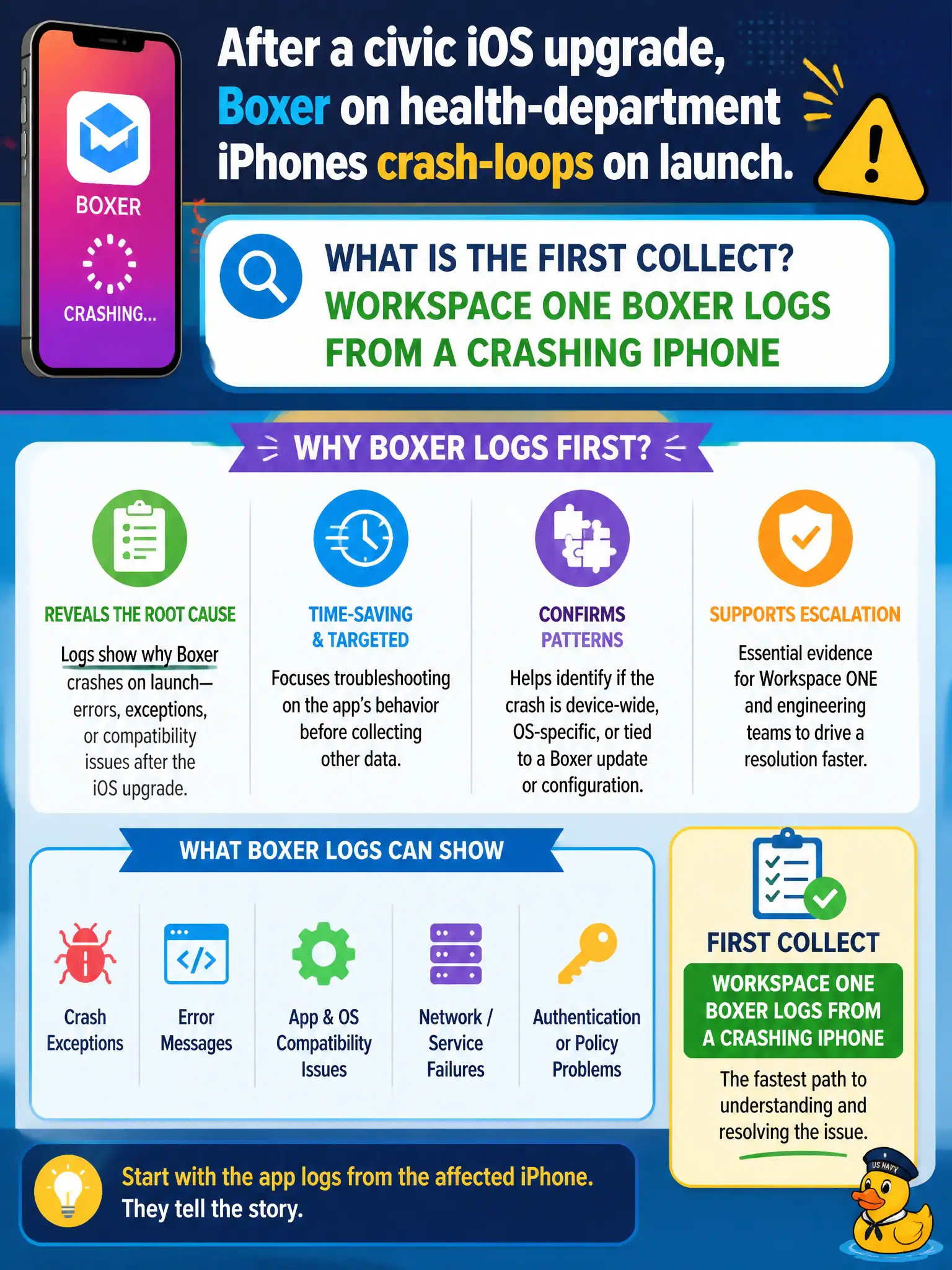
The app that is looping is Boxer, so Boxer logs come first. A Knowledge Base search can follow, but you still need the crashing mail client's diary in the ticket.
Full Explanation
After a civic iOS upgrade, when Boxer on health-department iPhones crash-loops on launch, the first collect is Workspace ONE Boxer logs from a crashing iPhone. The failing process is the mail client after the OS change. Clinic mail availability after OS upgrade weekends depends on rapid Boxer log capture before devices are wiped in panic. Horizon Client DCT from a clinic kiosk diagnoses a different client on different hardware. App Volumes Agent logs from a clinic desktop address Windows packaging, not iOS Boxer crashes. Connection Server dumps from the Horizon pod are unrelated to a mobile mail crash-loop. Exam caveat: Post-upgrade mobile app crashes require logs from the crashing app, not Horizon infrastructure. Operational check: Capture Boxer logs from a crash-looping health-department iPhone per Docs, note the iOS version, and escalate with that pair of facts. Keeping the civic evidence trail tied to the failing component also reduces cross-team handoffs that delay public services. Document the collection source and timestamp in the ticket so the next operator can continue without rework. Document the collection source and timestamp in the municipal ticket so the next operator can continue without rework.