
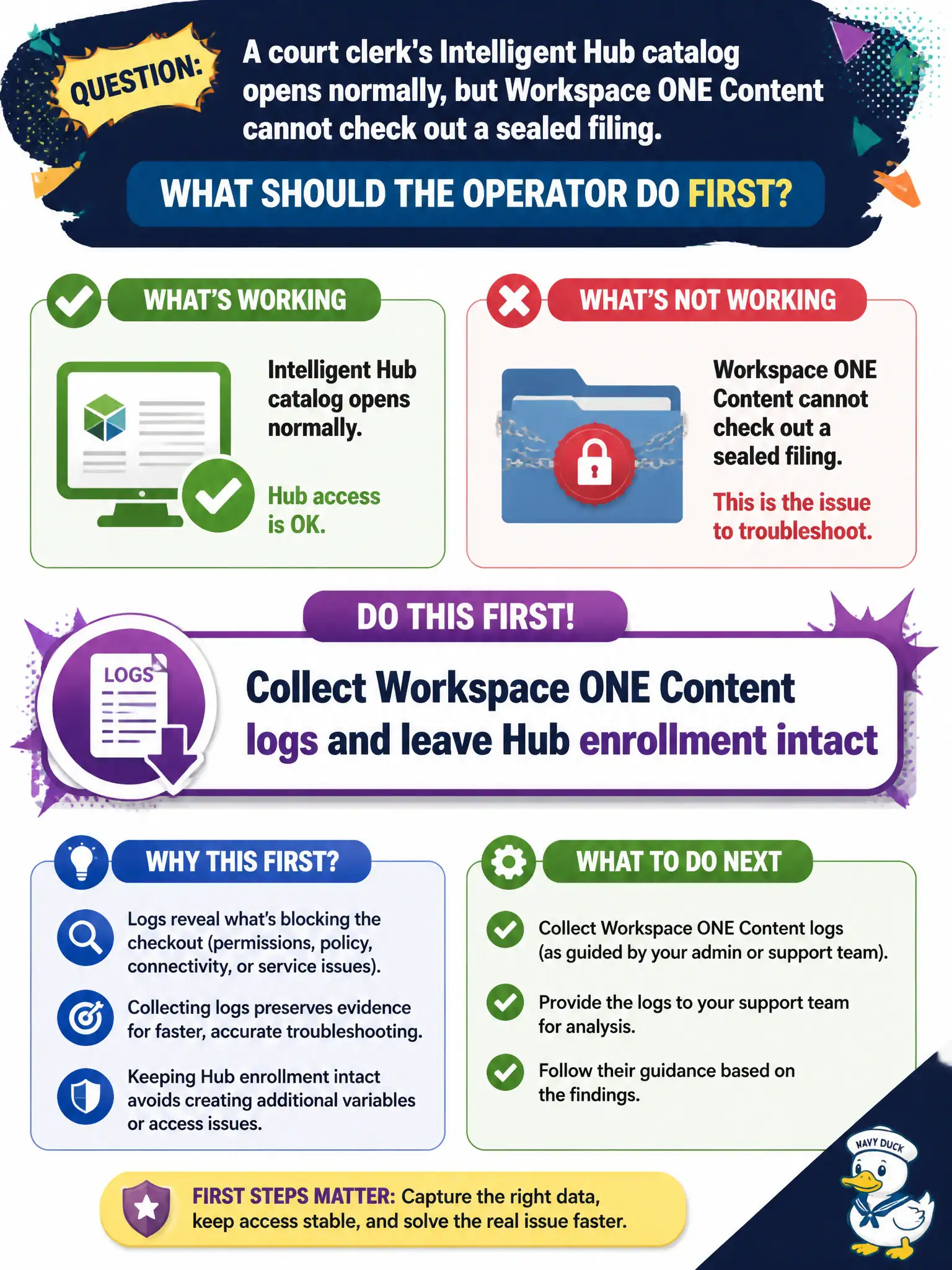
A court clerk's Intelligent Hub catalog opens normally, but Workspace ONE Content cannot check out a sealed filing. What should the operator do first?
Select an answer to reveal the explanation.
Short Explanation
Hub is healthy and Content is not—that split is the clue. Grab Content logs and do not punish a working enrollment with a wipe.
Full Explanation
When a court clerk's Intelligent Hub catalog opens normally but Workspace ONE Content cannot check out a sealed filing, the operator should collect Workspace ONE Content logs and leave Hub enrollment intact. Catalog success already shows enrollment is working; the failure is in Content. Sealed court filings require Content-path evidence so records staff are not locked out by an unnecessary unenroll. Unenrolling and wiping the clerk's phone is destructive first-response and unnecessary when Hub catalog already works. Collecting Horizon Agent logs from a courtroom VDI targets desktop sessions, not Content checkout on the phone. Collecting Intelligent Hub logs only and ignoring Content misses the failing application's diagnostics. Exam caveat: If Hub works and Content fails, gather Content logs; do not wipe or pivot to VDI on first response. Operational check: Export Workspace ONE Content logs during a failed checkout, verify locker assignment and permissions, and keep the device enrolled. Keeping the civic evidence trail tied to the failing component also reduces cross-team handoffs that delay public services. Document the collection source and timestamp in the ticket so the next operator can continue without rework.