
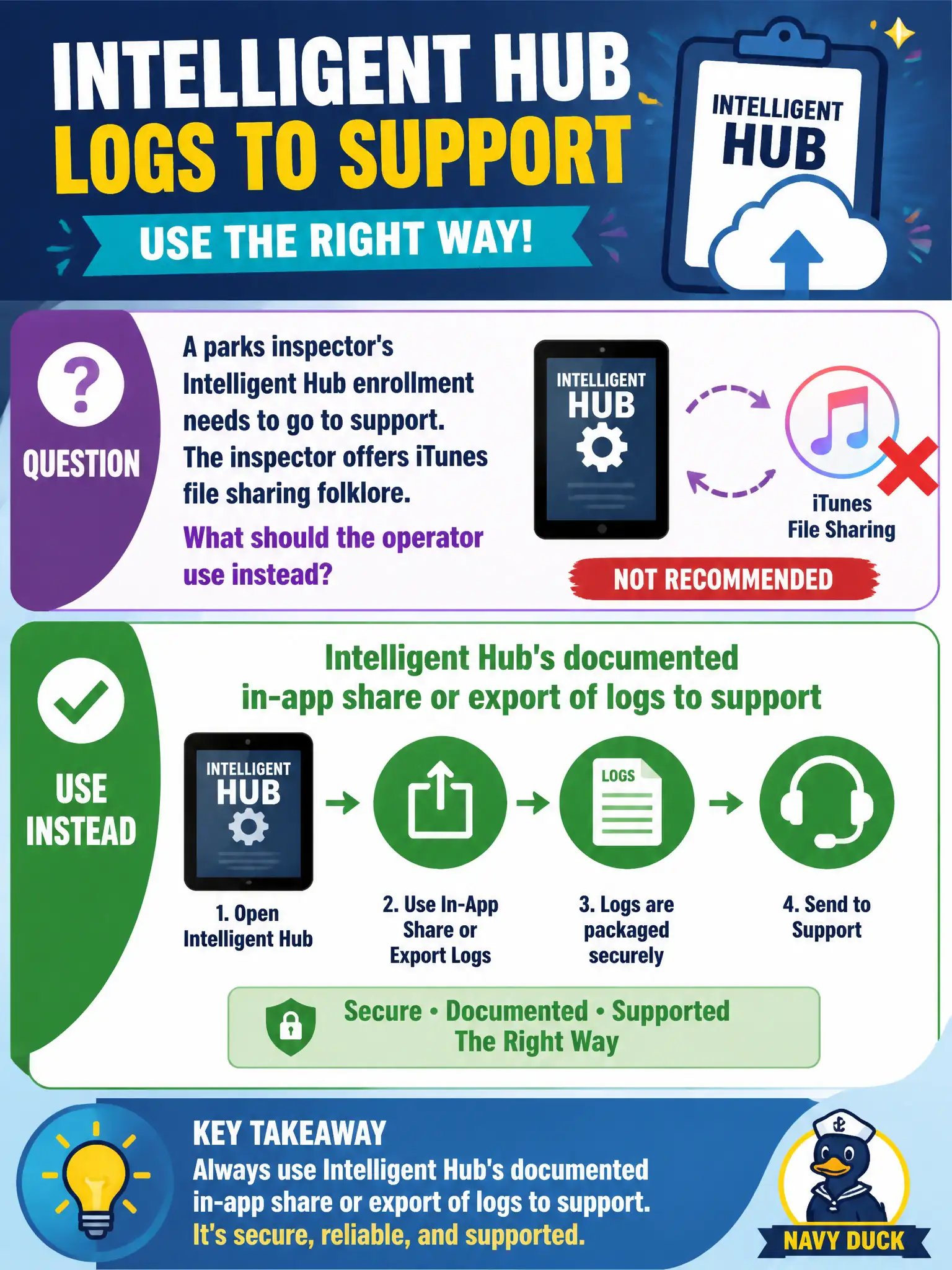
A parks inspector's Intelligent Hub enrollment needs to go to support. The inspector offers iTunes file sharing folklore. What should the operator use instead?
Select an answer to reveal the explanation.
Short Explanation
Hub already has a documented send-logs button. Use that export instead of iTunes folklore, a lonely screenshot, or a dump from a Horizon server the inspector never touched.
Full Explanation
When a parks inspector's Intelligent Hub enrollment needs to go to support and the inspector offers iTunes file-sharing folklore, the operator should use Intelligent Hub's documented in-app share or export of logs to support instead. Official Docs describe the supported export path on the device. Parks field enrollment issues close faster when every ticket includes the Hub export rather than screenshots or desktop dumps. A screenshot of the Hub home tile emailed as the only evidence lacks the diagnostic detail support requires. Horizon Agent DCT from a parks desktop the inspector is not using gathers the wrong product for an enrollment case. Connection Server memory dumps from the Horizon pod are unrelated to Intelligent Hub enrollment on a phone. Exam caveat: Enrollment log collection is an Intelligent Hub documented workflow, not iTunes folklore or Horizon infrastructure dumps. Operational check: On the inspector's phone, follow Docs for in-app Intelligent Hub log share or export, attach that package to the support request, and avoid unsupported iTunes steps. Keeping the civic evidence trail tied to the failing component also reduces cross-team handoffs that delay public services.