
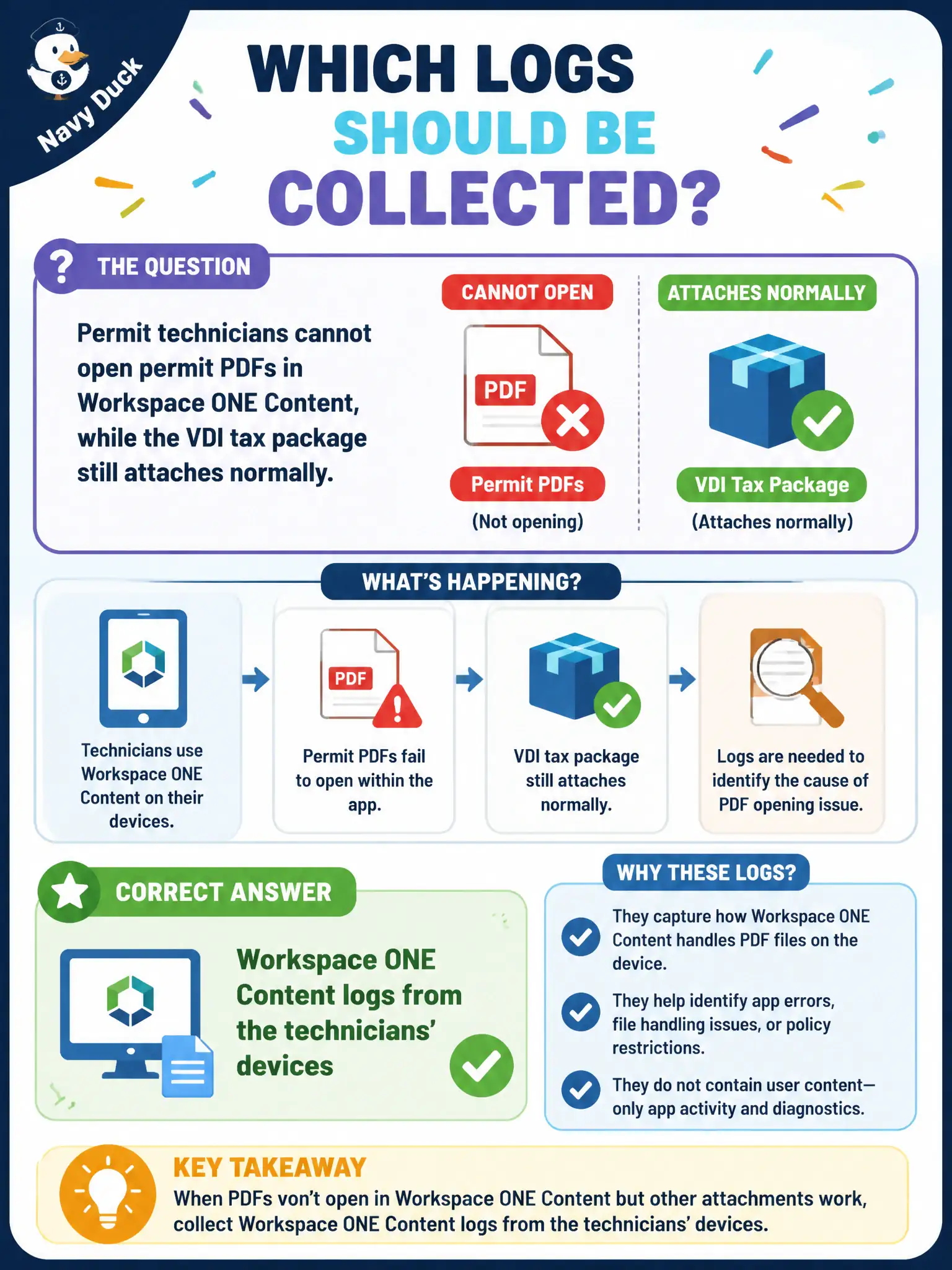
Permit technicians cannot open permit PDFs in Workspace ONE Content, while the VDI tax package still attaches normally. Which logs should be collected?
Select an answer to reveal the explanation.
Short Explanation
PDFs stuck in the Content locker are a Content-app problem. The tax package still attaching on VDI is a hint to leave App Volumes Agent alone and collect Workspace ONE Content logs.
Full Explanation
When permit technicians cannot open permit PDFs in Workspace ONE Content while the VDI tax package still attaches normally, Workspace ONE Content logs from the technicians' devices should be collected. The failure is in the content locker path, not in App Volumes attach health. Permit counters depend on Content for sealed plans; collecting the wrong VDI logs delays public permitting appointments. App Volumes Agent logs from the tax desktop explain packaging on VDI and do not diagnose Content PDF open failures on mobile or tablet. Horizon Client logs from a planner MacBook address brokered sessions, not Content locker checkout. Horizon Agent logs from the permitting pool relate to desktop sessions rather than Workspace ONE Content document access. Exam caveat: Healthy VDI packaging does not prove Content is healthy; match logs to the failing productivity app. Operational check: On a failing technician device, collect Workspace ONE Content logs during a PDF open attempt and verify locker permissions and sync state in UEM. Keeping the civic evidence trail tied to the failing component also reduces cross-team handoffs that delay public services. Document the collection source and timestamp in the ticket so the next operator can continue without rework.