
A building inspector's phone has Intelligent Hub, Boxer, Web, and Content. Only Boxer fails to send inspection photos as mail attachments. What log gather is correct?
Select an answer to reveal the explanation.
Short Explanation
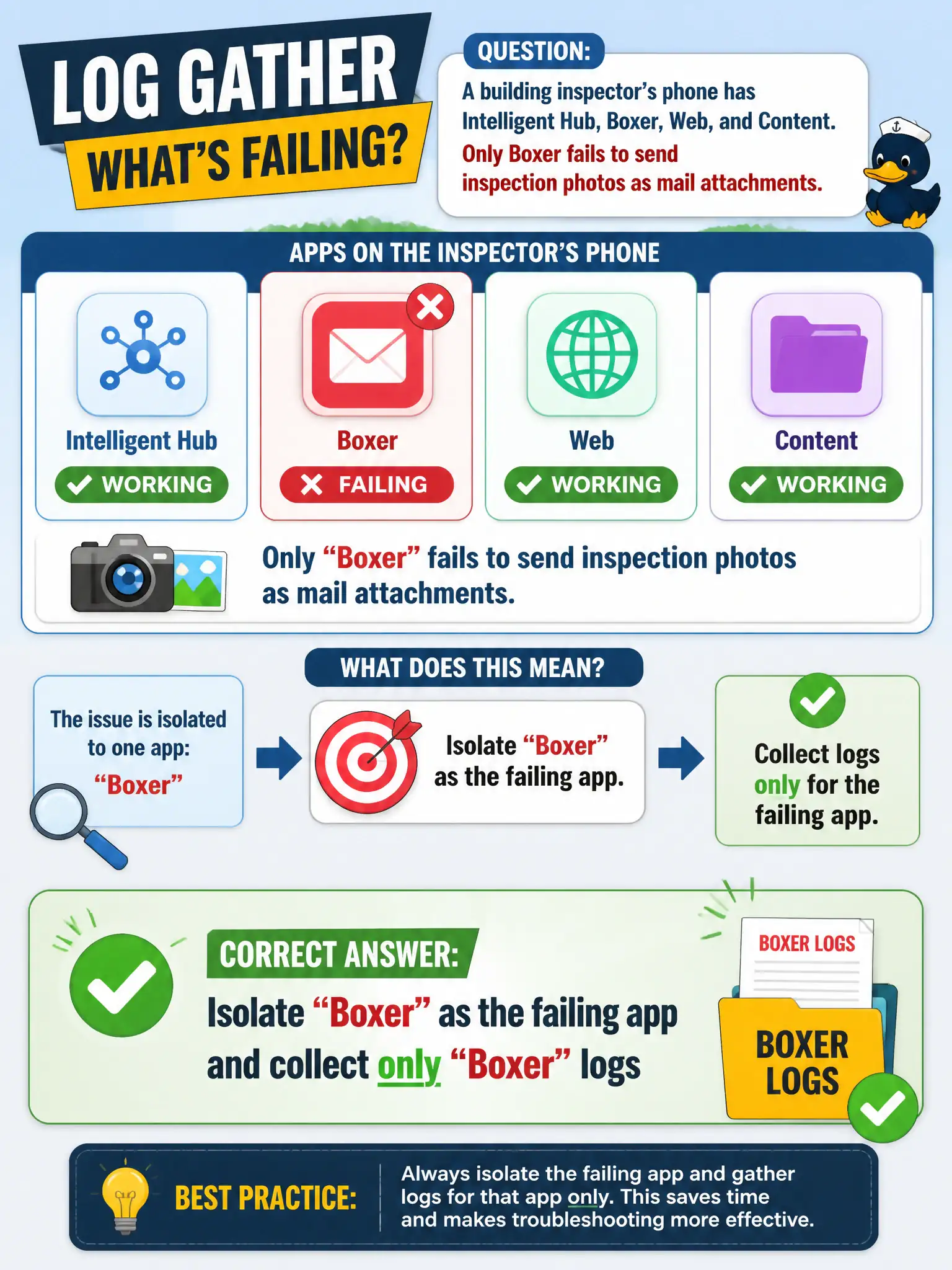
Four civic apps on one phone does not mean four log dumps. If only Boxer will not send the photo, collect Boxer logs and leave Hub, Web, and Content alone.
Full Explanation
When a building inspector's phone has Intelligent Hub, Boxer, Web, and Content but only Boxer fails to send inspection photos as mail attachments, the correct gather isolates Boxer and collects only Boxer logs. The failing productivity app defines the log scope. Inspection photo workflows for code enforcement depend on precise Boxer evidence so counsel DLP and mail issues are not confused with Hub enrollment. Collecting every productivity-app log plus a full unenroll is excessive and destroys useful device state before diagnosis. Collecting only Horizon Client logs is wrong because inspection photos failing as mail attachments are not Blast USB redirects in this stem. Collecting only App Volumes Agent logs from a desktop the inspector is not in targets the wrong platform and product. Exam caveat: Isolate the failing app; do not broaden to wipe/unenroll or unrelated VDI logs on first gather. Operational check: Reproduce the attachment send in Boxer, export Boxer logs only, and review UEM email attachment policies before touching Hub enrollment. Keeping the civic evidence trail tied to the failing component also reduces cross-team handoffs that delay public services. Document the collection source and timestamp in the ticket so the next operator can continue without rework.