
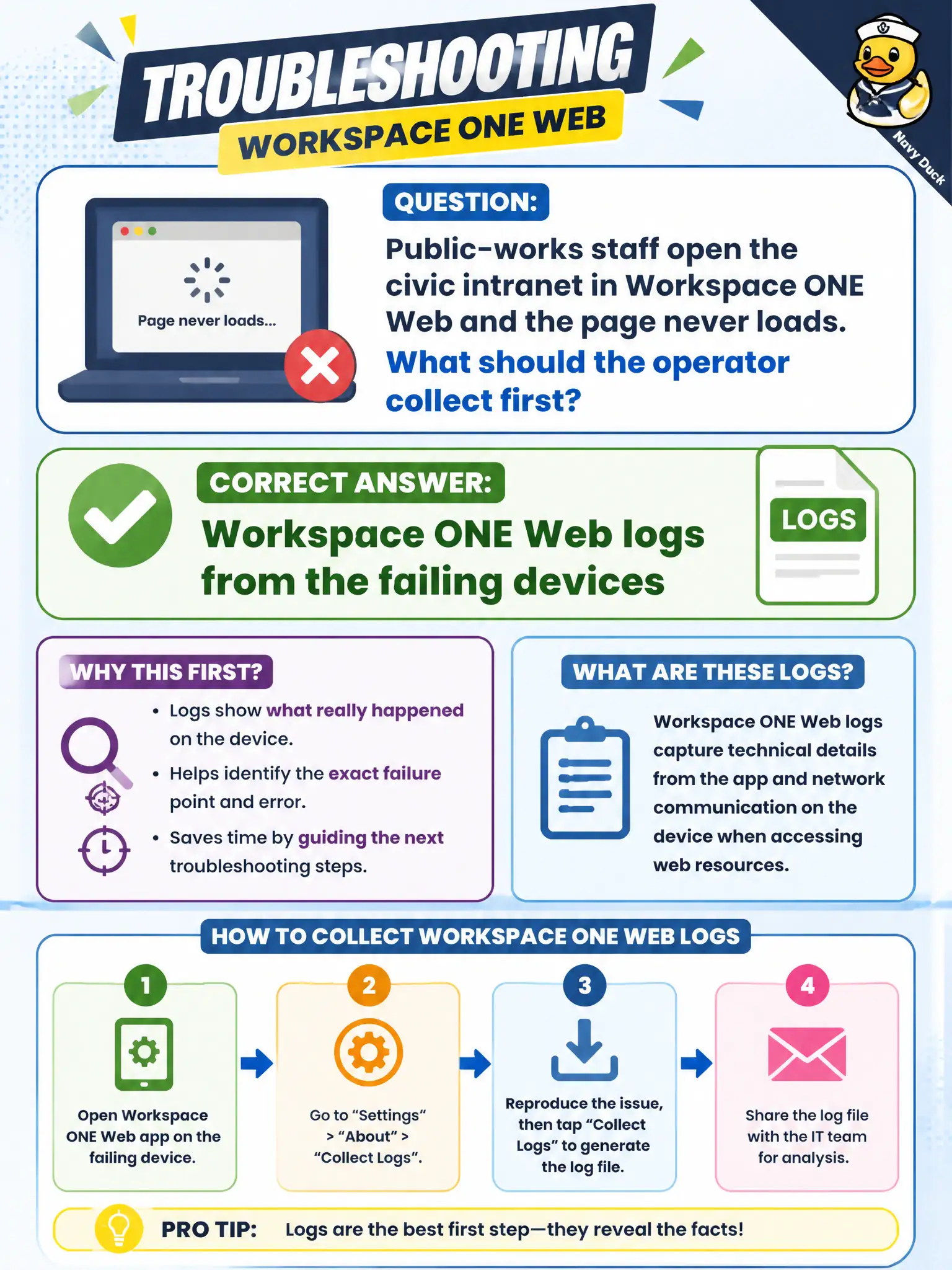
Public-works staff open the civic intranet in Workspace ONE Web and the page never loads. What should the operator collect first?
Select an answer to reveal the explanation.
Short Explanation
Workspace ONE Web is its own app with its own diary. If the secure browser will not open the intranet, grab Web logs first instead of guessing Tunnel and skipping the browser.
Full Explanation
When public-works staff open the civic intranet in Workspace ONE Web and the page never loads, the operator should collect Workspace ONE Web logs from the failing devices first. The symptom is inside the managed browser application on those endpoints. Crews lose shift time when intranet SOP pages will not open; Web-first logging gets networking and UEM teams aligned on the same artifact. Relying only on Tunnel server guesses without Workspace ONE Web logs skips the client evidence for the page-load failure. Horizon Agent logs from a fleet desktop that is not in this ticket diagnose VDI, not Workspace ONE Web on phones or tablets. App Volumes Manager logs for an unrelated package cannot explain a Workspace ONE Web intranet load failure. Exam caveat: Collect the productivity app that fails; Tunnel may be involved later, but Web logs come first for a Web symptom. Operational check: Export Workspace ONE Web logs during a failed intranet load, note any Tunnel assignment if the site is internal-only, and escalate with that paired evidence. Keeping the civic evidence trail tied to the failing component also reduces cross-team handoffs that delay public services. Document the collection source and timestamp in the ticket so the next operator can continue without rework.